EasyManua.ls Logo

Panasonic AW-UE20WE - User Manual

Panasonic AW-UE20WE
126 pages
Print Icon
To Next Page IconTo Next Page
Loading...
DVQP2657YA
W0222AM1042 -AV-PS
ENGLISH
Model No.
AW-UE20KP
Model No.
AW-UE20WP
Model No.
AW-UE20KE
Model No.
AW-UE20WE
Model No.
AW-UE20KED
Model No.
AW-UE20WED
Operating Instruction
Operations and Settings
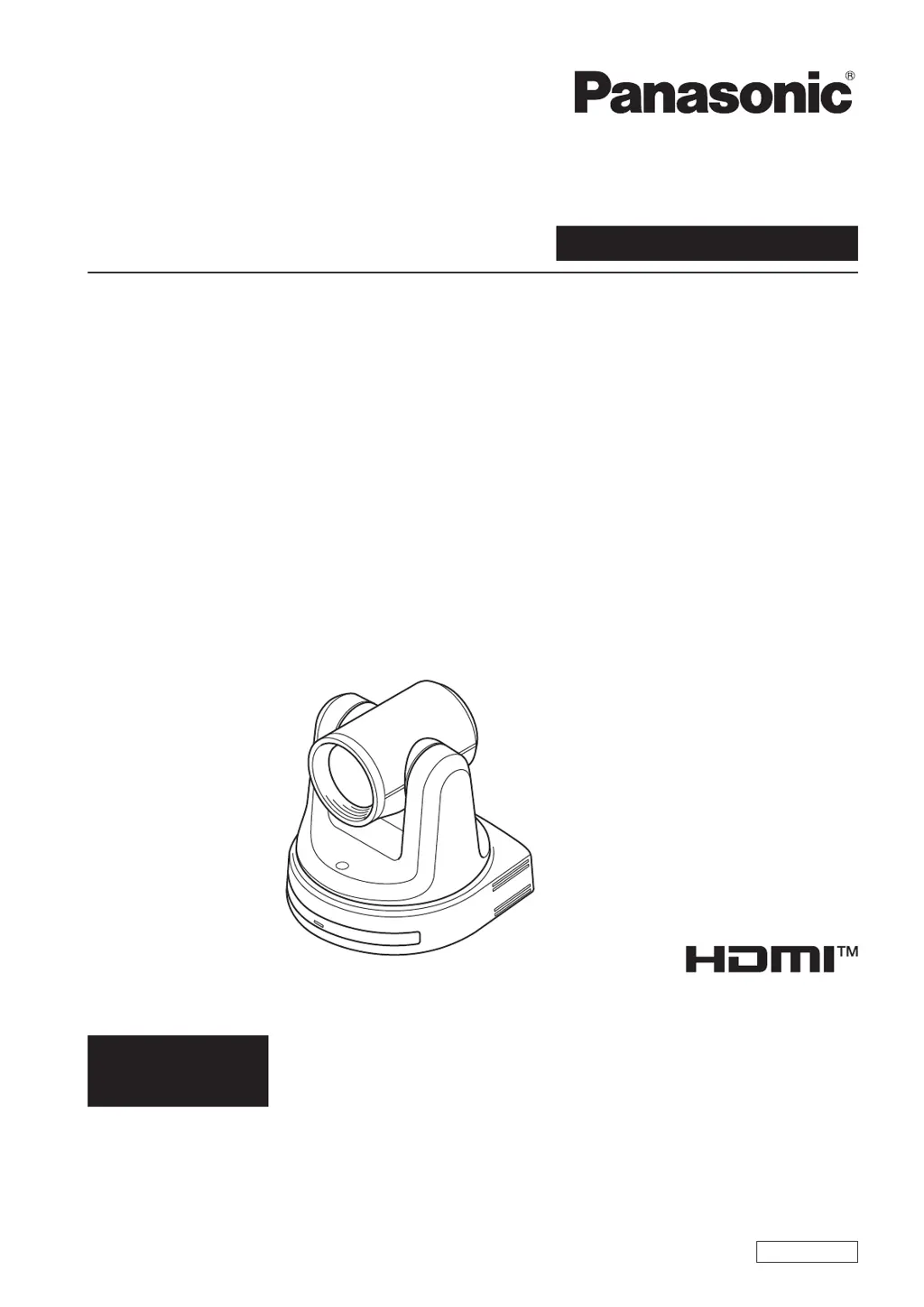
4K Integrated Camera
Operations and Settings
Operating Instructions
This "Operations and Settings" describes how to operate the unit and how to
establish its settings.
For more information on how to perform basic operation and installation, refer to
the Operating Instructions "Basics".

Table of Contents

Other manuals for Panasonic AW-UE20WE

Questions and Answers

  • A
    Alexis PittmanAug 8, 2025
    Why Panasonic AW-UE20WE Digital Camera has no power?
    • S
      steven65Aug 8, 2025
      First, ensure the AC adapter is securely connected to the AC outlet and that the power plug of the AC adapter is properly connected. If using PoE+ (IEEE802.3at), verify the network cable is correctly connected. Note that power may not be supplied if the total power limit is exceeded on power supply devices with multiple PoE+ terminals. Also, if connected to a controller, check that the unit is properly connected. For controller details, consult its operating instructions.
  • W
    William ShortAug 12, 2025
    What to do if Panasonic Digital Camera cannot operate using the wireless remote control?
    • J
      Jonathan Jackson DDSAug 13, 2025
      If the status display lamp doesn't blink when operating the remote near the signal light-sensing area, the batteries may be depleted; replace them. Ensure the Wireless ID is correctly set. Also, check if a fluorescent light or plasma monitor is interfering with the signal. Finally, verify that wireless control is not set to 'Off' in the web screen menu; a rapidly flashing orange power status indicator (5Hz) indicates it is.
  • K
    Katherine ColemanAug 17, 2025
    How to fix Panasonic Digital Camera that cannot operate (common to wireless remote control, controller)?
    • L
      Lauren AndersonAug 17, 2025
      First, check if the power is on. If the unit’s status display lamp is off or lights up orange, it means that the unit’s power is not on. Also, verify that the specific unit you're trying to control is correctly selected.
  • J
    Jennifer GreeneAug 23, 2025
    What to do if Panasonic Digital Camera unit turns in the opposite direction?
    • A
      Andrew WhiteAug 23, 2025
      Ensure that the 'Install Position' setting has been correctly configured. If the unit is connected to a controller, the reversal setting might have been established there; refer to the controller's operating instructions for further details.
  • D
    David NunezAug 27, 2025
    Why Panasonic AW-UE20WE cannot access from a web browser?
    • M
      Matthew BarkerAug 28, 2025
      Ensure a LAN cable of category 5e or above is connected to the LAN connector for IP control. Check if the [LINK] LED of the LAN connector is lit; if not, there may be a connection issue or network problem. Also, verify that the unit is powered on; if the status display lamp is off or orange, the unit is not on.
  • A
    Autumn OsborneSep 2, 2025
    What to do if Panasonic Digital Camera cannot operate using the controller?
    • J
      Jennifer MedinaSep 2, 2025
      Ensure the unit is properly connected to the controller. It might be necessary to upgrade the controller's version to support the unit. For upgrade details, visit the support page on the Panasonic website: https://pro-av.panasonic.net/

Summary

Read this first!

Operating Precautions

Wireless Remote Control Operation

Network Setup with Easy IP Software

Setting the Initial Account

Basic Shooting Operation

Power Management

Powering the Camera Unit On and Off

Procedure for turning the camera unit's power on and off using the remote control or controller.

Priority Mode Configuration

Operating the Camera Unit

Picture Direction and Zoom Control

Instructions for controlling the camera's picture direction and zoom functions.

Troubleshooting

Operation Issues

Common operational problems and their solutions for the camera unit.

Getting Started

White Balance Adjustment

Automatic White Balance (AWB)

Procedure for automatically adjusting the camera's white balance.

Camera Settings

Scene Modes and Picture Level

Details on scene modes and adjusting the picture brightness level.

System Menu: Priority Mode

Zoom and Focus Operations

User Management

Network Configuration

RTMP Streaming Setup

NTP Synchronization

Firmware Upgrade Procedure

Default Reset and Reboot

Web Camera Functions

Troubleshooting: Video Issues

Troubleshooting: IP and USB Issues

Functions and Performance: Camera Unit

Panasonic AW-UE20WE Specifications

General IconGeneral
Camera TypePTZ Camera
Image StabilizationOptical Image Stabilizer
Pan/Tilt RangePan: ±170°, Tilt: -30° to +90°
Operating Temperature0°C to 40°C
Image Sensor1/2.5 type MOS
Video OutputHDMI
Video Format3840 x 2160, 1920 x 1080, 1280 x 720
Preset PositionsUp to 100
Audio Input3.5 mm Stereo Mini-Jack
Network InterfacesRJ-45
Network ProtocolsRTSP, RTMP, SRT
Power SupplyAC 12V

Related product manuals