Operating Instructions (Additional Features)
28
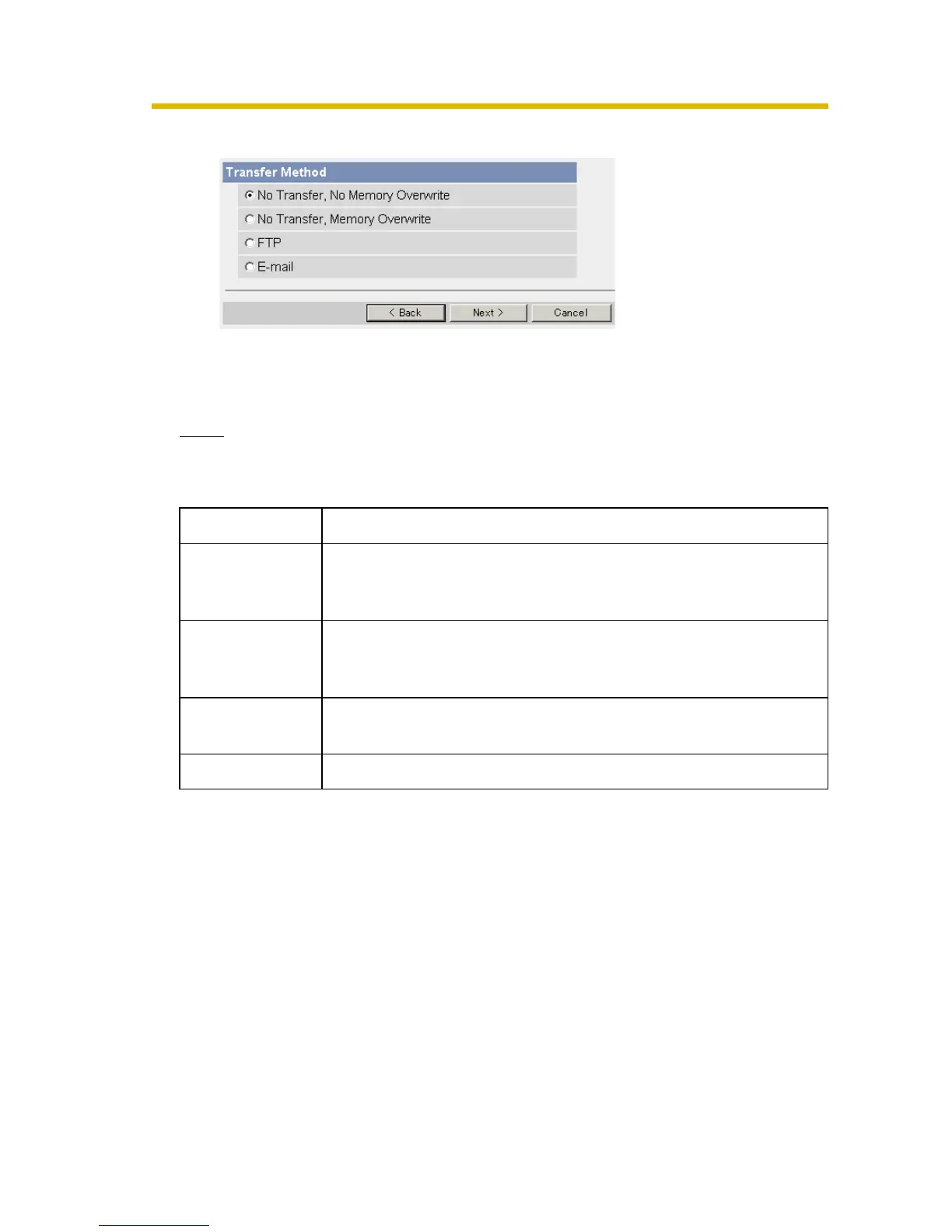
8. Select the transfer method, and click [Next>].
• Clicking [<Back] takes you back to the previous page.
• Clicking [Cancel] takes you back to the Trigger page without saving
changes.
Note
If you transfer image by E-mail or FTP, confirm that the default gateway and
DNS server addresses are assigned correctly.
Setting Description
No Transfer, No
Memory
Overwrite
• If the internal memory is full, the camera stops the buffer.
No Transfer,
Memory
Overwrite
• If the internal memory is full, the camera deletes the old
images, and continues to buffer the image.
FTP • The camera transfers the image to an FTP server (see
page 29).
E-mail • The camera transfers the image by E-mail (see page 31).










 To Next Page