EasyManua.ls Logo

Panasonic BL-C1 - User Manual

Panasonic BL-C1
140 pages
Print Icon
To Next Page IconTo Next Page
Loading...
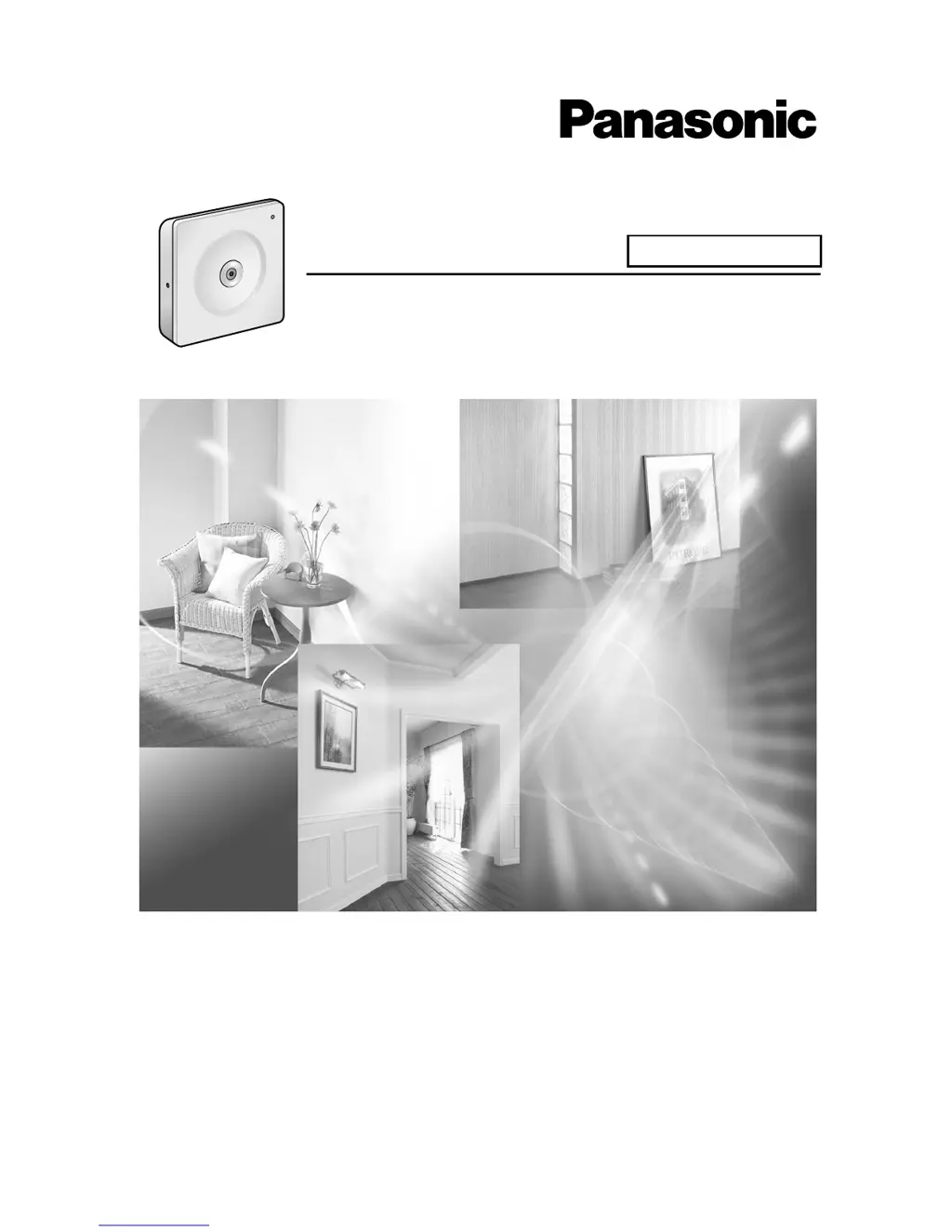
Operating Instructions
Please read this manual before using, and save this manual for future reference.
Network Camera
Indoor Use Only
Model No. BL-C1

Table of Contents

Other manuals for Panasonic BL-C1

Questions and Answers

  • E
    ethanflowersJul 30, 2025
    Why is Panasonic BL-C1 indicator light or blinking orange?
    • A
      Andrew YoungJul 30, 2025
      The indicator light may be orange or blinking because the Ethernet cable isn't properly connected. Ensure that the Ethernet cable is correctly connected. Also, the PC, Ethernet hub, or router might not be working. Verify that these components are functioning correctly.
  • A
    Amanda HernandezAug 6, 2025
    What to do if Panasonic Security Camera indicator continues blinking orange (2-second interval)?
    • B
      bethramosAug 6, 2025
      If the indicator continues blinking orange (2-second interval), it could be due to the router being turned off. Turn the router on and wait for the ADSL line to connect. Alternatively, an error might have occurred in UPnPTM port forwarding. In this case, set up the camera again in [Automatic Setup] using the Setup Program.
  • C
    christophersmithAug 14, 2025
    Why is Panasonic BL-C1 indicator not lighting up?
    • S
      Shawna GarciaAug 14, 2025
      If the indicator on your Panasonic Security Camera is not lighting up, it could be because the indicator display is disabled. Check if the indicator control is disabled. Also, confirm that you are using the standard AC adapter.
  • H
    hillgarrettAug 21, 2025
    Why is Panasonic Security Camera indicator continuing blinking green?
    • W
      woodselizabethAug 21, 2025
      If the indicator continues blinking green, automatic setup might not be complete. Complete the setup following the instructions in Getting Started. It may also mean that the camera did not receive an IP address from the DHCP server.

Summary

Main Features

Digital Zoom Functionality

Explains the 10x digital zoom capability for increasing or decreasing object size.

Multi-Camera Support

Details displaying moving images from up to 4 cameras and static images from up to 12.

DynamicDNS Service Support

Explains accessing the camera via a domain name instead of an IP address.

Motion Detection Feature

Describes the feature that detects movement and triggers actions like buffering or emailing.

Camera Monitoring

Accessing the Camera

Provides steps to access the camera through a web browser using its IP address or URL.

Viewing Single Camera Feed and Controls

Guides users on viewing the single camera feed, including operation bar, zoom, and capturing images.

Viewing Multiple Camera Feeds

Instructions for viewing multiple cameras simultaneously and troubleshooting display issues.

Troubleshooting Camera Access Issues

Covers security warnings, ActiveX controls, and error messages for camera access.

Camera Basic Features and Setup

Connecting Camera to Your Network

Details network connection options like Automatic, Static, and DHCP.

Using UPnP for Network Access

Guides on configuring UPnP for automatic router access and shortcuts.

DynamicDNS Service Configuration

Steps for registering and using DynamicDNS for remote camera access.

User Management and Security

Administrator Authentication Setup

Guides on setting up administrator credentials and authentication methods.

Advanced Features and Maintenance

Updating Camera Firmware

Steps to download and install new firmware for the camera.

Resetting Camera to Factory Defaults

Guides on resetting all camera settings to their original factory defaults.

Panasonic BL-C1 Specifications

General IconGeneral
Sensor typeCMOS
Digital zoom10 x
Dimensions (WxDxH)95 x 25 x 95 mm
Weight and Dimensions IconWeight and Dimensions
Weight100 g

Related product manuals