Operating Instructions (Additional Features)
40
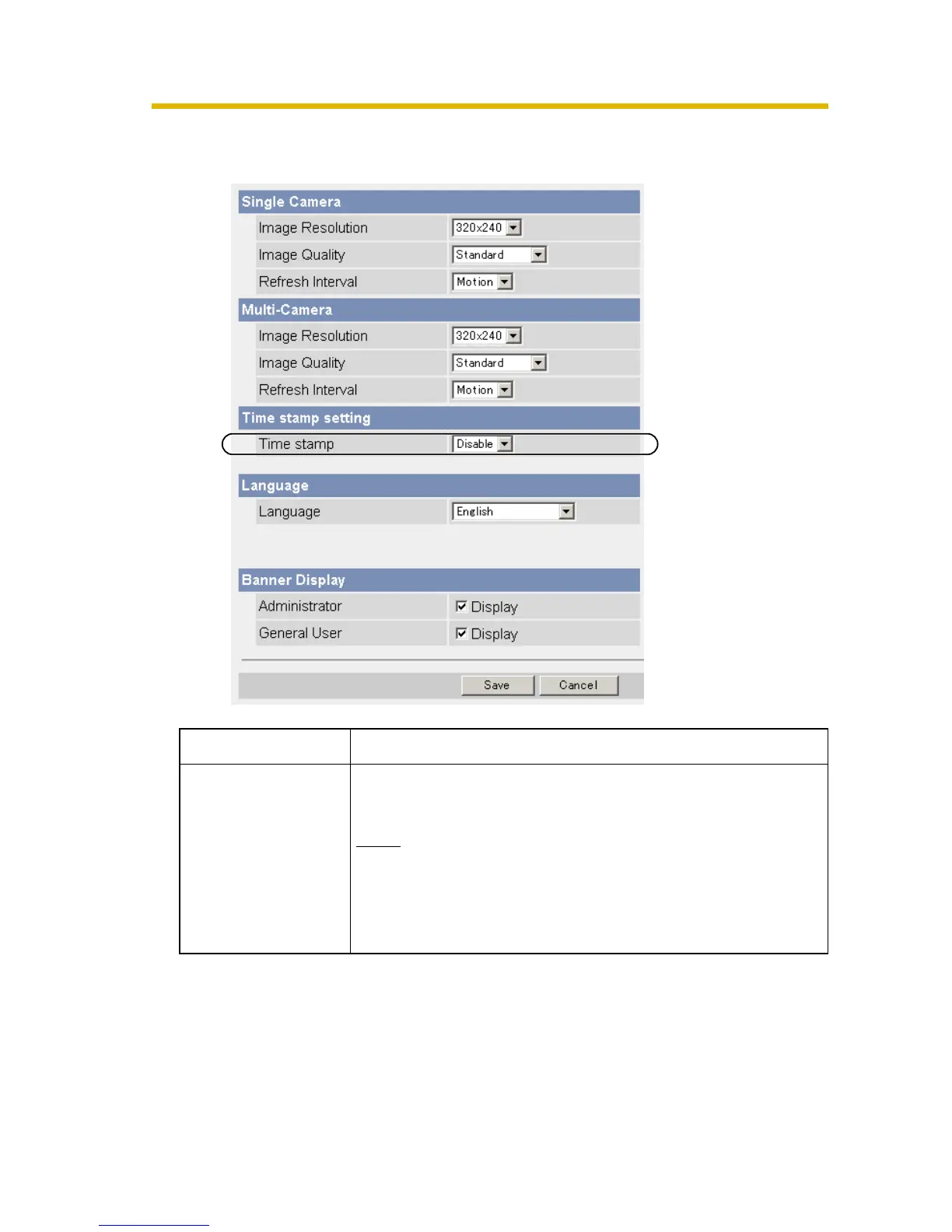
Changing the Time Stamp Setting
The Time stamp setting is changed on the Image Display page.
Setting Description
Time stamp setting • You can display a time stamp on the upper left side of
the image. Select from [Enable] or [Disable].
Note
• If you enable this feature, the time is also stamped
on the buffered image.
• Set AM/PM format and 24H format on the Date
and Time page.










 To Next Page