9
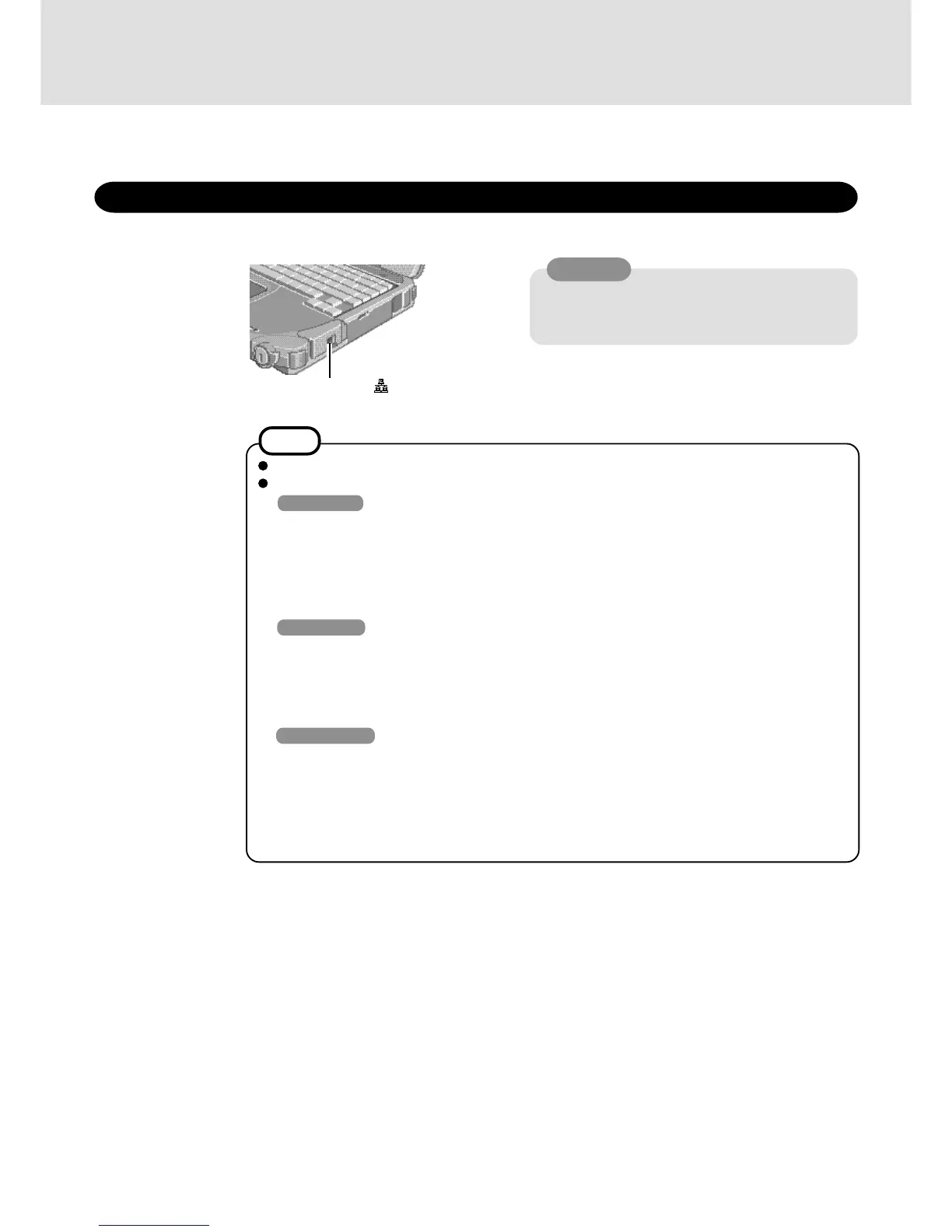
LAN Port
WARNING
Do not insert a telephone line connector (including a
PBX internal phone) into the LAN port. Doing so
may cause fire or electric shock.
Using LAN
This model has an internal LAN port.
When using the LAN, set [LAN] to [Enable]* in the Setup Utility. (* Default)
<Only for models with LAN port>
NOTE
Do not use standby or hibernation functions during communications.
Unable to connect to network (When the indicator of your HUB unit does not light):
Windows 98
1 Select [Network] in [Start] - [Settings] - [Control Panel].
2 Select [Intel 8255x-based PCI Ethernet Adapter (10/100)].
3 Select [Properties].
4 Select [Advanced].
5 Select [Link Speed & Duplex] from [Property], set [Value] to the communication speed (10
Mbps or 100 Mbps) suitable for your network environment, and then press [OK].
Windows NT
1 Select [Adapters] in [Start] - [Settings] - [Control Panel] - [Network].
2 Select [Intel 8255x-based PCI Ethernet Adapter (10/100)].
3 Select [Properties] - [Advanced].
4 Select [Link Speed & Duplex] from [Setting], set [Value] to the communication speed (10 Mbps
or 100 Mbps) suitable for your network environment, and then press [OK].
Windows 2000
1 Select [Device Manager] in [Start] - [Settings] - [Control Panel] - [System] - [Hardware].
2 Select [Intel 8255x-based PCI Ethernet Adapter (10/100)] from [Network adapters].
3 Select [Action] - [Properties].
4 Select [Advanced].
5 Select [Link Speed & Duplex] from [Property], and set [Value] to the communication speed (10
Mbps or 100 Mbps) suitable for your network environment, and then press [OK].












 To Next Page