
 Need help?
Do you have a question about the Panasonic CF-D1G Series and is the answer not in the manual?
Steps for initial preparation, checking accessories, and inserting the battery pack.
Guides on connecting power, turning on the computer, and initial Windows setup.
Instructions for selecting the operating system language and version.
Instructions for using recovery discs and system recovery utilities.
Solutions for problems related to power indicators, system startup, and resuming from sleep.
Addresses forgotten passwords, login failures, and system access issues.
Covers problems with screen display, touchscreen, and stylus operation.
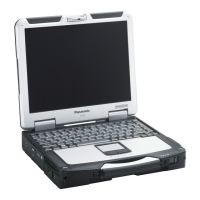
This document provides operating instructions for the Panasonic Personal Computer, Model No. CF-D1G series. It covers various aspects of the device, including its physical components, initial setup procedures, software installation, troubleshooting, and technical specifications.
The Panasonic CF-D1G series is a personal computer designed for various applications. It supports both Windows 8.1 and Windows 7 operating systems, with specific instructions provided for each where applicable. The device features a touchscreen for interactive input and can be connected to external peripherals like keyboards, mice, and displays. It includes wireless communication capabilities such as Wireless LAN, Bluetooth, and Wireless WAN (for specific models). The computer is designed to be robust, with considerations for operation in various environments. It also incorporates security features like a TPM (Trusted Platform Module) for enhanced data protection.











 To Next Page
 General