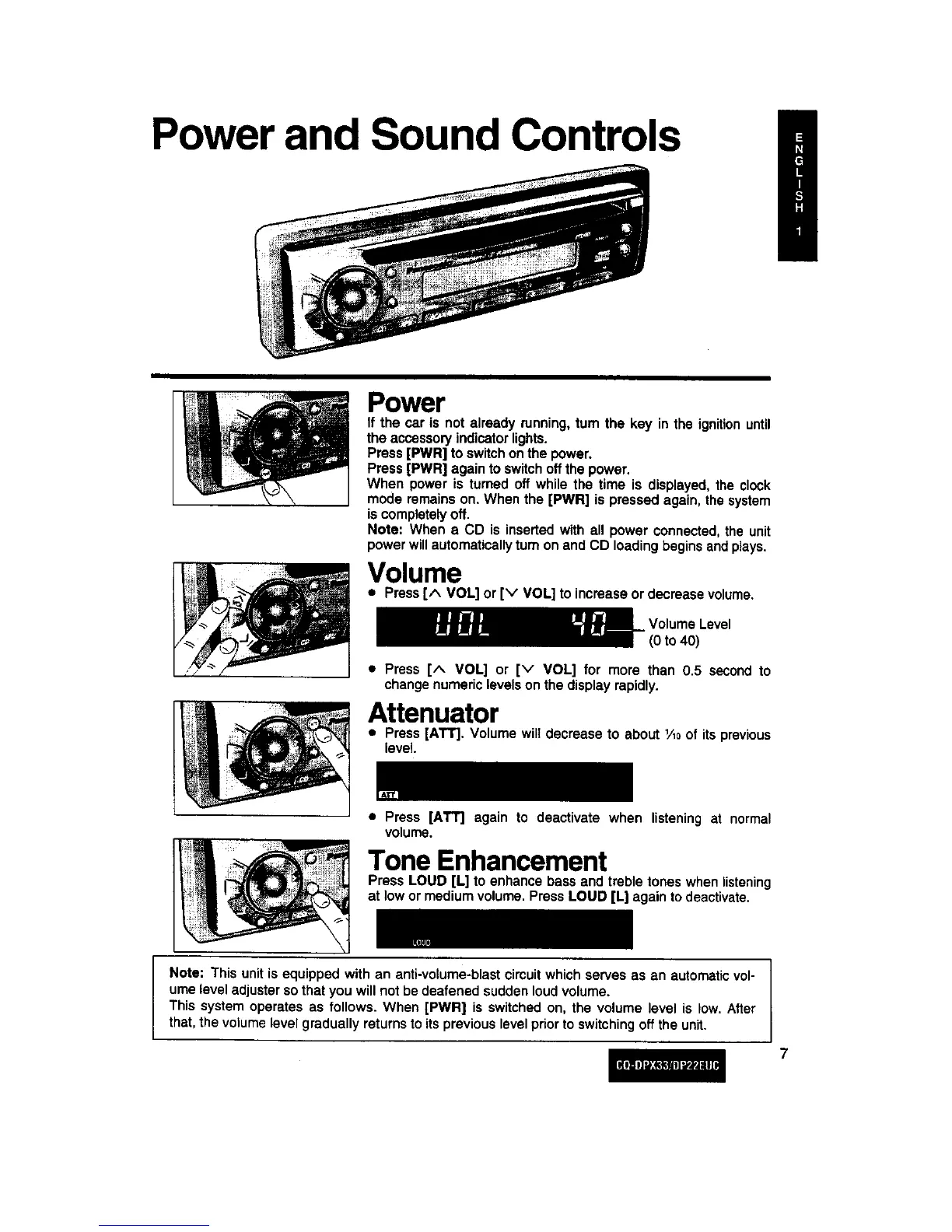
Power and Sound Controls
Power
If the car is not already running,turn the key in the ignitionuntil
the accessoryindicatorlights.
Press[PWR] to switchonthe power.
Press[PWR] againto switchoffthe power.
When power is turned off while the time is displayed, the clock
mode remainson. When the [PWR] is pressed again, the system
iscompletelyoff.
Note: When a CD is insertedwith all power connected,the unit
power willautomaticallyturnon and CD loadingbeginsandplays.
Volume
• Press[^ VOL] or [v VOL] to increase or decrease volume.
VolumeLevel
(0 to 40)
• Press [^ VOL] or [v VOL] for more than 0.5 second to
changenumeric levelson the displayrapidly.
Attenuator
• Press [AT'r]. Volume will decrease to about 1/loof its previous
level
• Press [ATT] again to deactivate when listening at normal
volume.
Tone Enhancement
Press LOUD [L] to enhance bass and treble tones when listening
at low or mediumvolume. PressLOUD [L] againto deactivate.
Note: This unitisequipped with an anti-volume-blastcircuitwhich serves as an automaticvol-
umelevel adjuster sothat you willnot be deafened suddenloudvolume.
This system operates as follows. When [PWR] is switchedon, the volume level is low. After
that, thevolumelevel graduallyreturnstoits previous levelprior to switchingoff the unit.
7



 To Next Page