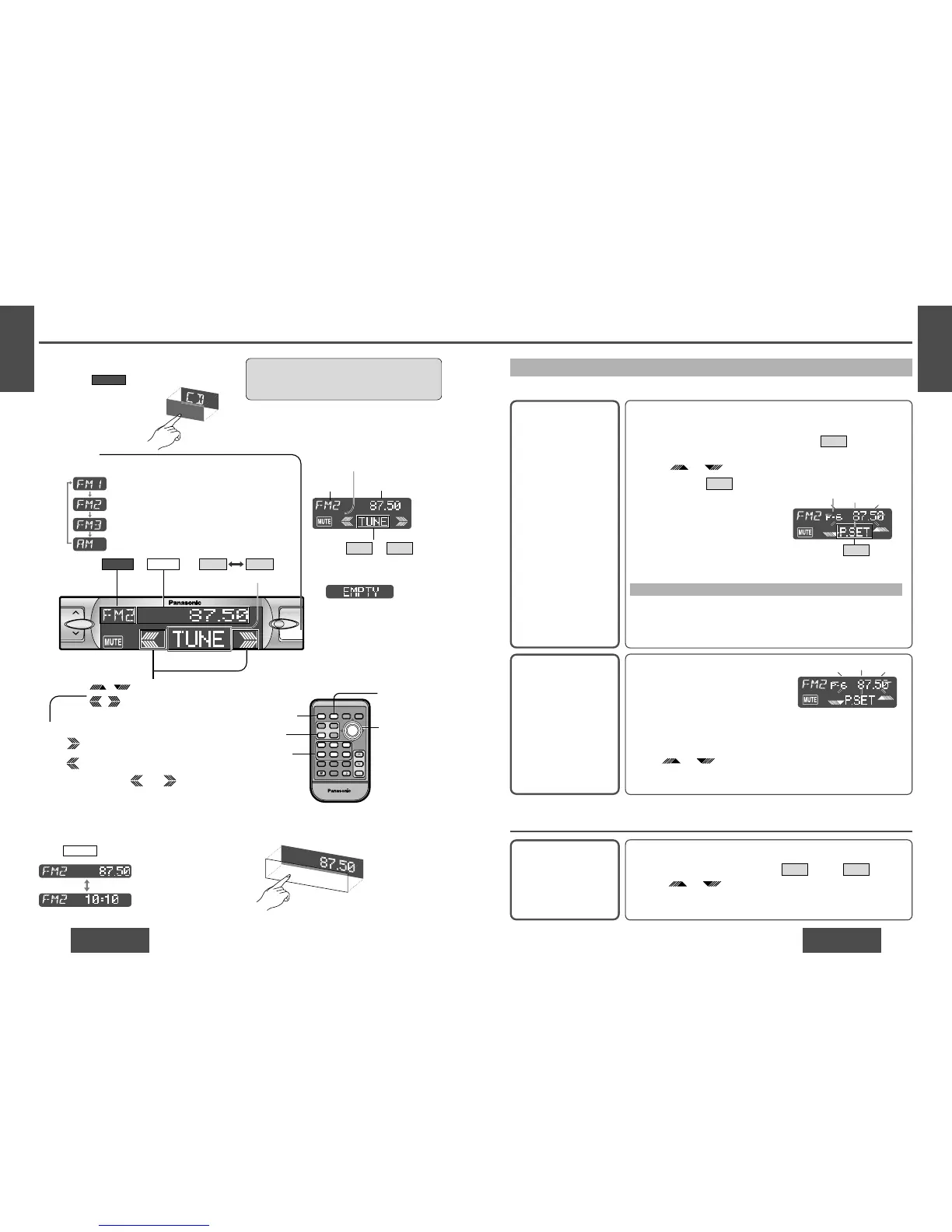
Display Change
Press /[DISP] (display) to change the display.
DISPLAY
Radio mode display
(Default)
Clock display
One-Touch Selection of a Station
Up to 6 stations each can be saved in the FM1, FM2, FM3 and AM preset station memories.
Manual Preset
Memory
Manually save a station in
the preset memory.
Entering numbers directly on the remote control unit
1 Select a band and frequency (step 1, 2 and 3 on the previous
page).
2 Press and hold [1] to [6] for more than 2 seconds to memorize.
Auto Preset
Memory (APM)
Automatically save rela-
tively strong stations in
the preset memory.
1 Select a band (steps 1 and 2 on the
previous page).
2 Press and hold [BAND] (APM) for
more than 2 seconds.
Note:
≥ Existing saved stations are overwritten with new stations after following this procedure.
Preset Station
Calling
1 Select a band (steps 1 and 2 on the previous page).
2 Press the Spectrum Analyzer display to show (preset)
.
3 Press /["] or [#] to select the preset number for tuning
in the preset station.
(Press [1] to [6] on the remote control unit.)
P.SETTUNE
Note:
≥ Frequency setting can be performed even after selecting a preset num-
ber.
1 Select a band and frequency (steps 1, 2 and 3 on the previous
page).
2 Press and hold the Spectrum Analyzer display for more than
2 seconds until the preset number blinks.
3 Press /["] or [#] to select a preset number (1j6).
4 Press and hold (preset) for more than 2 seconds to memo-
rize.
P.SET
TUNE
Scanning:
≥ The display blinks once, and a re-
ceiving station is saved in the
memory.
Preset number
≥ The 6 strongest available stations will be automatically saved in the
memory under preset number 1 to 6.
≥ Once set, the preset stations are sequentially scanned for 5 seconds
each. (Scanning)
≥ Press /["] or [#] for the broadcast you want to listen
to.
(Press [1] to [6] on the remote control unit.)
Caution:
≥ To ensure safety, never attempt to preset sta-
tions while you are driving.
P.SET
Note:
≥ :
Displays when not have any
menu settings. Radio and AUX-
IN mode do not have any menu
settings.
≥ Press or to
change the cursor.
P.SETTUNE
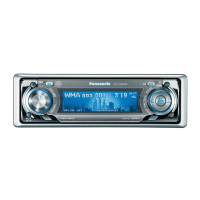
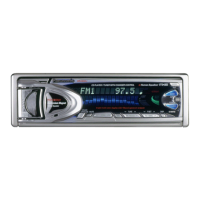
Spectrum Analyzer display



 To Next Page