98
Innstilling for tilkobling til nettverk
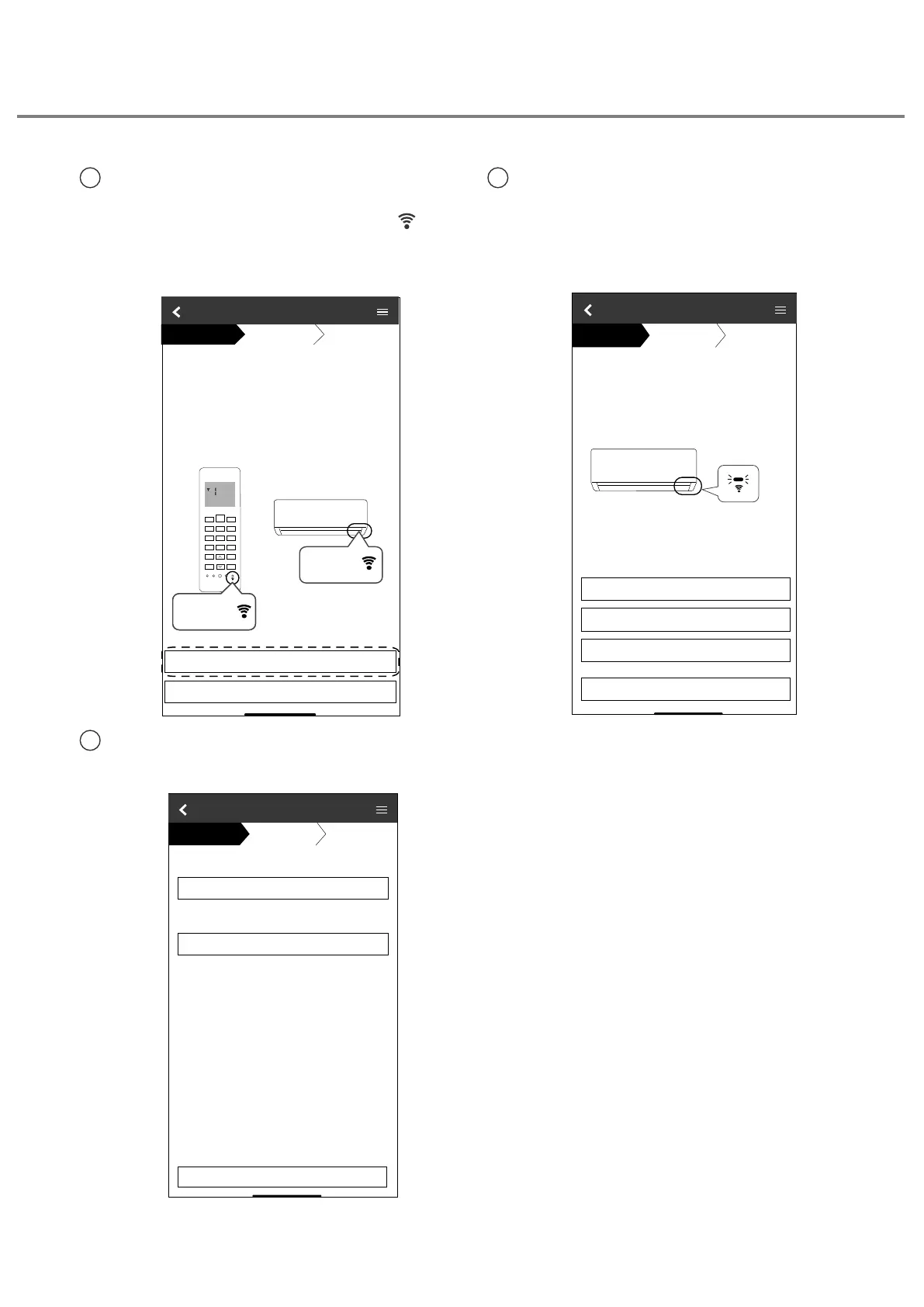
1
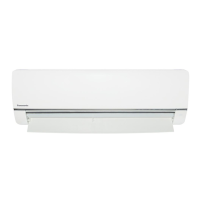
Sørg for at lysdioden for trådløst LAN er
PÅ, rett fjernkontrollen mot klimaanlegget
og trykk knappen for trådløst LAN
inntil lysdioden for trådløst LAN endres til
blinking.
3
Velg ønsket støttemodus for forbindelse
til routeren.
Connection Guide
Step 1
Step 2
Step 3
Connect with WPS mode
Connect with AP mode
The router supports WPS.
The router does not supports WPS.
Cancel
2
Når lysdioden for trådløst LAN blinker,
velges den ønskede oppsettmodusen for
forbindelsen.
ŚŽŽƐĞƚŚĞďƵƩŽŶƚŚĂƚŵĂƚĐŚĞƐƚŚĞƐƚĂƚƵƐŽĨ
Wireless LAN LED.
ΎtŝƌĞůĞƐƐ>E>ƐƉŽƐŝƟŽŶĂŶĚĐŽůŽƵƌǀĂƌŝĞƐ
ĨŽƌĚŝīĞƌĞŶƚŵŽĚĞůƐ
.
Connection Guide
Step 1
Step 2
Step 3
LED is OFF
LED is ON
LED is Blinking
Cancel
Make sure smartphone is connected to same
wireless network.
When Wireless LAN LED is ON, tap “Next”.
1. Point the remote control to air
-
and press the “Wireless LAN” buƩon once.
2. When Wireless LAN LED is blinking, tap “Next”.
Connection Guide
Cancel
Next
Step 1
Step 2
Step 3Step 1
Step 2
Step 3
condiƟoner
Wireless LAN
LED
SET
CANCEL
Wireless
LAN buƩon
Wireless LAN
buƩon
Slik bruker du





 To Next Page