- 7 -
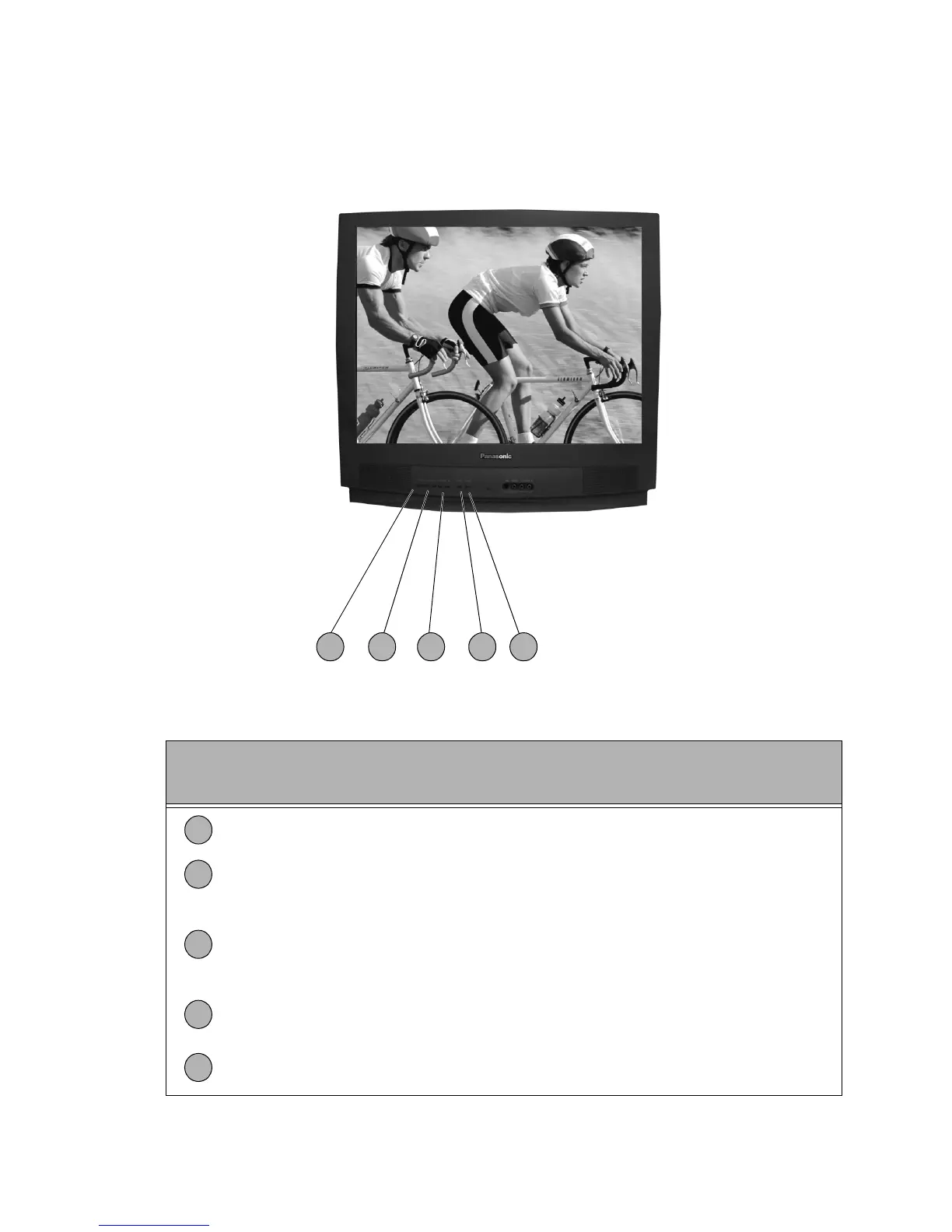
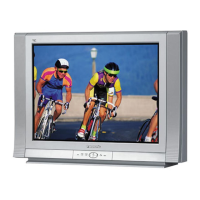
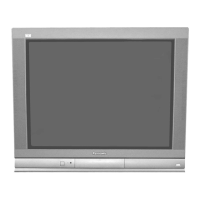
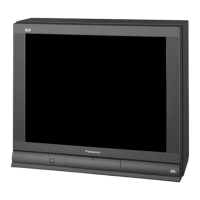
Location of Receiver Controls
Figure 2. Location of Controls.
Quick Reference
Control Operation
Power Button - Press to turn ON or OFF.
Volume Buttons - Press to adjust Sound Level, or to adjust Audio Menus, Video
Menus, and select operating features when menus are displayed.
Channel Buttons - Press to select programmed channels. Press to highlight desired
features when menus are displayed. Also use to select Cable Converter box channels
after programming Remote Control Infra-red codes (the TV/AUX/CABLE switch must
be set in CABLE position).
Action Button - Press to display Main Menu and access On Screen feature and
Adjustment Menus.
TV/Video Button - Press to select TV or Video Input.
321 4 5
1
2
3
4
5




 To Next Page