4
PRODUCT OVERVIEW
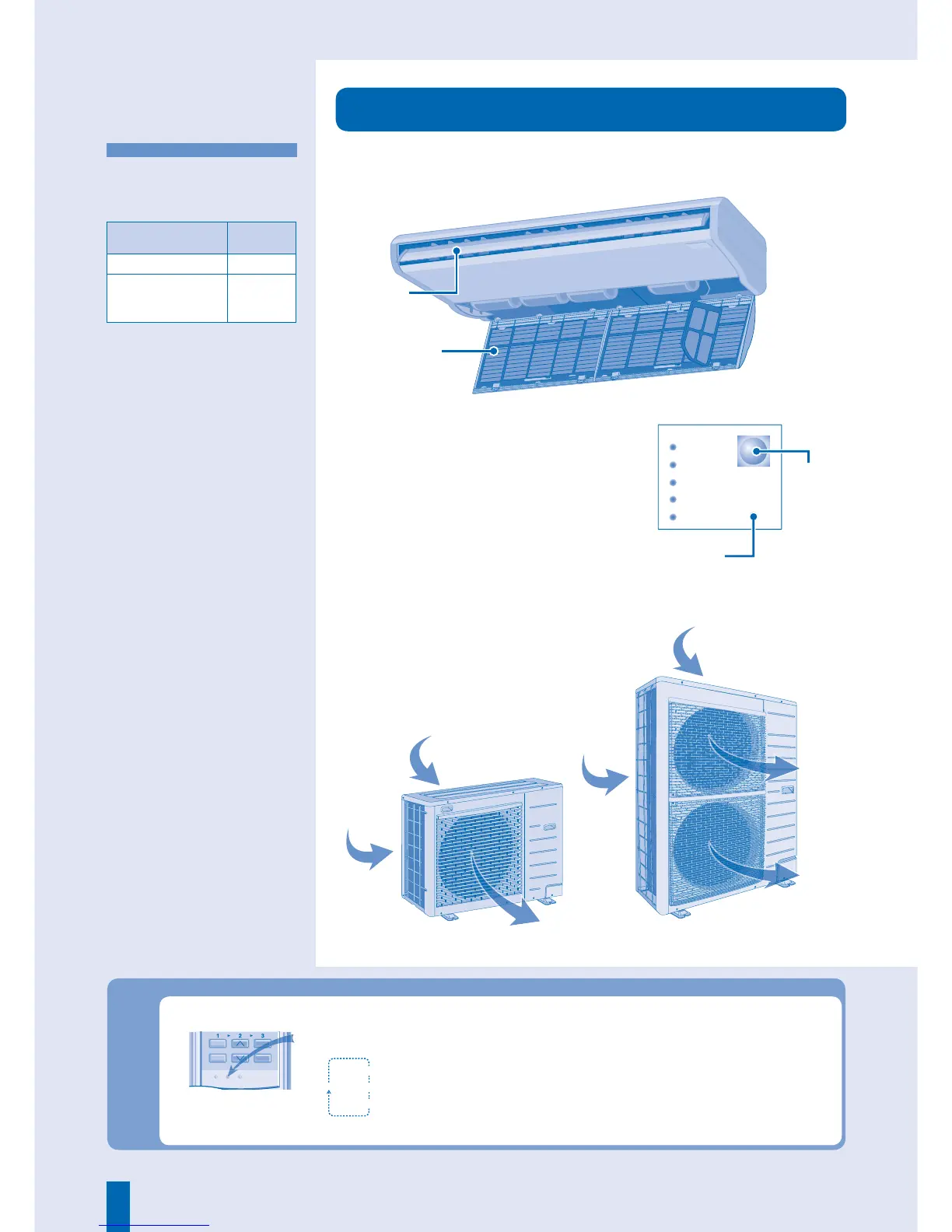
■ About
• To operate the unit if the wireless
remote control is misplaced or
malfunctioning.
Auto OFF/ON Button
Action Mode
Press once. Auto
Press and hold until
you hear one beep,
then release.
Cooling
• To turn off, press the Auto OFF/ON
button again.
Address Setting - Wireless Remote Control
● To avoid unintentional operation, you can assign a different address to each indoor unit.
* Use a sharp end object to press this button.
Notes:
• By default, ADDRESS 1 is selected. You do not need to change
this setting for normal operation.
• If the address is set to GROUP, more than one indoor unit can
be operated at the same time.
Address 1
Address 2
Group
Address 3
* Press repeatedly to select your
desired address setting.
3%42%3%4 !$$2%33
4)-%2
3%4
#!.#%,
3%,%#4
#,/#+




 To Next Page