28
RQT9058
[DVD-V]
Generally, menu screens that appear on the TV may be
navigated as follows:
, , , to select an item, then
You can sometimes use the numbered buttons to
select an item.
[RAM] [-R] [-R\DL] [-RW‹V›] [+R] [+R]DL] [+RW] [-RW‹VR›]
Advanced Disc Playback
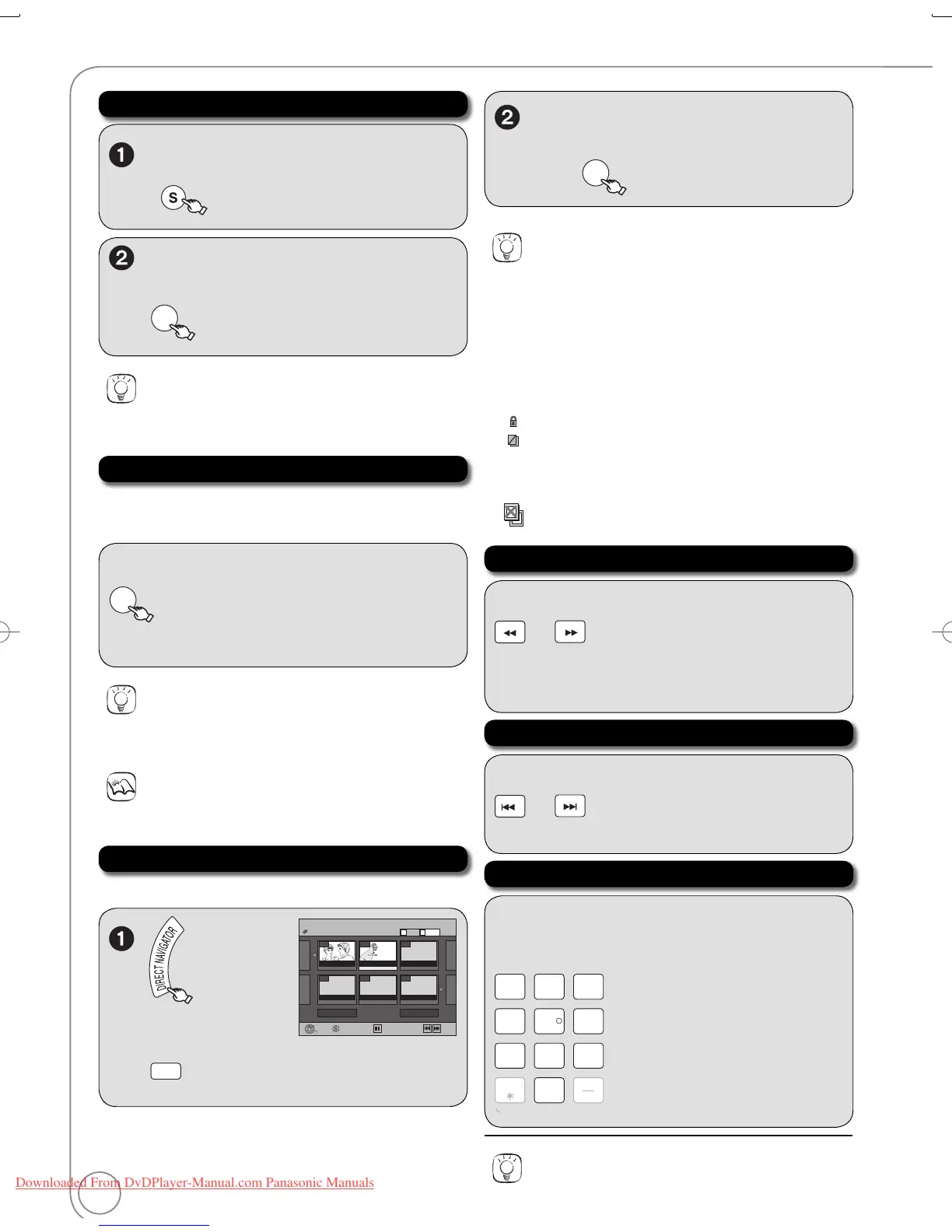
Menu Screens on the TV
Selecting Recordings to Play
Search
Direct Play
During playback
or
– There are 5 search speeds. Each press increases
the search speed.
– Press [ PLAY] to restart normal playback.
Notes
If “” appears on the TV, the operation is prohibited by the unit or
disc.
Tips
To select the recording with the numbered buttons
e.g., “5”: [0] [5]
“15”: [1] [5]
To view other pages
Press [, , , ] to select “Previous” or “Next”, then press [OK].
– You can also press [, ] to view other pages.
To exit the DIRECT NAVIGATOR screen
Press [DIRECT NAVIGATOR].
DIRECT NAVIGATOR screen icons
Protected.
Not recorded due to recording protection (Digital
broadcasts, etc.)
It cannot be played because data is damaged.
Currently recording.
“One time only recording” restriction ( 84, CPRM)
During playback, you can access specifi c recordings
or scenes through direct entry of the numbered
buttons.
e.g., “5”: [0] [5]
“15”: [1] [5]
MP3
e.g., “5”: [0] [0] [5]
“15”: [0] [1] [5]
JPEG
e.g., “5”: [0] [0] [0] [5]
“15”: [0] [0] [1] [5]
to switch to the
Recordings screen.
Skip
During playback or while paused
or
– Each press increases the number of skips.
Tips
To return to the menu screen
Press [DIRECT NAVIGATOR].
Tips
Depending on the disc, some operations may not be possible.
Zoom in on video
To zoom in:
, to select “Zoom In”, then



 To Next Page