OPEN/CLOSE
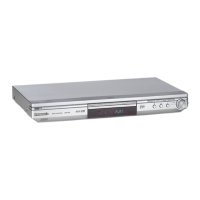
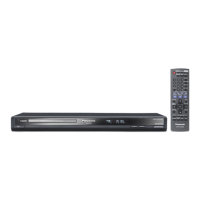
DVD / CD PLAYER DVD-S35
DOWN ZOOM MODE
UP
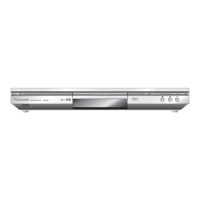
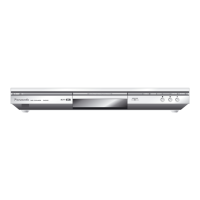
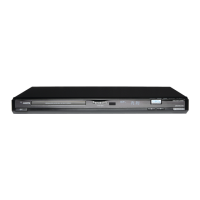
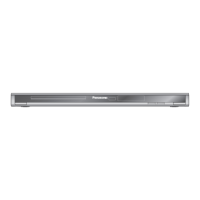
Front Panel
1
2
3
4
5 6
7
8
2
3
4
5
6
7
8
/
/
Stand-by indicator : When the unit is connected to the AC mains supply, this indicator lights up in standby
mode and goes out when the unit is turned on.
1
Standby/on switch : Press to switch the unit from on to standby mode or vice versa. In standby mode, the unit
is still consuming a small amount of power.
OPEN/CLOSE
6
ZOOM MODE
DVD-RAM VIDEO PLAYBACK
Sets the zoom mode for zooming into and out of the picture
SKIP/SEARCH : Press to skip chapters, tracks, pictures or to search ( keep button pressed )
Opens and closes the disc tray
STOP : Stops playback
PAUSE : Pauses playback
PLAY : Starts playback


 To Next Page