Precautions Concerning Programs
4-6
Method 1: Method using the programming tool software
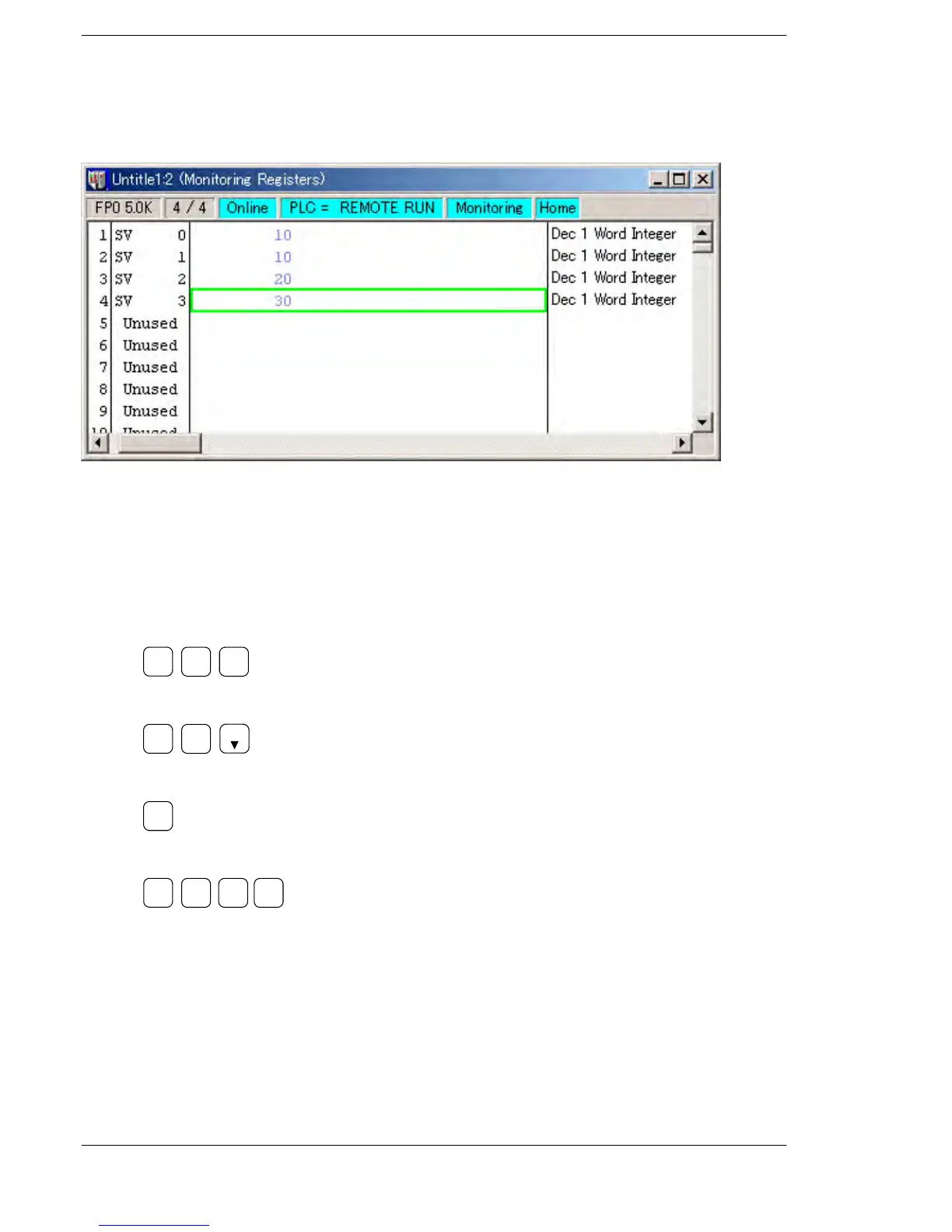
Select “MONITOR & TEST RUN” from the online menu, read the set value area SV of
the timer or counter using the data monitor, and change the value.
Method 2: Method using the FP Programmer II
Use the word data monitor function to read the set value area SV of the timer or counter
to be changed, and rewrite the value.
Example of changing the value of SV0 from K30 to K50.
1. Execute word data monitor (OP8).
ENT
(−)
OP
8
2. Read SV0.
READ
TM
T-SV
0
3. Clear SV0.
(HELP)
CLR
4. Write the new changing value.
WRT
(BIN)
K/H
5 0





 To Next Page