4.1 Changing the Set Value of Timer/Counter During RUN
4-7
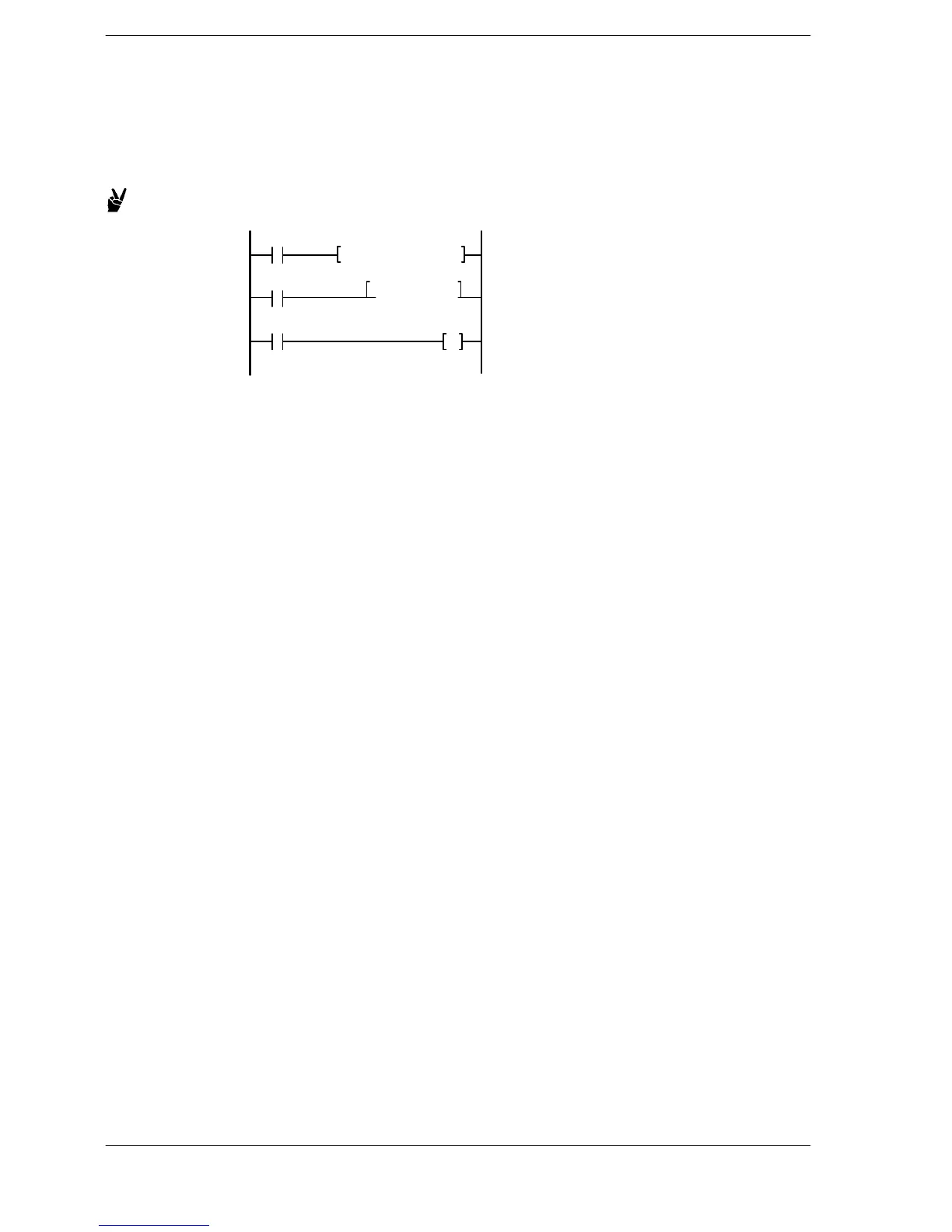
Method 3: Method using the program (high−level instruction)
To change a set value of timer/counter based on an input condition, use a high-level
instruction as shown below to rewrite the value in the set value area SV of the desired
timer or counter.
Example: Changing the set value to K20 when input X0 turns on
F0 MV, K20, SV3
X1
X0
T3 Y10
When X0 turns on, the set value of timer
changes from 5 seconds to 2 seconds.
TMX3 K50
With the FP2SH and FP10SH, it is possible to specify the data register DT, as well the
relay WR for handling word data, and other similar areas, as the set value area. The set
value can be changed by changing the value to be transmitted, using the F0 (MV)
instruction or a similar instruction.





 To Next Page