Precautions Concerning Programs
4-30
5. LOOP/LBL
6. MC/MCE
Also, rewritng is not possible during RUN in case of other syntax errors.
2. During the forced input/output operation
Interrupt restrictions
When using interrupt, high−speed counter, pulse output or PWM output functions, do
not perform a rewrite during RUN.
If a rewrite during RUN is executed, the operation as below will be performed. Exercise
caution.
1. Interrupt programs will be disabled. Enable by executing an ICTL
instruction once again.
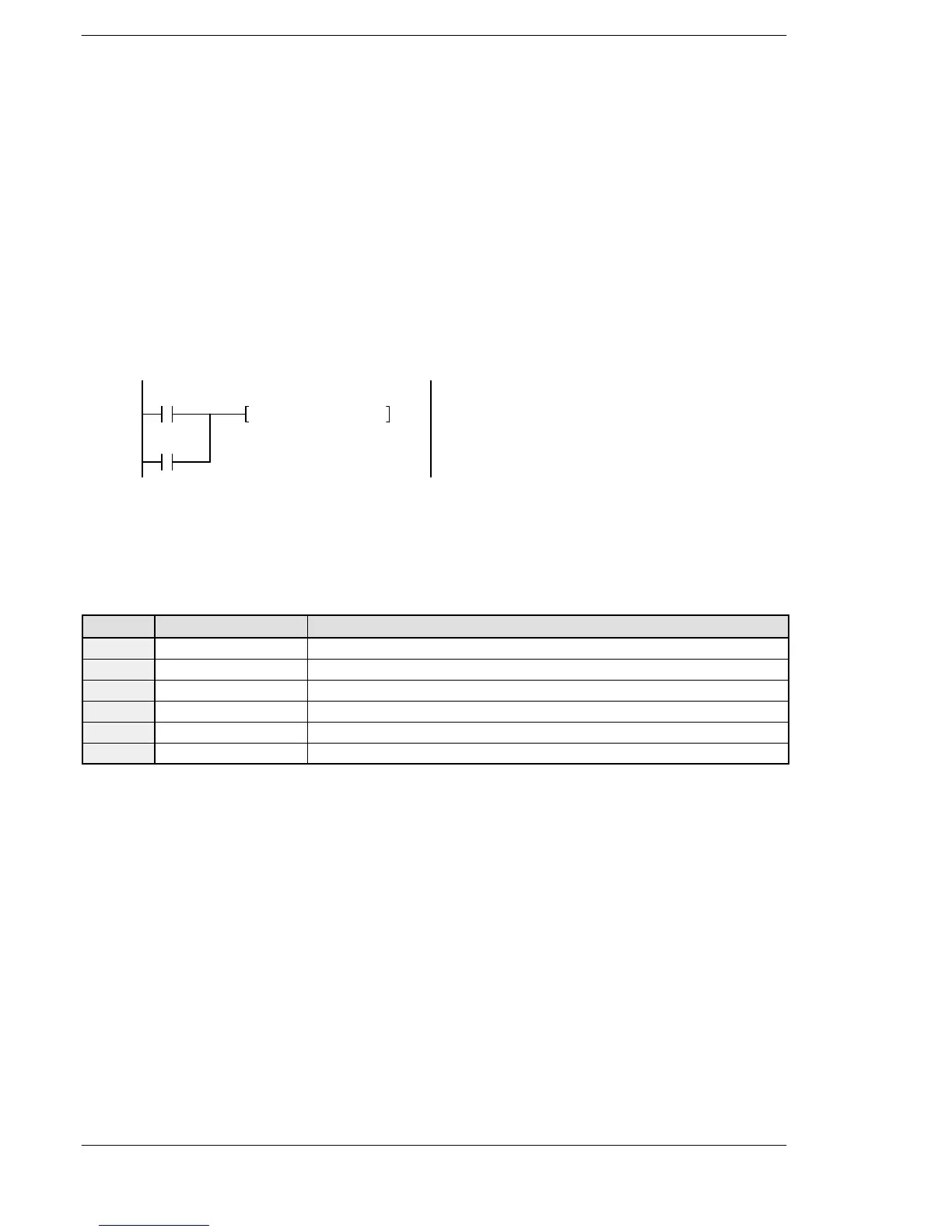
<Example> Using R9034 (rewrite during RUN completed flag)
R9013
ICTL, S1, S2
R9034
2. The high−speed counter will continue to count.
Target value match on/off instructions (F166/F167) will continue.
Coincidence interrupt programs will be disabled when the F166/F167
instruction is running.
3. Pulse output and PWM output will be stopped.
State Instruction number Name
Continue F171 (SPDH) Pulse output (with channel specification) (Home position return)
Stop F172 (PLSH) Pulse output (with channel specification) (JOG operation)
Stop F173 (PWMH) PWM output (with channel specification)
Continue F174 (SP0H) Pulse output (with channel specification) (Selectable data table control operation)
Continue F175 (SPSH) Pulse output (Linear interpolation)
Stop F176 (SPCH) Pulse output (Circular interpolation)
4. The fixed time sampling trace will not be stopped.
For FP2/FP2SH
Instructions that cannot be added or deleted by rewriting during RUN
1. Step ladder instructions (SSTP/STPE)
2. Subroutine instructions (SUB/RET)
3. Interrupt instructions (INT/IRET)
4. Control instructions (ED/LBL)
* The LBL instruction can be inserted/written, but cannot be deleted/erased.
Instructions that cannot be added or deleted during subprograms
1. JP/LBL
2. LOOP/LBL
3. MC/MCE
Cases where rewriting is not possible during RUN
1. When a syntax error occurred.
2. When the forced input/output operation is running.





 To Next Page