Boolean
Ladder Diagram
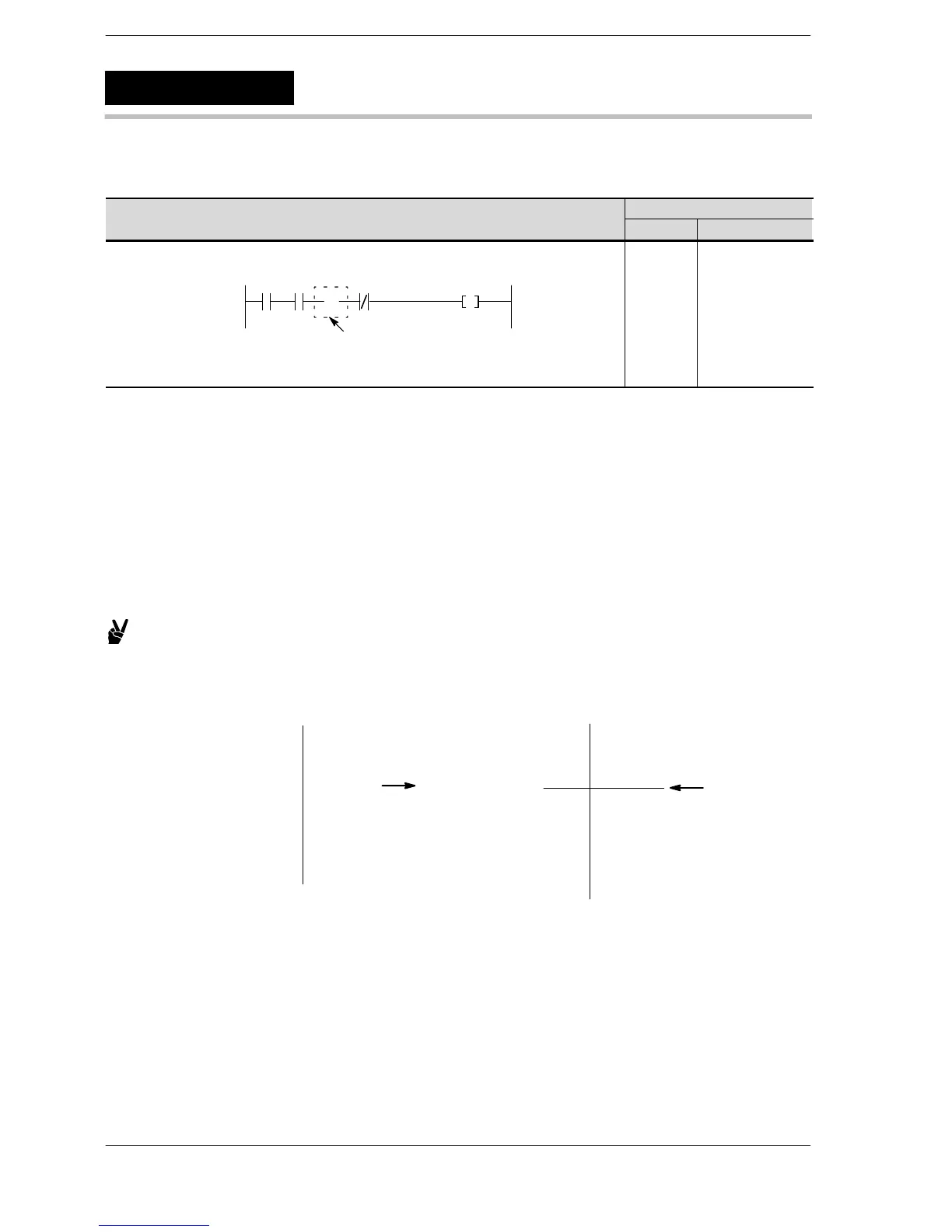
Address Instruction
X0
0
Y10X2X1
・
NOP
0
1
2
3
4
ST X 0
AN X 1
NOP
AN/ X 2
OT Y 10
Description
This instruction has no effect on the operation result to that point.
The same operation takes place without a NOP instruction.
The NOP instruction can be used to make the program easier to read when checking or correcting.
When you want to delete an instruction without changing addresses, write a NOP instruction (overwrite the
previous instruction).
When you want to move the addresses of one part of a program without changing the program, insert a NOP
instruction.
This is a convenient means of breaking a long program into several blocks.
Example:
To move the starting point of a program block from address 39
to address 40, insert a NOP instruction at address 39.
Address
36 ST X0
・ OR X1
・ OT Y10
39 ST X2
40 AN X3
・ OT R20
・ ST R2
・ DF
44 ST X3
Address
36 ST X0
・ OR X1
・ OT Y10
39 NOP
40 ST X2
41 AN X3
・ OT R20
・ ST R2
・ DF
45 ST X3
Insert a NOP
instruction.
This moves the
starting point to
address 40.
Deleting a NOP instruction
To delete the NOP instruction after editing in the PROG. mode, use the programming tools.
NOP
No operation












 To Next Page