Basic Instructions
2 − 53
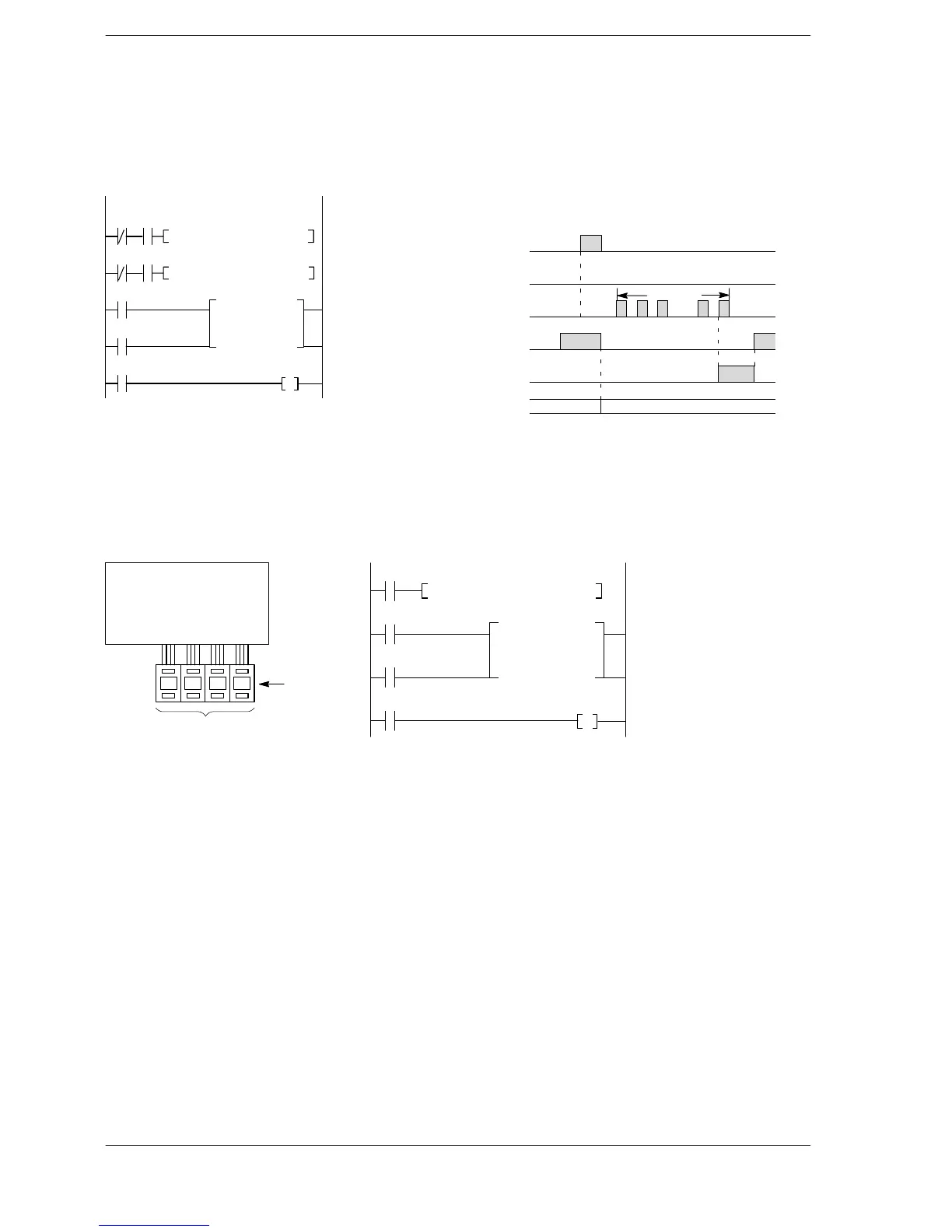
Examples of applying direct specification of set value area numbers
Changing set values based on specified conditions
The set value is K50 when X0 is on and K30 when X1 is on.
Ladder diagram Boolean Time chart
C100
X2
ST/ X 1
AN X 0
F0 (MV)
K50
SV 100
ST/ X 0
AN X 1
F0 (MV)
K30
SV 100
ST X 2
ST X 3
CT 100
SV 100
ST C 100
OT Y 30
on
off
X0
on
off
X1
X2
on
off
on
off
X3
X0 X1
F0 MV, K 30, SV 100
X1 X0
F0 MV, K 50, SV 100
X3
on
off
50 times
K0 K50
CT 100
SV 100
Y30
C100
SV100
......
Example when X0 turns on
Setting a set value from external digital switches
The BCD data of the digital switches connected to X0 through XF is converted and becomes the set value
Connection diagram Ladder diagram Boolean
C100
X11
CT 100
SV 100
Y30
ST X 10
F81 (BIN)
WX 0
SV 100
ST X 11
ST X 12
CT 100
SV 100
ST C 100
OT Y 30
X10
F81BIN,WX0,SV100
CPU and input units
0 7 9 4
Digital switch:
WX0
Set value
of counter
X12
With the FP2SH/FP10SH, FP−X (Ver 2.0 or later), a memory area such as a data register DT can be specified
as the set value. Regarding the operation, refer to the operation when specifying the SV.












 To Next Page