High−level Instructions
3 − 331
Preparation of reception
1) Setting the transmission format
For FP10SH
The initial settings for the transmission format are as follows:
− Data length: 8 bits
− Parity check: Yes, odd
− Stop bits: 1 bit
− End code: C
R
− Start code: No STX
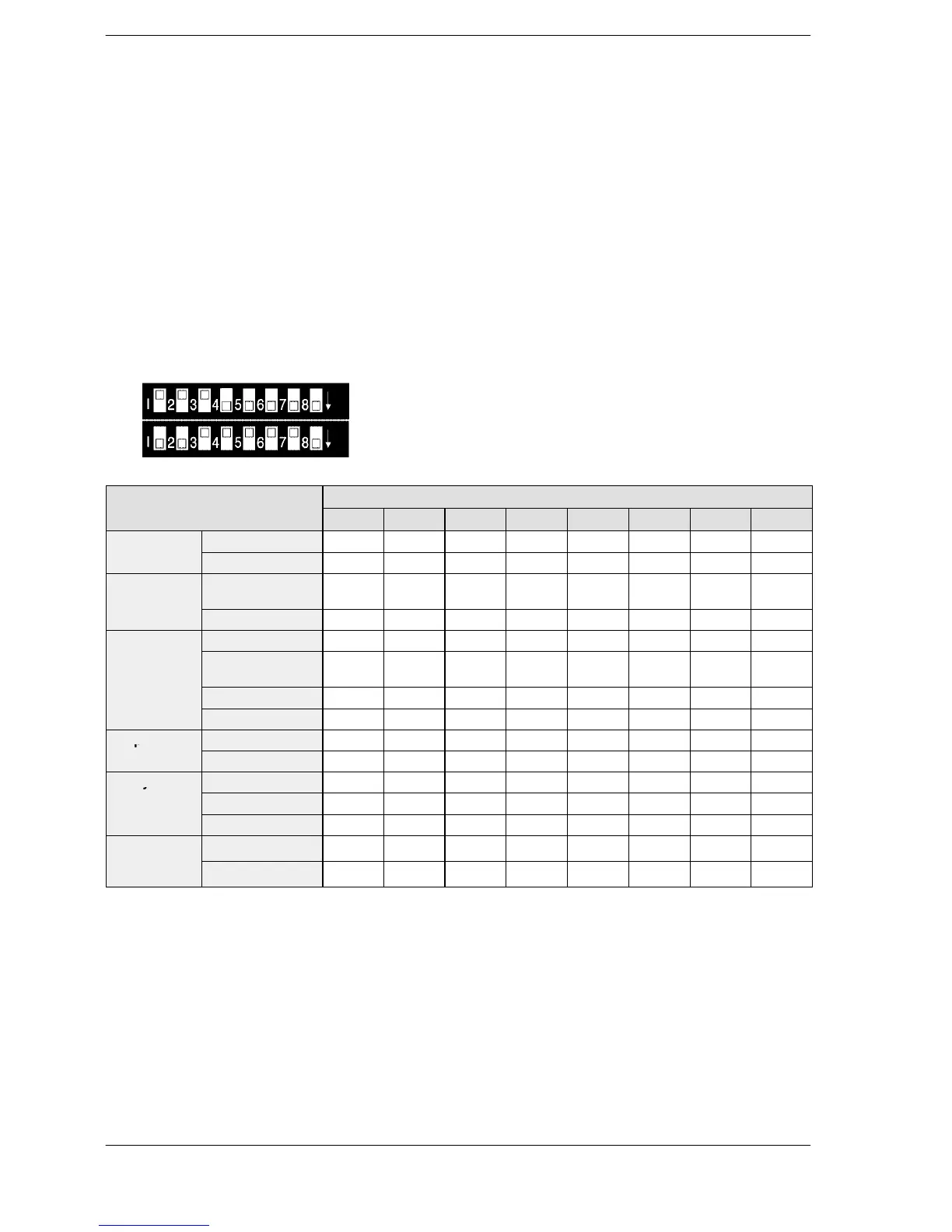
To change the transmission format to match the external device connected to the COM. port, set the
parameters with the upper row of operation mode switches.
Upper dip switches
Lower dip switches
Operation mode switches (using upper dip switch)
off
on
off
on
Functions
Settings
SW1 SW2 SW3 SW4 SW5 SW6 SW7 SW8
MODEM
aracter
bit)
8 bits on
For FP2/FP2SH
Set the transmission format parameter so that the “Transmission Format Setting” of system register 413
matches the external device connected to the COM. port. The default setting is the same as that of the
FP10SH.
When the start code is vaild, the data from the reception of STX to the reception of the selected end code is
considered to be one frame.
FP2/FP2SH/FP10SH





 To Next Page