1.3 Explanation of Memory Areas
1-71
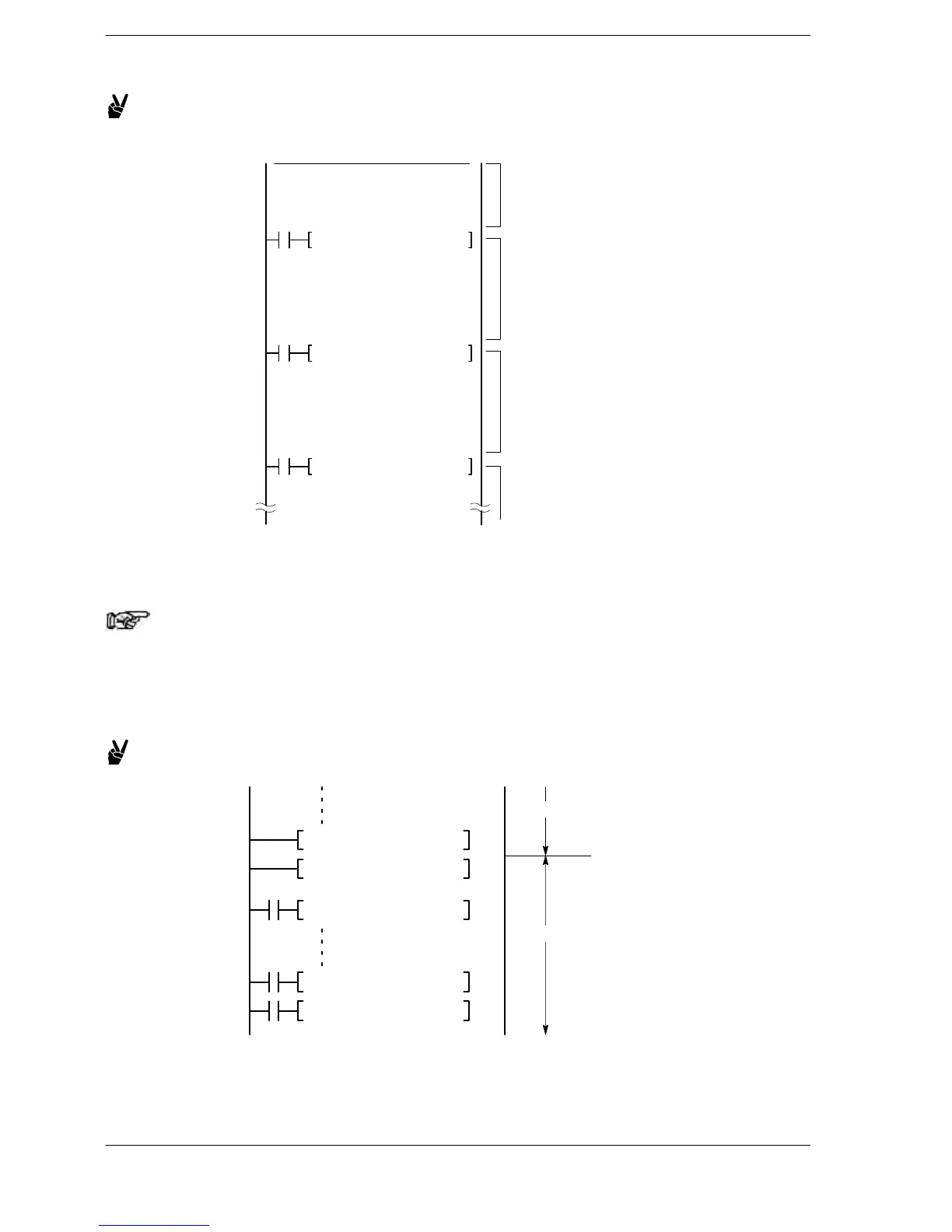
Example 1: Changing banks using a register bank setting instruction F410
(SETB)
F410 SETB, H 3
R9010
F410 SETB, H 2
R9010
F410 SETB,H1
I0 to ID of
bank 1
I0 to ID of
bank 2
I0 to ID of
bank 3
R9010
I0 to ID of
bank 0
F410 SETB, H 1
0
Different values can be set for I0 in bank 0, bank 1 and bank 2. The set values are only
effective within their respective ranges.
Note
For details on changing bank instruction, refer to the
explanations of F410 (SETB), F411 (CHGB) and F412 (POPB)
instructions.
Example 2: Changing banks within an interrupt program
END
R9010
F411 CHGB, H2
INT 0
R9010
F412 POPB
IRET
Main program
Sub program












 To Next Page