1.4 Explanation of Constants
1-75
Processing of floating point type real number operations
1) Processing by specifying an integer device
Instructions can be used to store data in a specific location. Adding the symbol % or #
to either S (source: the area from which the data is loaded) or D (destination: the area
in which the result is stored) determines how the data is processed. If added to S
(source), integer data is automatically converted to real−number data and the operation
is carried out. If added to D (destination), the real−number data resulting from the
operation is automatically converted into integer data and stored in the destination.
When the integer area consists of 16−bit data … It is specified using the % symbol.
When the integer area consists of 32−bit data … It is specified using the # symbol.
Example 1: Specifying the target operation data S for an integer device
The contents of “DT10” and “DT20” are converted to real
numbers, and the operation is executed. The results are
stored in “DT30 and DT31” as real −number data.
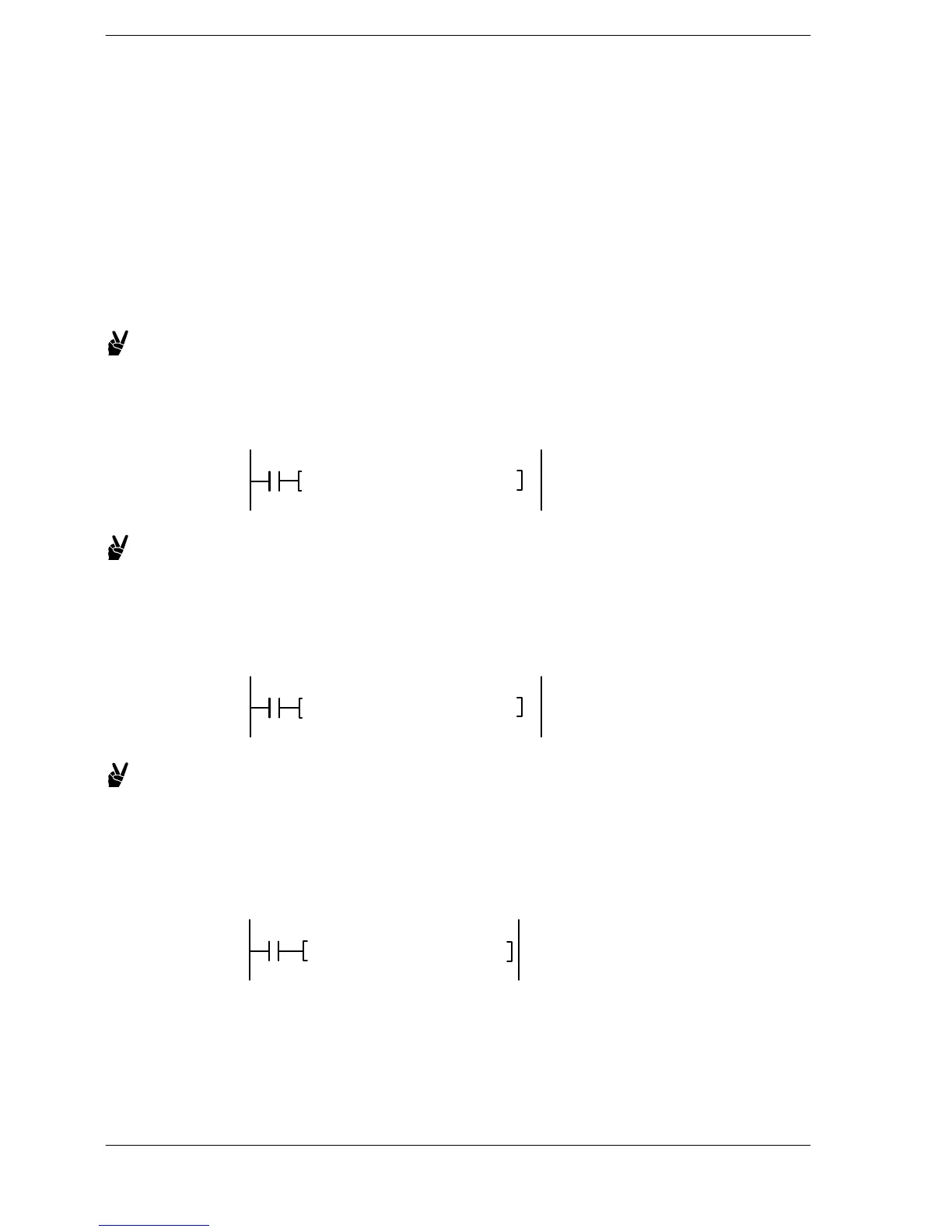
F310 F+, %DT10, %DT20, DT30
Example 2: Specifying stored results D for an integer device
The target operation data stored in “DT40 and DT41” and
“DT50 and DT51” are loaded, and the operation is executed.
The results of the operation are converted to an integer and
stored in DT60.
F310 F+, DT40, DT50, %DT60
Example 3: When the integer data S targeted by the operation is stored as
two words
The contents of “DT70 and DT71” and “DT80 and DT81” are
converted to real numbers and the operation is executed. The
results of the operation are stored in “DT90 and DT91” as
real−number data.
F310 F+, #DT70, #DT80, DT90












 To Next Page