EasyManua.ls Logo

Panasonic GP-VD151A - User Manual

Panasonic GP-VD151A
194 pages
Print Icon
To Next Page IconTo Next Page
Loading...
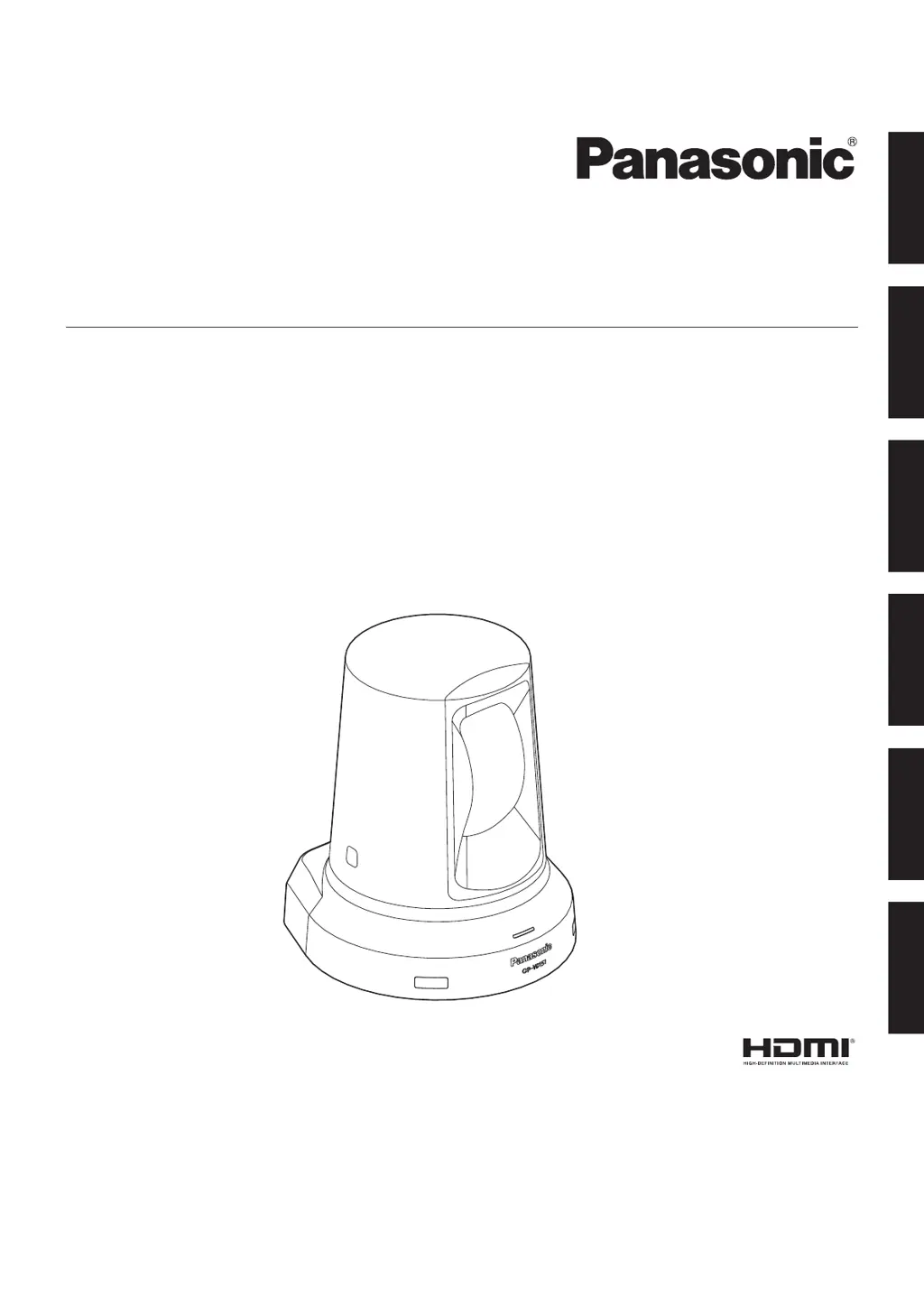
Operating Instructions
<Operations and Settings>
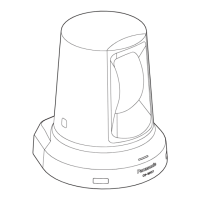
HD Communication Camera
Model No. GP‑VD151, GP‑VD151A
РУССКИЙ
FRANÇAIS
ENGLISH
PORTUGUÊS ESPAÑOL
DEUTSCH

Table of Contents

Questions and Answers

  • B
    Barbara GrantAug 29, 2025
    Why are the colors wrong on my Panasonic GP-VD151A Camcorder?
    • K
      Katrina ThomasAug 29, 2025
      Try activating the ATW (Auto tracking white adjustment) function. If the proper colors are still not reproduced, proceed with a manual white balance adjustment.
  • V
    vmartinAug 28, 2025
    What to do if Panasonic Camcorder cannot operate?
    • C
      codyhartAug 28, 2025
      First, make sure the power is on. If the unit’s status display lamp is off or orange, power is not being supplied. Next, ensure the correct unit to be operated has been selected.
  • V
    vbarberAug 27, 2025
    What to do if no pictures are displayed on Panasonic Camcorder?
    • J
      Jason HernandezAug 27, 2025
      Check if the Panasonic Camcorder is properly connected to the other devices. If the system is configured to switch the picture when the unit is selected, ensure the correct unit has been selected. Also, verify that the video signal setting has been correctly selected.
  • K
    Katherine HansenAug 27, 2025
    Why is my Panasonic GP-VD151A wireless remote controller not working?
    • C
      Crystal KingAug 27, 2025
      Check the remote control's batteries. If the status display lamp does not blink when operating the remote near the signal light-sensing area, the batteries may be dead or installed incorrectly (polarities reversed); replace them. Also, check for interference from nearby fluorescent lights or plasma monitors affecting the signal light-sensing area.
  • D
    davidbrownAug 25, 2025
    How to fix Panasonic GP-VD151A Camcorder that cannot operate?
    • H
      hendersonerikAug 26, 2025
      Ensure the power is on. If the unit's status display lamp is off or orange, power is not being supplied. Also, verify that the correct unit to be operated has been selected.
  • C
    caroline46Aug 25, 2025
    How to troubleshoot a Panasonic GP-VD151A that has no power?
    • J
      joshua86Aug 25, 2025
      First, ensure the AC adapter is securely connected to the AC outlet. Then, check if the power plug of the AC adapter is properly connected. If you are using the wireless remote controller, also check the related troubleshooting for the remote controller.

Panasonic GP-VD151A Specifications

General IconGeneral
ManufacturerPanasonic
ModelGP-VD151A
Shutter Speed1/60 - 1/15, 000 sec
White BalanceAuto
AudioMono
InterfaceAV output

Related product manuals