EasyManua.ls Logo

Panasonic HDC-SD900 - User Manual

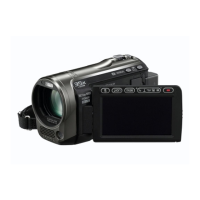
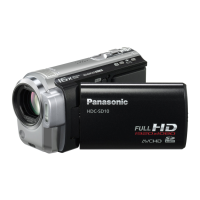
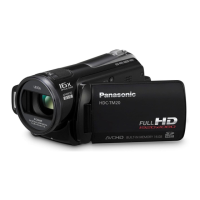
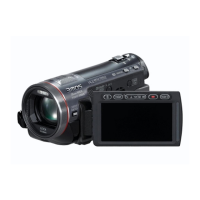
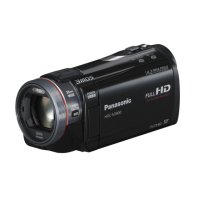
Panasonic HDC-SD900
168 pages
Print Icon
To Next Page IconTo Next Page
Loading...
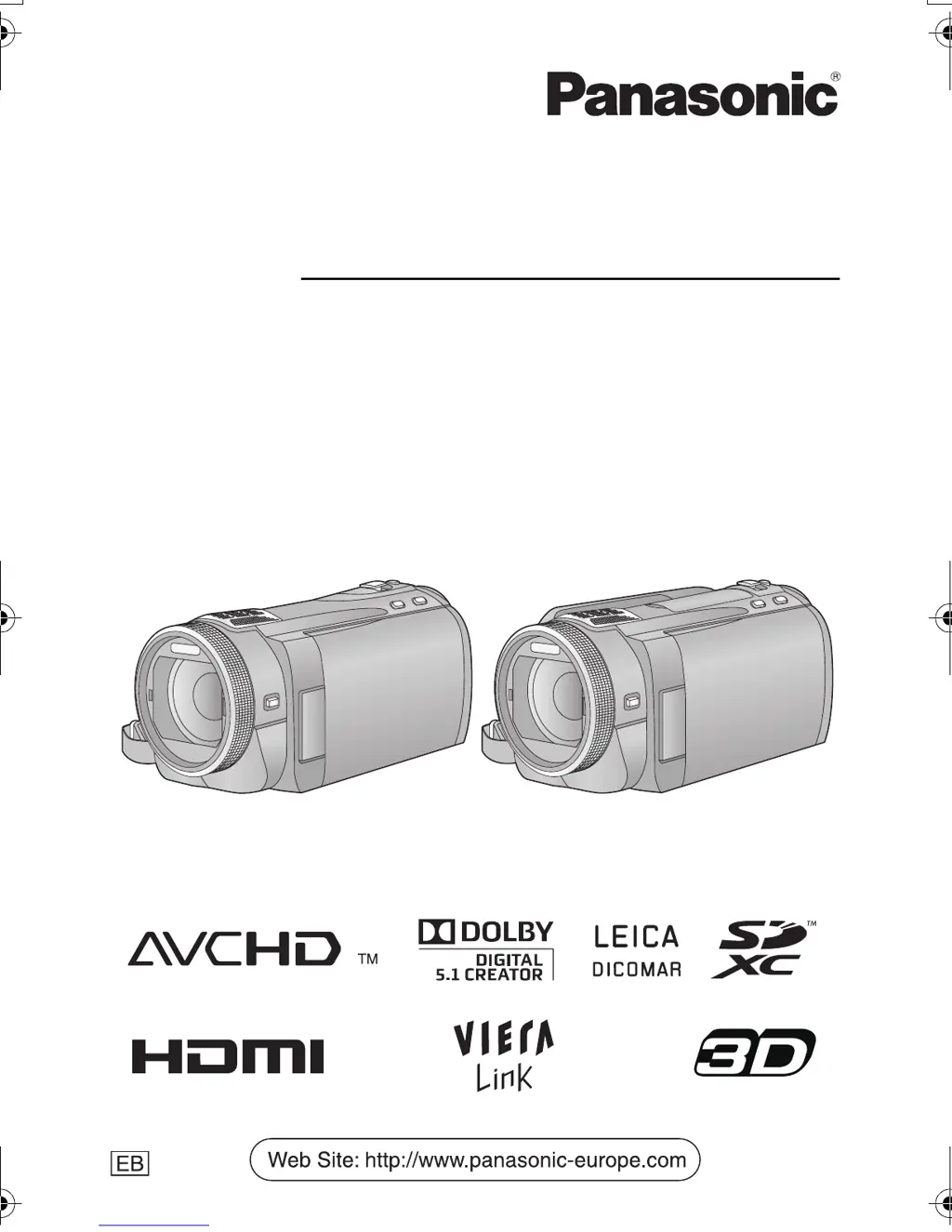
Operating Instructions
High Definition Video Camera
Model No. HDC-SD900
HDC-TM900
HDC-HS900
Before use, please read these instructions completely.
VQT3K80
until
2010/12/27
Model number suffix “EB” denotes UK model.
HDC-SD900&TM900&HS900EB-VQT3K80_eng.book 1 ペー 010年12月29日 水曜日 午後2時50

Table of Contents

Other manuals for Panasonic HDC-SD900

Questions and Answers

  • J
    Justin MorrisonSep 7, 2025
    What causes white spots on recorded picture with Panasonic HDC-SD900 Camcorder?
    • B
      brendapaceSep 7, 2025
      If you notice white round spots on pictures taken with your Panasonic Camcorder, especially when using the flash in dark or indoor environments, these spots are likely caused by the flash reflecting off dust particles in the air.
  • B
    Blake McknightAug 22, 2025
    What to do if my Panasonic HDC-SD900 is not detected by the PC when connected by USB cable?
    • J
      Jason BatesAug 22, 2025
      If your Panasonic Camcorder is not detected by the PC when connected via USB, try the following: - Re-insert the SD card into the unit and reconnect the USB cable. - Try a different USB terminal on your PC. - Ensure your operating environment is compatible. - Restart your PC and the camcorder, then reconnect the USB cable.
  • B
    Brian PatelSep 4, 2025
    How to fix images squeezed horizontally on Panasonic HDC-SD900?
    • C
      Chloe VelasquezSep 5, 2025
      If images appear squeezed horizontally when your Panasonic Camcorder is connected to a TV: - Consult your TV's operating instructions to select the correct input channel. - Adjust the [TV ASPECT] setting to match your TV's aspect ratio. - Change the unit's output setting to match the type of cable connecting it to the TV.
  • N
    Nicholas RodriguezSep 3, 2025
    How to fix Panasonic HDC-SD900 Camcorder if SD card is not recognised in another device?
    • U
      uspearsSep 3, 2025
      If an SD card from your Panasonic Camcorder isn't recognized in another device, verify that the device supports the capacity or type of SD card you're using (SD Memory Card, SDHC Memory Card, or SDXC Memory Card).
  • C
    Claire MasonSep 2, 2025
    How to fix auto focus on Panasonic HDC-SD900 Camcorder?
    • B
      brownaliciaSep 2, 2025
      If the auto focus function on your Panasonic Camcorder isn't working, switch to intelligent auto mode. If you're recording a scene that's difficult to bring into focus automatically, use the manual focus mode to adjust the focus.
  • J
    Julia HesterAug 31, 2025
    How to fix colour balance on Panasonic HDC-SD900 Camcorder?
    • M
      Melissa RamirezAug 31, 2025
      If the color balance of images from your Panasonic Camcorder appears strange when recording in places like a gymnasium, set the white balance setting to (Indoor mode 2). If you still cannot record clearly, switch to (Manual adjustment mode).
  • T
    Theodore CooperAug 30, 2025
    Why does my Panasonic Camcorder arbitrarily stop recording?
    • L
      Lisa NguyenAug 30, 2025
      Your Panasonic Camcorder might be stopping recording for several reasons: - Use an SD card suitable for motion picture recording. - Format the SD card, built-in memory, or HDD using the unit to address potential data writing speed issues. - If [AGS] is [ON], record in the normal horizontal position or set [AGS] to [OFF]. - If the unit experiences strong vibrations or shocks while recording on HDD, switch to recording data on an SD card.
  • J
    Jacob ShawAug 29, 2025
    What to do if Panasonic HDC-SD900 displays 'ERROR OCCURRED'?
    • L
      laura07Aug 29, 2025
      If your Panasonic Camcorder displays the error message “ERROR OCCURRED. PLEASE TURN UNIT OFF, THEN TURN ON AGAIN,” restart the unit by turning it off and then on again. If the error persists after restarting, detach the power connected, and consult the dealer who you purchased this unit from for repair.
  • K
    Kathleen JohnsonAug 27, 2025
    How to fix Panasonic Camcorder if it cannot be operated?
    • T
      Tiffany MeyerAug 27, 2025
      If your Panasonic Camcorder is on but not operating, remove the battery or AC adapter, wait about a minute, and then reconnect it. Wait another minute before turning the unit back on. If normal operation isn't restored, detach the power and consult the dealer from whom you purchased the unit.
  • R
    Richard GonzalesAug 27, 2025
    Why does my Panasonic Camcorder show grainy picture on TV?
    • F
      fredhallAug 27, 2025
      If the picture on your TV appears grainy when your Panasonic Camcorder is connected in still picture recording mode, this is normal and does not affect the quality of the recorded or played back still pictures.

Summary

Information for Your Safety

Caution for AC mains lead

Instructions for safe use of the AC mains lead and plug.

How to replace the fuse

Concerning the battery

Procedures for fuse replacement and battery handling precautions.

EMC Electric and magnetic compatibility

Information for Users on Collection and Disposal of Old Equipment and used Batteries

Information on EMC compliance and disposal of electronic waste and batteries.

About the recording format for recording motion pictures

Handling of built-in memory [HDC-TM900]

Details on AVCHD, 1080/50p, and iFrame recording formats.

Handling of HDD [HDC-HS900]

Precautions for using the camcorder's built-in Hard Disk Drive.

Cards that you can use with this unit

For the purposes of these operating instructions

Explains the manual's notation and scope.

Power supply

Inserting;removing the battery

Instructions for installing and removing the battery pack.

Charging and recording time

Details charging times and approximate recording times for different batteries.

Parts identification and handling

Turning the unit on;off

Selecting a mode

How to use the touch screen

Recording motion pictures

Recording still pictures

Intelligent auto mode

Motion picture;Still picture playback

Manual recording

Connecting a DVD burner to copy to;play back a disc

What you can do with a PC

Connecting to a PC

Troubleshooting

Cautions for use

Recording modes;approximate recordable time

Specifications

Panasonic HDC-SD900 Specifications

General IconGeneral
Sensor typeMOS
Total megapixels9.15 MP
Optical sensor size1/4.1 \
Effective megapixels (image)7.89 MP
Effective megapixels (movie)7.59 MP
Filter size46 mm
Digital zoom30 x
Optical zoom12 x
Image stabilizerYes
Focal length range3.45 - 41.4 mm
Image stabilizer typeOptical Image Stabilization (OIS)
Focal length (35mm film equivalent)35 - 420 mm
Power requirements10.3W
Aperture range (F-F)1.5 - 2.8
Camcorder media typeMemory card
Compatible memory cardsSD, SDHC, SDXC
Focus adjustmentAuto/Manual
Shutter speed (photo)1/2-1/2000 / 1/2-1/500 s
Shutter speed (video)1/25-1/8000 / 1/50-1/8000 s
Display diagonal3.5 \
Product colorBlack
Minimum illumination1.6 lx
On Screen Display (OSD) languagesCZE, DEU, DUT, ENG, ESP, FRE, ITA, POL, SWE, TUR
Supported video modes1080i, 1080p
Video formats supportedMPEG4
Maximum video resolution1920 x 1080 pixels
Image formats supportedJPG
Maximum image resolution4608 x 3072 pixels
Still image resolution(s)640 x 480, 2560 x 1920, 2880 x 1920, 3072 x 1728, 3200 x 2400, 3600 x 2400, 3840 x 2160, 4032 x 3024, 4608 x 3072, 4864 x 2736
USB 2.0 ports quantity1
Battery voltage7.2 V
Cables includedAC, AV, USB
Weight and Dimensions IconWeight and Dimensions
Depth1460 mm
Width660 mm
Height720 mm
Weight395 g

Related product manuals