EasyManua.ls Logo

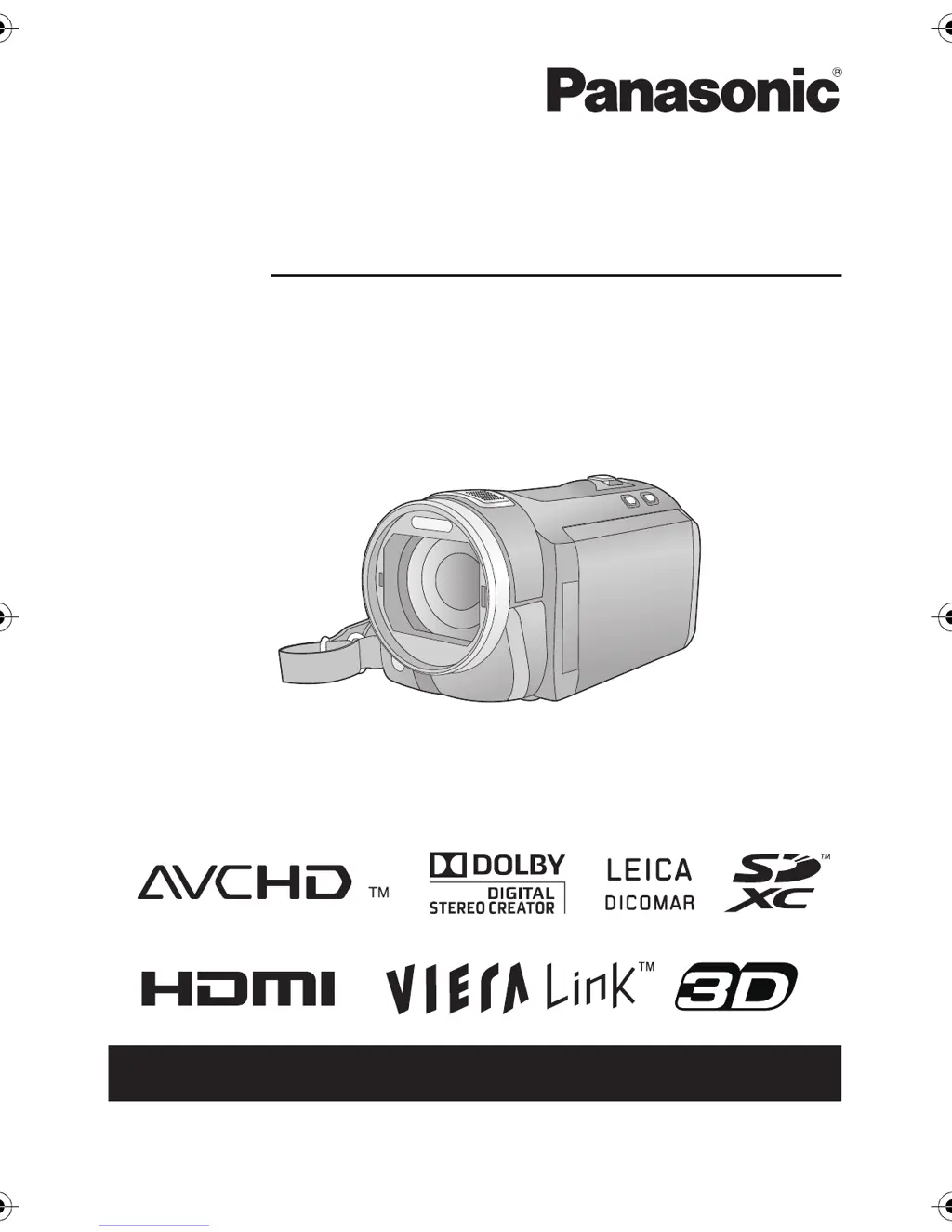
Panasonic HDC-SD700 - User Manual

Panasonic HDC-SD700
168 pages
Print Icon
To Next Page IconTo Next Page
Loading...
until
2010/12/27
For USA and Puerto Rico assistance, please call: 1-800-211-PANA(7262) or,
contact us via the web at: http://www.panasonic.com/contactinfo
Owners Manual
High Definition Video Camera
Model No. HDC-SD800P
Before connecting, operating or adjusting this product, please read the instructions completely.
VQT3K35
HDCSD800P-VQT3K35_mst.book 1 ージ 2010年12月20日 月曜日 午前9時4

Table of Contents

Other manuals for Panasonic HDC-SD700

Questions and Answers

  • J
    joshuarodriguezAug 15, 2025
    Why does my Panasonic Camcorder turn off by itself?
    • A
      Angela NicholsAug 15, 2025
      Your Panasonic Camcorder might be turning off automatically because of the VIERA Link feature, which is activated when you turn off the TV using the TV remote control. To prevent this, set the [VIERA Link] setting to [OFF] if you are not using it. Also, the unit turns off automatically if the USB Connection Cable is removed when this unit is connected to a DVD burner to copy or play back images (a disc is being accessed).
  • T
    Timothy MurphyAug 18, 2025
    What to do if my Panasonic Camcorder is not operating normally?
    • R
      Robert LeeAug 18, 2025
      If your Panasonic Camcorder is on but not operating correctly, remove the battery or AC adapter, wait about a minute, and then reconnect it. Wait another minute before turning the unit back on. If normal operation is still not restored, detach the power connected, and contact consumer support.
  • G
    garnerarthurAug 21, 2025
    What to do if I cannot copy scenes from Panasonic HDC-SD700 to other equipment?
    • R
      rosevaughnAug 21, 2025
      If you cannot copy scenes on the SD card of your Panasonic Camcorder by connecting to other equipment with the USB cable, unplug the USB cable once and then reconnect it.
  • K
    Kevin CamachoAug 25, 2025
    Why does my Panasonic HDC-SD700 battery run down so quickly?
    • X
      xmelendezAug 25, 2025
      To address power issues with your Panasonic Camcorder, ensure the battery is fully charged. In cold environments, battery life can be shorter. If the battery still drains quickly after a full charge, it likely needs replacement, as batteries have a limited lifespan.
  • M
    Michael WarnerAug 27, 2025
    What to do if my Panasonic HDC-SD700 Camcorder stops recording on its own?
    • D
      Donald PowersAug 27, 2025
      If your Panasonic Camcorder stops recording unexpectedly, ensure you are using an SD card suitable for motion picture recording. If the data writing speed has deteriorated, format the SD card using the camcorder. Also, if [AGS] is turned [ON], record in the normal horizontal position or set [AGS] to [OFF].
  • S
    Stephanie AyersAug 30, 2025
    What does "ERROR OCCURRED. PLEASE TURN UNIT OFF, THEN TURN ON AGAIN." mean on my Panasonic HDC-SD700 Camcorder?
    • J
      jontaylorAug 31, 2025
      If your Panasonic Camcorder displays the error message, "ERROR OCCURRED. PLEASE TURN UNIT OFF, THEN TURN ON AGAIN.," try restarting the unit by turning it off and on. If the message continues to appear after restarting, the unit needs repair. Detach the power connected, contact consumer support.
  • T
    Tyler AndersonSep 2, 2025
    How to fix the auto focus on my Panasonic HDC-SD700?
    • T
      Thomas BenderSep 2, 2025
      If the auto focus on your Panasonic Camcorder isn't working, switch to Intelligent Auto Mode. If you're recording a scene that's difficult to focus on in Auto Focus Mode, use the Manual Focus Mode to adjust the focus.
  • J
    Jared CisnerosSep 5, 2025
    How to adjust color balance on Panasonic HDC-SD700?
    • V
      vickie23Sep 5, 2025
      If the color balance of your Panasonic Camcorder images appears strange when recording in places like a gymnasium, set the white balance setting to (Indoor mode 2). If you still cannot record clearly, set it to (Manual adjustment mode).
  • A
    Adrian TurnerSep 8, 2025
    How to fix remaining battery indication on Panasonic Camcorder?
    • C
      carol25Sep 8, 2025
      If the remaining battery indication on your Panasonic Camcorder is not displaying correctly, fully charge the battery, discharge it completely, and then charge it again.
  • Y
    ybenitezSep 12, 2025
    Why scenes/still pictures cannot be played back on Panasonic Camcorder?
    • B
      Barbara TorresSep 12, 2025
      Scenes or still pictures on your Panasonic Camcorder where the thumbnails are displayed as cannot be played back.

Summary

Getting Started and Safety

Safety Precautions

Essential safety warnings and cautions for operating the video camera.

Power, Battery, and SD Card Management

SD Card Preparation and Usage

Guidelines for compatible SD cards, insertion, removal, and usage.

Basic Camera Operations

Recording Motion Pictures

Starting and Pausing Recording

How to start, pause, and resume motion picture recording.

Recording Formats and Settings

Details on AVCHD, 1080/60p, iFrame formats and advanced recording functions.

Manual Recording Controls

Adjusting focus, white balance, shutter speed, and iris manually.

Recording Still Pictures

Capturing Still Images

Steps for taking still pictures and using focus indications.

Advanced Still Picture Features

Using Smile Shot, flash, red-eye reduction, and self-timer.

High-Speed Burst Shooting

Capturing rapid sequences of still pictures.

Playback Operations

Copying and Dubbing Content

Troubleshooting

Error Messages and Recovery

Handling common error messages and data recovery procedures.

Panasonic HDC-SD700 Specifications

General IconGeneral
Digital zoom700 x
Optical zoom12 x
Focal length range3.45 - 41.4 mm
Focal length (35mm film equivalent)35 - 420 mm
Sensor typeMOS
Total megapixels9.15 MP
Optical sensor size1/4.1 \
Display diagonal3 \
Built-in flashYes
Image formats supportedJPG
Still image resolution(s)2880 x 1920, 3072 x 1728, 3600 x 2400, 3840 x 2160, 4608 x 3072
Shutter speed (photo)1/2 - 1/2000 s
USB 2.0 ports quantity1
Compatible memory cardsSD, SDHC, SDXC
Product colorBlack
Weight and Dimensions IconWeight and Dimensions
Depth138 mm
Width66 mm
Height69 mm
Weight375 g

Related product manuals