40
VQT3K35
Using the quick menu
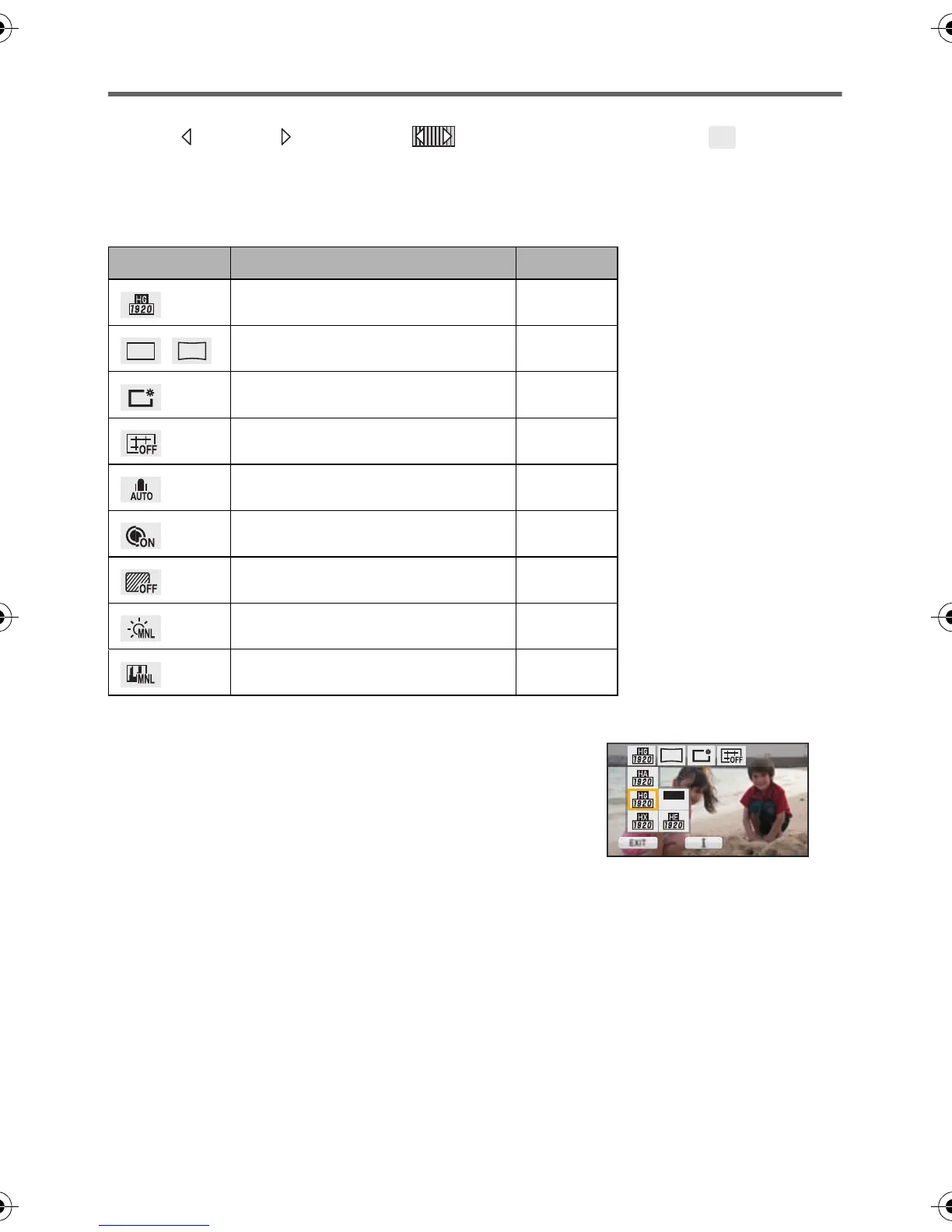
This allows quick setting of some of the menus.
≥ Touch (left side)/ (right side) of on the Touch Menu to display . (l 26)
1 Touch [Q.MENU].
The following menus can be set. Touch the desired menu.
≥ The items displayed differ depending on the position of the mode switch or settings.
2 Touch the desired item to enter the setting.
3 Touch [EXIT] to exit the quick menu.
Icon Function Page
[REC MODE]
l 61
/
[PICTURE SIZE]
l 71
[POWER LCD]
l 44
[GUIDE LINES]
l 59
[MIC LEVEL]
l 68
[MF ASSIST]
l 78
[ZEBRA]
l 69
[LUMINANCE]
l 70
[HISTOGRAM]
l 70
Q.
MENU
14.2
M
13.3
M
13.3
M
HDCSD800P-VQT3K35_mst.book 40 ページ 2010年12月20日 月曜日 午前9時4分















 To Next Page