26
VQT3K35
∫ About the operation icons
///:
These icons are used to switch the menu and thumbnail
display page, for item selection and setting etc.
:
Touch to return to the previous screen such as when
setting menus.
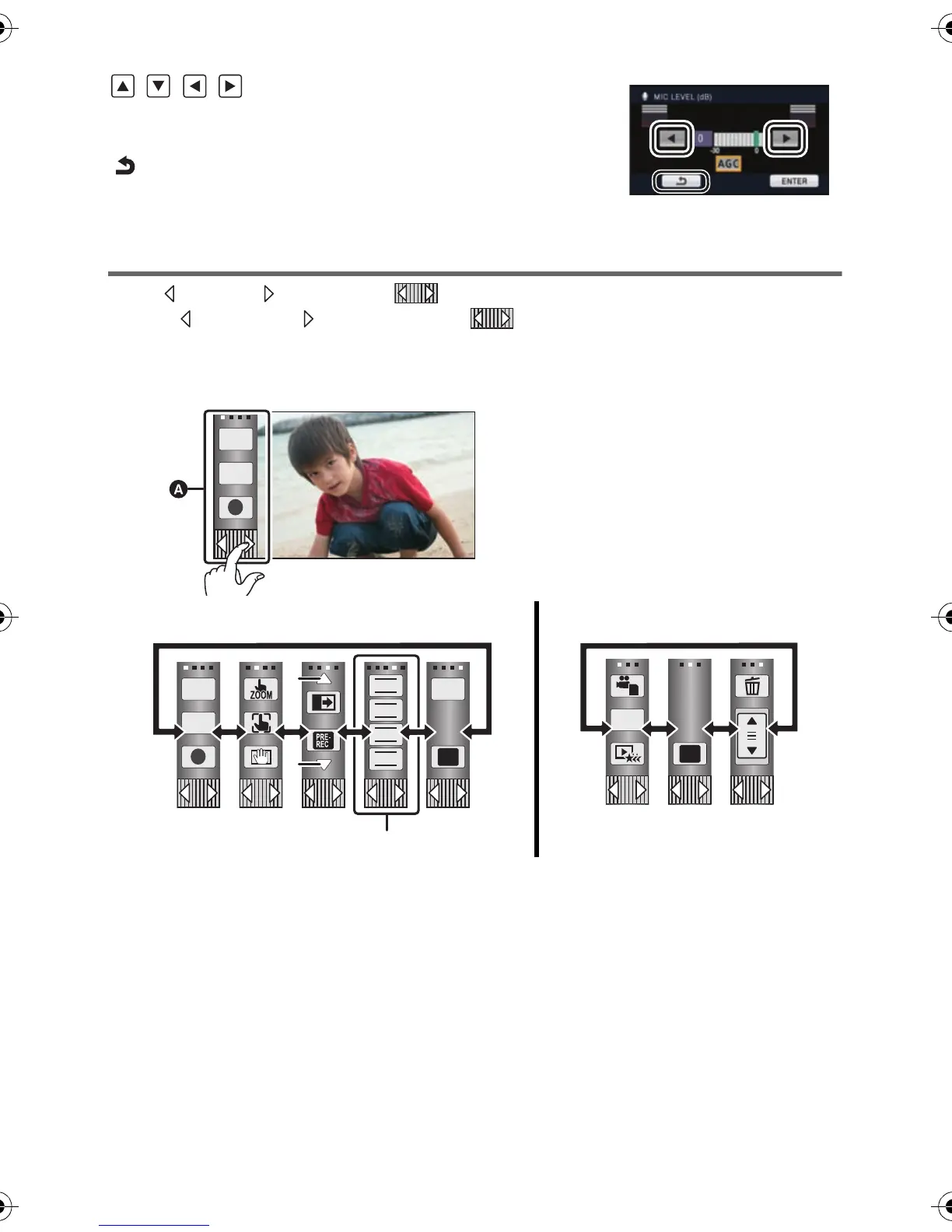
About the Touch Menu
Touch (left side)/ (right side) of on the Touch Menu to switch the operation icons.
Touch (left side)/ (right side) of on the Touch Menu.
≥ It is also possible to switch the operation icons by sliding the Touch Menu right or left while
touching it.
B Touch these icons to switch pages upward or downward.
C Displayed only during the Manual Mode.
A Touch Menu
Recording Mode Playback Mode
T
W
T
W
FOCUS
WB
SHTR
IRIS
MENU
Q.
MENU
HDCSD800P-VQT3K35_mst.book 26 ページ 2010年12月20日 月曜日 午前9時4分















 To Next Page