Selecting a mode
Change the mode to recording or playback.
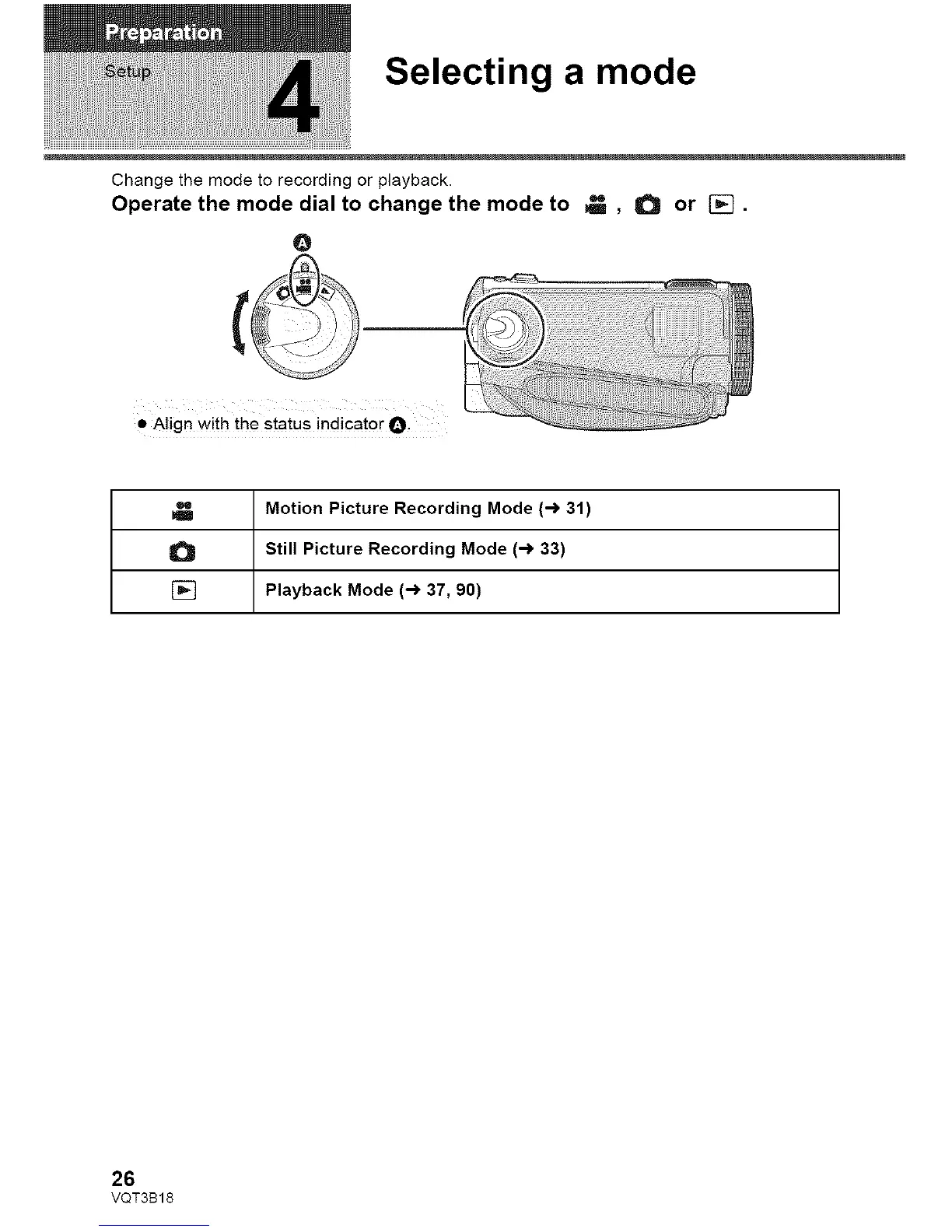
Operate the mode dial to change the mode to _ , O or [].
@
• Align with the status indicator O.
Motion Picture Recording Mode (-> 31)
Still Picture Recording Mode (-> 33)
[] Playback Mode (-> 37, 90)
26
VQT3B18















 To Next Page