• Adjusting the field of view
It adjusts the field of view to show the
images on the viewfinder clearly.
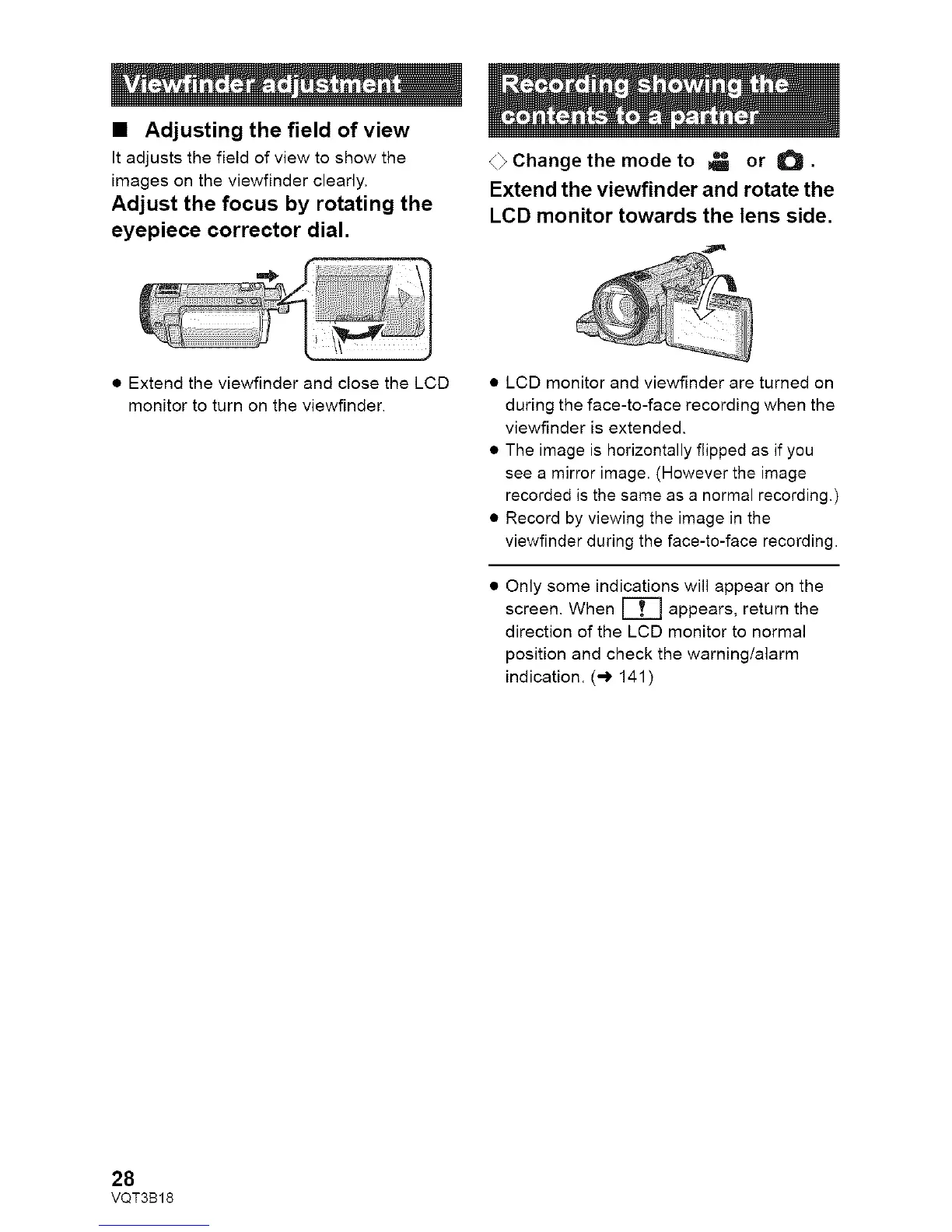
Adjust the focus by rotating the
eyepiece ¢orrector dial.
4_ Change the mode to _ or O.
Extend the viewfinder and rotate the
LCD monitor towards the lens side.
• Extend the viewfinder and close the LCD
monitor to turn on the viewfinder.
• LCD monitor and viewfinder are turned on
during the face-to-face recording when the
viewfinder is extended.
• The image is horizontally flipped as if you
see a mirror image. (However the image
recorded is the same as a normal recording.)
• Record by viewing the image in the
viewfinder during the face-to-face recording.
Only some indications will appear on the
screen. When _ appears, return the
direction of the LCD monitor to normal
position and check the warning/alarm
indication. (-) 141 )
28
VQT3B18















 To Next Page