• Change the thumbnail display
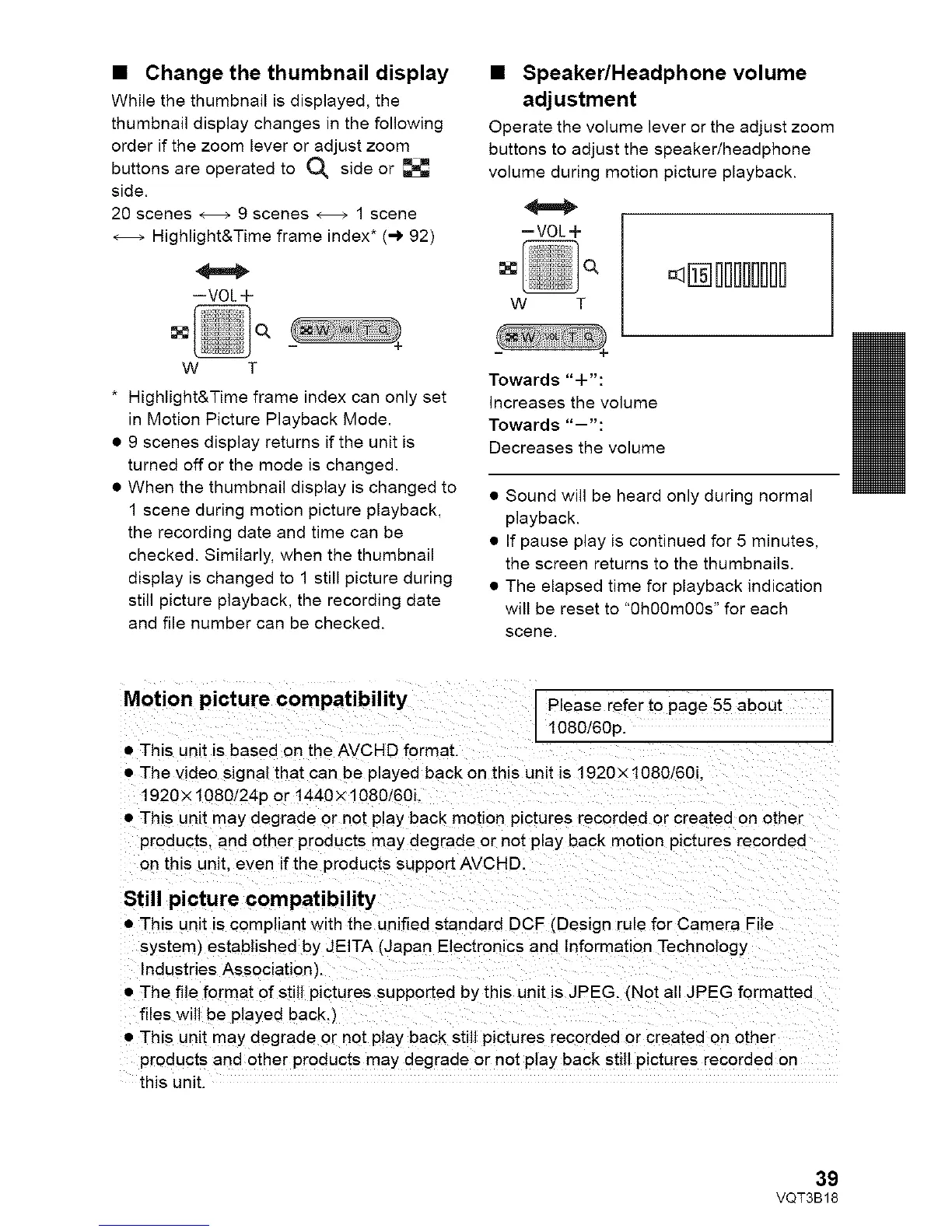
While the thumbnail is displayed, the
thumbnail display changes in the following
order if the zoom lever or adjust zoom
buttons are operated to O_ side or
side.
20 scenes _ 9 scenes _ 1 scene
Highlight&Time frame index* (-) 92)
--VOL+
• Speaker/Headphone volume
adjustment
Operate the volume lever or the adjust zoom
buttons to adjust the speaker/headphone
volume during motion picture playback.
=VOL+
<Iiliiiiiii
w T
w T
* Highlight&Time frame index can only set
in Motion Picture Playback Mode.
• 9 scenes display returns if the unit is
turned off or the mode is changed.
• When the thumbnail display is changed to
1 scene during motion picture playback,
the recording date and time can be
checked. Similarly, when the thumbnail
display is changed to 1 still picture during
still picture playback, the recording date
and file number can be checked.
Towards "+":
Increases the volume
Towards "--'"
Decreases the volume
• Sound will be heard only during normal
playback.
• If pause play is continued for 5 minutes,
the screen returns to the thumbnails.
• The elapsed time for playback indication
will be reset to "0h00m00s" for each
scene.
Motion picture compatibility Please refer to page 55 about
1080/60p.
• This unit is based on the AVCHD format.
• The video signal that can be played back on this unit is 1920x 1080/60i.
1920 x 1080/24p or 1440 x 1080/60i.
• This unit may degrade or not play back motion pictures recorded or created on other
products, and other products may degrade or not play back motion pictures recorded
on this unit. even if the products support AVCHD.
Still picture compatibility
• This unit is compliant with the unified standard DCF (Design rule for Camera File
system) established by JEITA (Japan Electronics and Information Technology
Industries Association),
• The file format of still pictures supported by this unit is JPEG. _Not all JPEG formatted
files will be played back.)
• This unit may degrade or not play back still pictures recorded or created on other
products and other products may degrade or not play back still pictures recorded on
this unit,
39
VQT3B18















 To Next Page