EasyManua.ls Logo

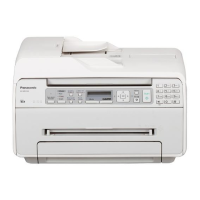
Panasonic KX-MB1520FX7 - User Manual

Panasonic KX-MB1520FX7
396 pages
Print Icon
To Next Page IconTo Next Page
Loading...
© Panasonic System Networks Co., Ltd. 2012
Unauthorized copying and distribution is a violation
of law.
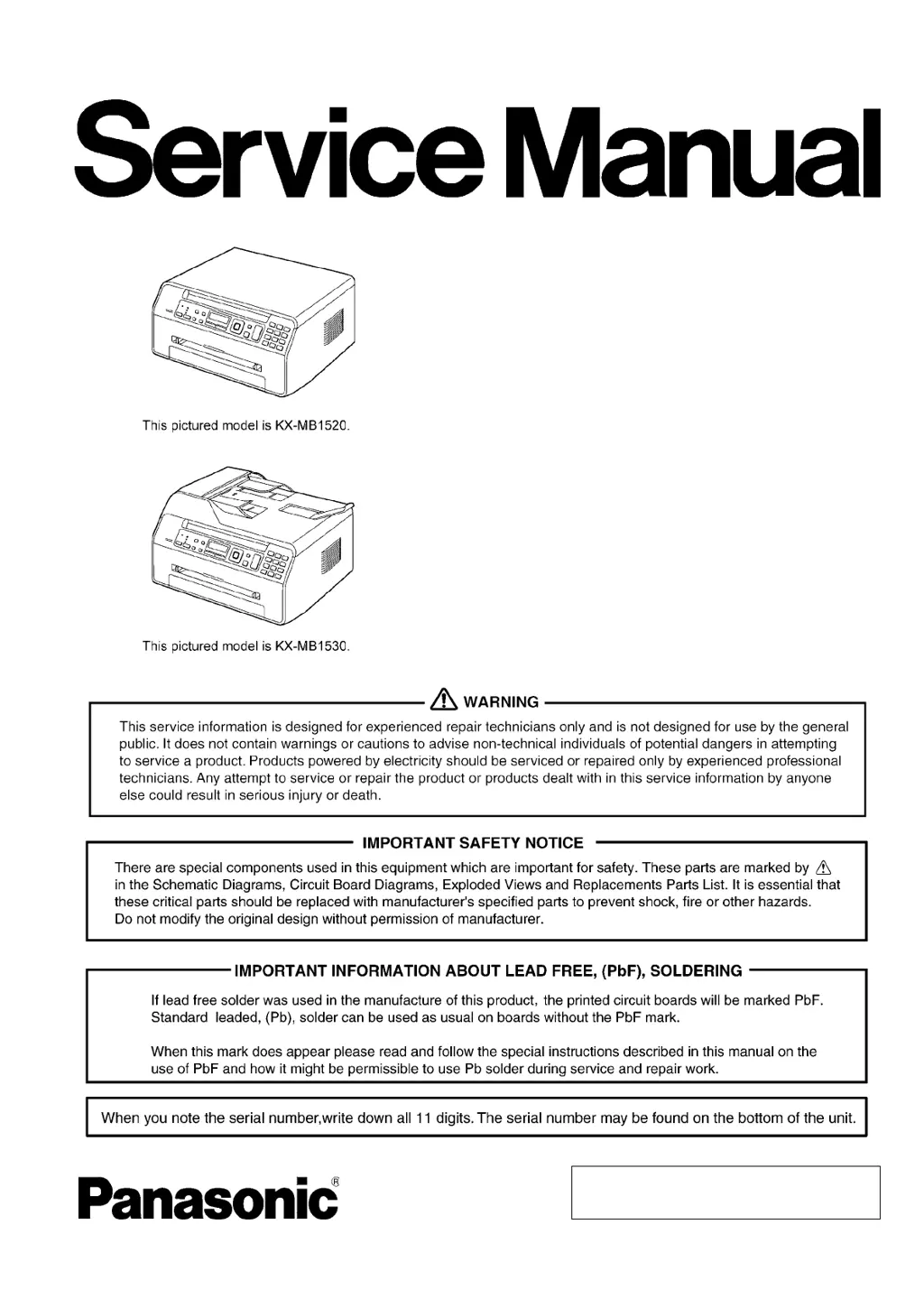
ORDER NO.KMF1108383CE
Multi-Function printer
Model No. KX-MB1520FX7
KX-MB1520FX8
KX-MB1520FXW
KX-MB1530FX7
KX-MB1530FXW
(KX-MB1520FX7/KX-MB1520FX8/KX-MB1530FX7: for
Algeria, Jordan, Oman)
(KX-MB1520FX7/KX-MB1530FXW: for Eastern Europe)

Table of Contents

Questions and Answers

  • J
    Joanne BarkerAug 16, 2025
    How to fix Panasonic Printer when recording paper is not installed?
    • M
      Melissa DrakeAug 16, 2025
      If recording paper is not installed or the paper input tray has run out of paper, install paper. If recording paper was not fed into the unit properly, re-insert the recording paper. If the paper input tray is not installed or is not inserted completely, insert the paper input tray into the unit.
  • M
    Michael GrayAug 19, 2025
    What to do if the Panasonic KX-MB1520FX7 Printer toner is empty?
    • B
      Bryan Smith IIAug 19, 2025
      If the toner is empty, replace the toner cartridge immediately.
  • G
    gregory44Aug 22, 2025
    What to do if the loaded recording paper is not the appropriate size in my Panasonic Printer?
    • B
      Brad BarrettAug 22, 2025
      If the loaded recording paper is not the appropriate size, load recording paper of the size that is shown on the display. If this message is often displayed, also change the recording paper size setting and load the appropriate recording paper. If the recording paper size setting is set to '16K', change the recording paper size setting and load the appropriate recording paper.
  • J
    Justin GatesAug 26, 2025
    When should I replace the toner if the toner is reaching the end of its life in Panasonic KX-MB1520FX7?
    • L
      lipatriciaAug 26, 2025
      If the toner is reaching the end of its life, you will need to replace the toner cartridge soon.
  • J
    Joyce SullivanAug 28, 2025
    What to do when the drum inside the toner cartridge has finished its service life in Panasonic Printer?
    • C
      Christopher WhiteAug 28, 2025
      If the drum inside the toner cartridge has finished its service life, replace the toner cartridge immediately. As a temporary measure, you can press [Start] to continue printing; however, the printing quality may be poor, so we do not recommend continuous use of the finished cartridge.
  • A
    Andrew PatelAug 31, 2025
    What to do when the drum inside the toner cartridge is reaching the end of its life in Panasonic KX-MB1520FX7 Printer?
    • T
      timothyponceAug 31, 2025
      If the drum inside the toner cartridge is reaching the end of its life, replace the toner cartridge as soon as possible.
  • W
    William WilliamsSep 3, 2025
    What to do if the Panasonic Printer memory is full of received documents?
    • A
      Anthony JordanSep 3, 2025
      If the memory is full of received documents due to a lack of recording paper or a recording paper jam, load paper or remove the jammed paper. If the PC fax is set to 'ALWAYS', check the connection between the computer and the unit and check that the computer is turned ON.
  • C
    Christine QuinnSep 6, 2025
    What to do if document exceeds memory capacity during transmission on Panasonic Printer?
    • S
      Sierra PerezSep 6, 2025
      If when performing memory transmission, the document being stored exceeded the memory capacity of the unit, send the entire document manually. When making a copy, if the document being stored exceeded the memory capacity of the unit, press [Stop] to clear the message. Divide the document into sections.
  • R
    robert78Sep 9, 2025
    What to do if the other party's fax machine is busy when using Panasonic Printer?
    • T
      Thomas BallSep 9, 2025
      If the other party's fax machine is busy or has run out of recording paper, try again.
  • A
    Andrea JonesSep 12, 2025
    What to do if there is no space to store new items in the Panasonic KX-MB1520FX7 phonebook?
    • E
      Emily KochSep 12, 2025
      If there is no space to store new items in the phonebook, erase unnecessary items.

Summary

Safety Precautions

For Service Technicians

Guidelines for safe and effective repair service, adhering to manual procedures to prevent hazards.

Service Precautions

Measures to prevent static electricity damage to electronic components and ensure safe handling.

Warning

Technical Descriptions

General Block Diagram

Provides a high-level overview of the main functional blocks and their interactions.

Main Board Section

Details the data flow for FAX Tx, FAX Rx, PC Scan, and PC Print operations.

Motor Drive Section

Explains the control circuits for the engine motor and scanner motors.

Sensors and Switches Section

Details the function and location of various sensors and switches used in the unit.

Installation Instructions

Test Mode

Test Functions

Lists codes for performing basic functional checks to identify malfunctions.

Service Mode

Programming and Lists

Explains user and service modes, set functions, and test functions accessed via codes.

Service Function Table

A table detailing service codes, functions, set values, and default settings.

Troubleshooting Guide

User Recoverable Errors

Lists common error messages displayed on the unit and their corresponding causes and remedies.

Troubleshooting Details

Provides a structured approach to diagnose and resolve unit problems.

Recording Paper Jam

Step-by-step instructions for clearing paper jams from the rear and front cover areas.

CALL SERVICE Troubleshooting Guide

Troubleshooting flowcharts for specific 'CALL SERVICE' error messages.

Main Board Section

Guidance for troubleshooting issues related to the main board and its voltage supplies.

Power Supply Board Section

Troubleshooting flowcharts and key components for the power supply board.

Disassembly and Assembly Instructions

Flow Chart for Disassembly

A visual guide outlining the sequence of disassembly steps for various unit sections.

How to Remove Main Board

Steps for removing the main board, fan, HVPS, and inter-lock board assembly.

How to Remove Fuser Unit

Procedure for safely removing the fuser unit from the printer.

Maintenance

Schematic Diagram

Main Board (KX-MB1520)

Schematic diagram for the main board of the KX-MB1520 series.

Main Board (KX-MB1530)

Schematic diagram for the main board of the KX-MB1530 series.

Exploded View and Replacement Parts List (KX-MB1520 only)

Exploded View and Replacement Parts List (KX-MB1530 only)

Electrical Parts List

Main Board

List of ICs, transistors, diodes, capacitors, connectors, and resistors on the main board.

Panasonic KX-MB1520FX7 Specifications

General IconGeneral
BrandPanasonic
ModelKX-MB1520FX7
CategoryPrinter
LanguageEnglish

Related product manuals