Introduction
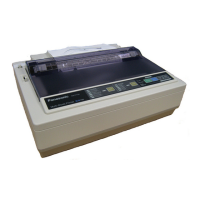
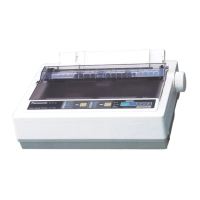
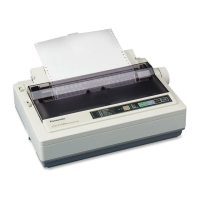
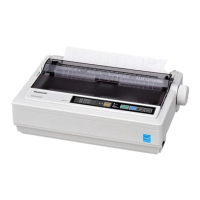
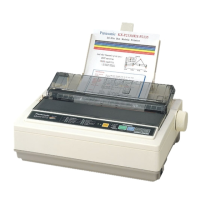
Thank you for purchasing the Panasonic KX-P1131E Impact Dot Matrix Printer.
This printer is a versatile, high quality 24-pin dot matrix printer which is designed to meet the needs of your
office.
This printer has been factory set to operate with the most popular software packages. Your application software
should control the printer’s functions. In most cases, there will be no need to change the factory settings.
For optimum performance and safety, please read these instructions carefully.
Feature Highlights
Power consumption: Ready 3W
Printer Emulation: Epson
®
LQ-300 without color and IBM
®
Proprinter
®
X24E
Font: 3 Draft (Pica, Elite, Micron)
7 LQ (Courier, Bold PS, Prestige, Script, Sans Serif, Roman, OCR-B)
Printing speed: Draft—240 characters per second (12 cpi)
LQ—80 characters per second (12 cpi)
Paper Feeding: Friction and Tractor
Tear Off: Advances fanfold paper's perforation to tear position
Paper Parking: Allows to use single sheets/envelopes without removing/wasting fanfold paper
Interface: USB 2.0, parallel, serial
About the documentation
The printer’s documentation consists of 2 manuals.
Operating Instructions
(this manual)
The Operating Instructions explain part names, installation,
operations, maintenance and specifications of the unit.
Installation Manual
(printed documentation)
The Installation Manual explains installation procedures.
2 Operating Instructions
Introduction



 To Next Page