Preparation
9
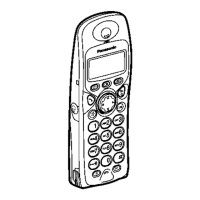
E {C} (Talk)
F Navigator key
L {e}{v}: To search for the desired
item in menus.
L{>}: To select the desired item or
move the cursor to the right.
L{<}: To return to the previous screen
or move the cursor to the left.
G {s} (Speakerphone)
H {R} (Recall)
I Receiver
J Display
K {R} (Redial/Pause)
L {ih} (Off/Power)
M {C/T} (Clear/Mute)
N Dial keypad
L The icons printed below the dial keys
shown in the illustration (g, d, ■ etc.)
are found on the KX-TCD240 only.
These icons indicate answering
system operations.
O {INT} (Intercom)
P Microphone
Note:
L Up to 3 menu items can be displayed at a
time. To select a menu item not shown on
the current page, scroll up or down by
pressing the navigator key, {e} or {v},
respectively.
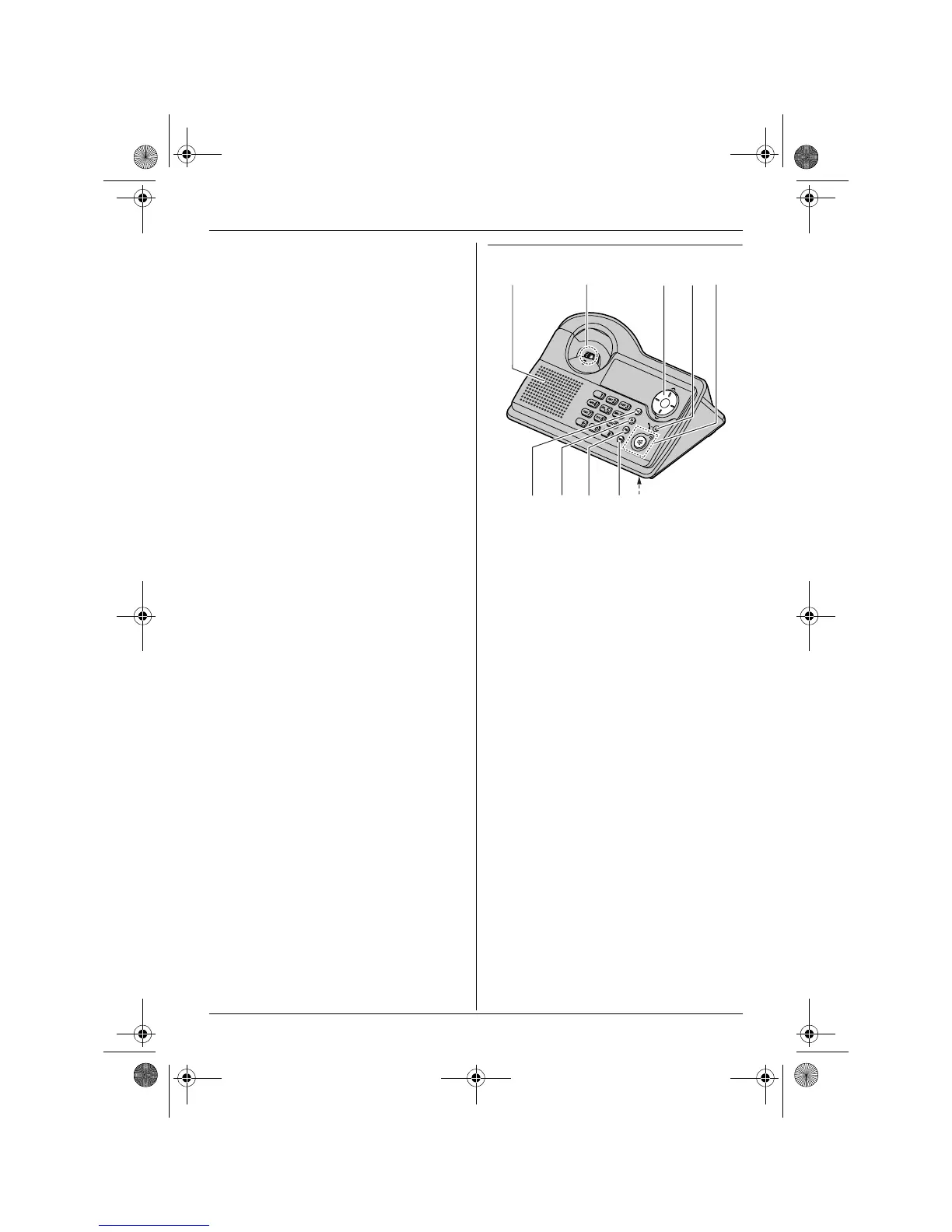
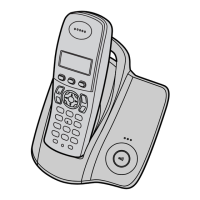
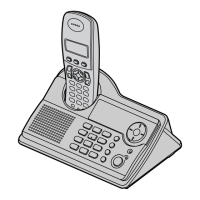
Base unit (KX-TCD230)
A Speaker
B Charge contact
C Navigator key
L{>}{<}: To adjust the ringer and
speaker volumes.
L {<}{>}: To select the desired
ringtone.
D In use indicator
L Lights when a handset is in use (on a
call, etc.).
L Flashes when a call is being received.
E {s} (Speakerphone)/Speakerphone
indicator
F {x} (Page)
G {R} (Recall)
H {R} (Redial/Pause)
I {T} (Mute)
J Microphone
g
g
A
B



 To Next Page