EasyManua.ls Logo

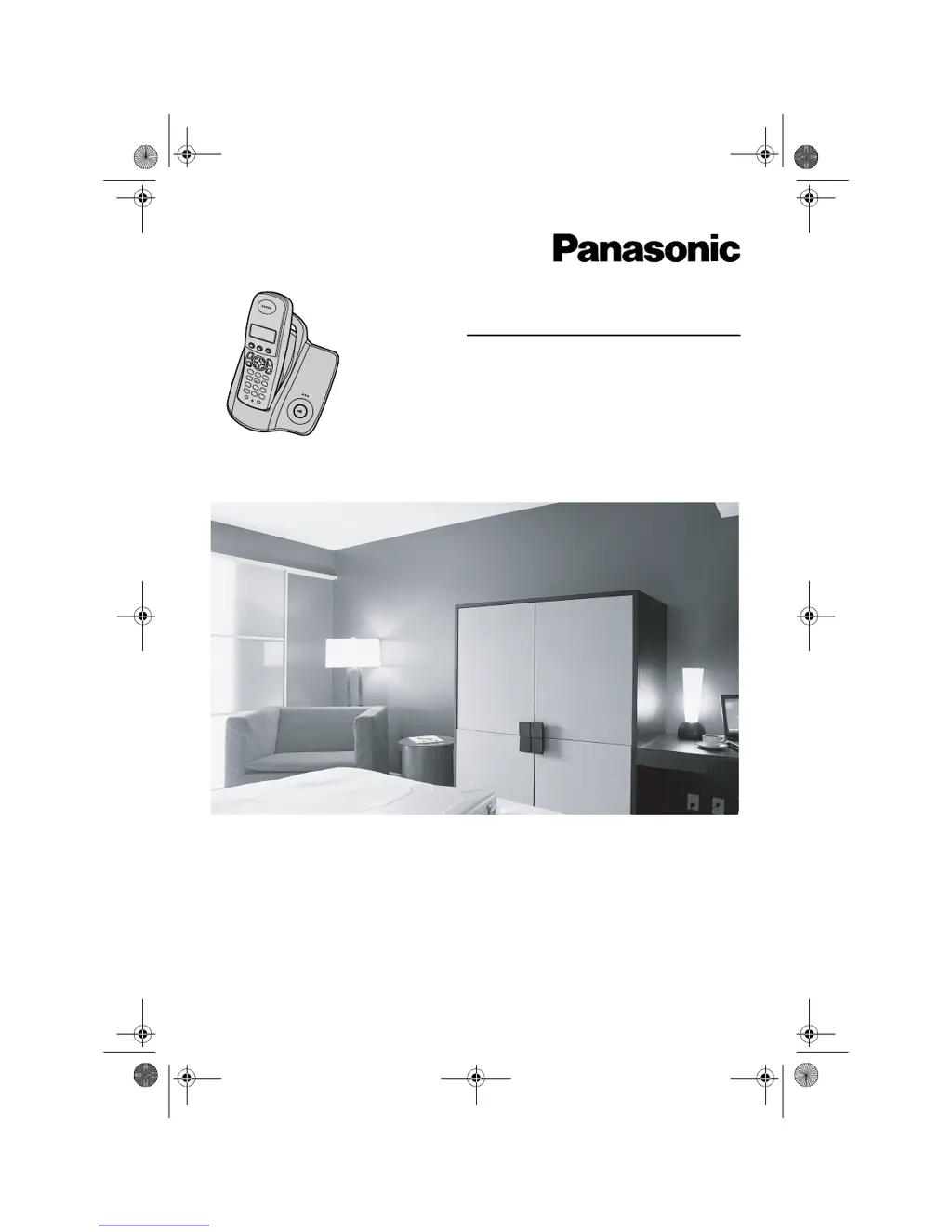
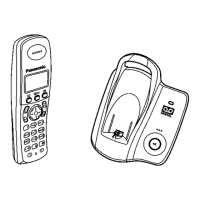
Panasonic KX-TCD200E - User Manual

Panasonic KX-TCD200E
44 pages
Print Icon
To Next Page IconTo Next Page
Loading...
This unit is Caller ID compatible. To display the caller’s phone
number, you must subscribe to Caller ID service.
Charge the batteries for about 7 hours before initial use.
Please read these operating instructions before using the unit and save them for
future reference.
Operating Instructions
Model No. KX-TCD200E
Digital Cordless Phone
TCD200E(e-e).book Page 1 Wednesday, February 9, 2005 2:58 PM

Questions and Answers

  • N
    nicholasmartinezAug 20, 2025
    Why can't I make or receive calls on my Panasonic Cordless Telephone?
    • A
      Amy MillsAug 20, 2025
      If you are unable to make or receive calls on your Panasonic Cordless Telephone, check the AC adapter and telephone line cord connections. If you're using a splitter, remove it and connect the unit directly to the wall socket. Try disconnecting the base unit from the telephone line and connecting the line to a known working telephone. Also, ensure that the call bar and key lock features are turned off, and that you are not dialing a call restricted number.
  • G
    Glenn GilbertAug 22, 2025
    Why doesn't my Panasonic KX-TCD200E ring?
    • J
      Jennifer BurnsAug 22, 2025
      If your Panasonic Cordless Telephone does not ring, check if the ringer volume is turned off. Adjust the handset and base unit ringer volume. Also, check if the night mode feature is turned on and turn it off.
  • N
    Nicole WardAug 25, 2025
    Why is my Panasonic Cordless Telephone beeping and/or flashing '7'?
    • B
      brewermarkAug 25, 2025
      If your Panasonic Cordless Telephone handset beeps intermittently and/or '7' flashes, fully charge the batteries.
  • E
    Ellen ChurchAug 26, 2025
    Why does my Panasonic KX-TCD200E Cordless Telephone have static or cut out sound?
    • D
      donaldmcintyreAug 27, 2025
      If you hear static or the sound cuts in and out on your Panasonic Cordless Telephone, try moving the handset and base unit away from other electrical appliances. Move closer to the base unit. If you have DSL service, consider connecting a filter to the telephone line between the base unit and the telephone line jack.
  • L
    lloydebonyAug 28, 2025
    Why can't I register a handset to a base unit on my Panasonic KX-TCD200E?
    • L
      lucasgutierrezAug 28, 2025
      If you cannot register a handset to a base unit of your Panasonic Cordless Telephone, it might be because the maximum number of base units (4) are already registered to the handset or the maximum number of handsets (6) are already registered to the base unit. You may also have entered the wrong PIN number.
  • C
    Colin GeorgeAug 29, 2025
    Why do I hear a busy tone when pressing {C} on my Panasonic KX-TCD200E Cordless Telephone?
    • M
      Maurice JeffersonAug 29, 2025
      If you hear a busy tone when pressing {C} on your Panasonic Cordless Telephone, it could be that the handset is too far from the base unit; move closer and try again. Another possibility is that another handset is on an outside call; wait for the other user to complete the call.
  • J
    John LoveSep 1, 2025
    Why is the handset display blank on my Panasonic KX-TCD200E?
    • C
      curtishughesSep 1, 2025
      If the handset display of your Panasonic Cordless Telephone is blank, turn the power on.
  • M
    Mary ShahSep 2, 2025
    Why is caller information not displayed on my Panasonic Cordless Telephone?
    • M
      mcleanabigailSep 2, 2025
      If caller information is not displayed on your Panasonic Cordless Telephone, ensure that you have subscribed to Caller ID service. If you have DSL service, consider connecting a filter between the base unit and the telephone line jack.
  • B
    Brian ClarkSep 4, 2025
    What to do if my Panasonic KX-TCD200E handset will not turn on?
    • R
      Raymond MartinezSep 4, 2025
      If the handset of your Panasonic Cordless Telephone will not turn on, make sure that the batteries are installed correctly. Fully charge the batteries. Clean the charge contact and charge again.
  • S
    Shaun RiceSep 6, 2025
    Why is 'w' flashing on my Panasonic Cordless Telephone?
    • J
      Jennifer WatkinsSep 6, 2025
      If 'w' is flashing on your Panasonic Cordless Telephone, it could be due to several reasons: * The handset is not registered to the base unit. * The handset is too far from the base unit; move closer. * The AC adapter is not connected; check the connections.

Panasonic KX-TCD200E Specifications

General IconGeneral
Number of Handsets1
Frequency1.88 - 1.90 GHz
Talk TimeUp to 10 hours
Standby TimeUp to 120 hours
RangeUp to 300 meters outdoors, 50 meters indoors
DisplayLCD
Phonebook Capacity50 entries
Ringtones10
Caller IDYes
SpeakerphoneNo
Answering MachineNo
TypeDECT
Battery TypeNiMH
IntercomYes (Handset to Handset)
Conference CallYes (Handset-Handset-External Line)

Related product manuals