EasyManua.ls Logo

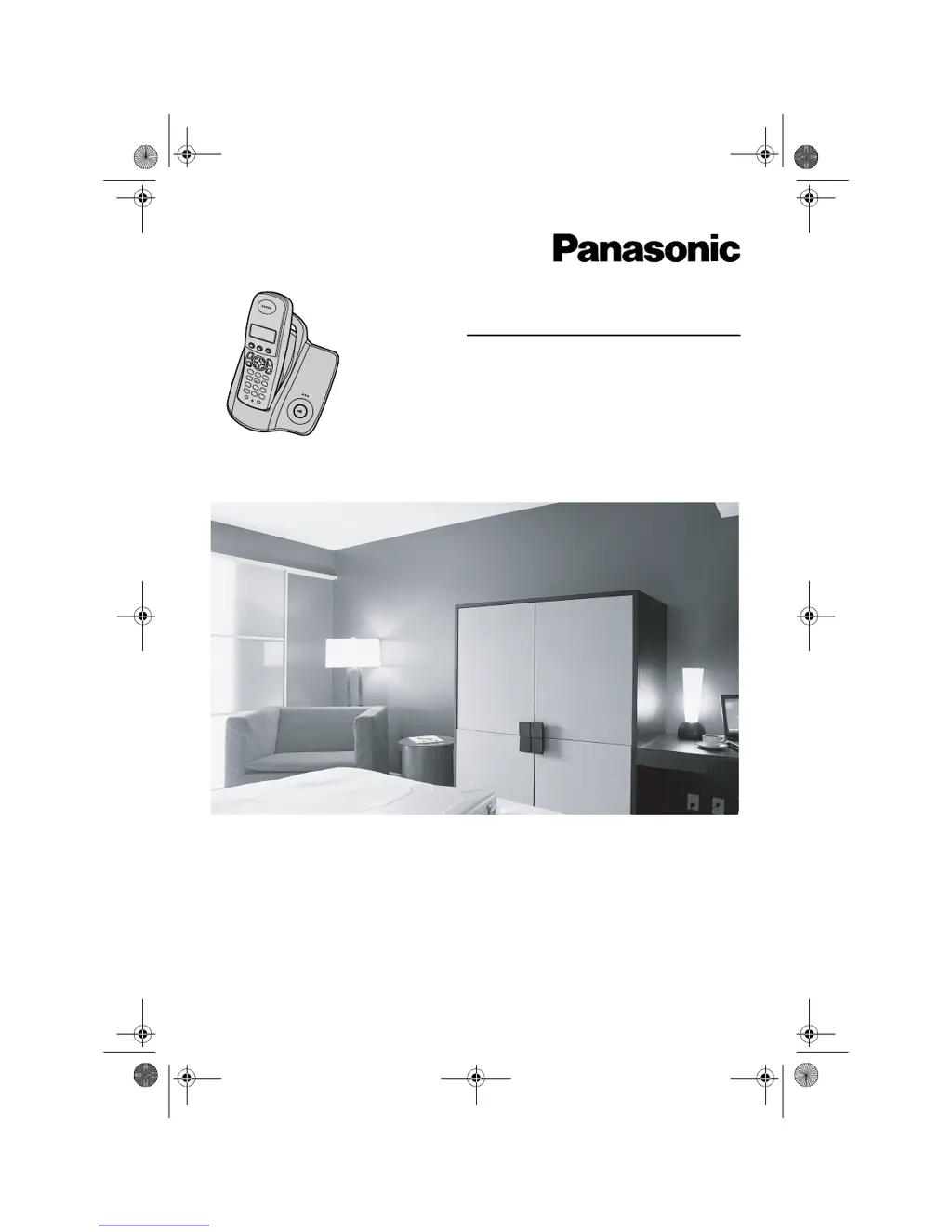
Panasonic KX-TCD200E - User Manual

Panasonic KX-TCD200E
44 pages
Print Icon
To Next Page IconTo Next Page
Loading...
This unit is Caller ID compatible. To display the caller’s phone
number, you must subscribe to Caller ID service.
Charge the batteries for about 7 hours before initial use.
Please read these operating instructions before using the unit and save them for
future reference.
Operating Instructions
Model No. KX-TCD200E
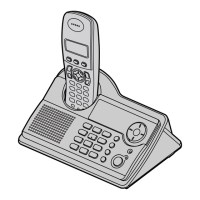
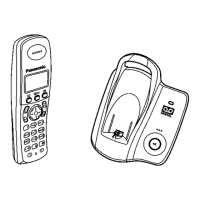
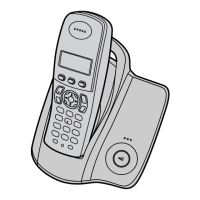
Digital Cordless Phone
TCD200E(e-e).book Page 1 Wednesday, February 9, 2005 2:58 PM

Questions and Answers

  • M
    Mary MooreSep 8, 2025
    What to do if '7' still flashes after fully charging my Panasonic Cordless Telephone batteries?
    • E
      Eric PriceSep 8, 2025
      If you fully charged the batteries of your Panasonic Cordless Telephone, but '7' still flashes, clean the charge contact and charge again. If the issue persists, it may be time to replace the batteries.
  • B
    Brian King MDSep 10, 2025
    Why isn't the battery icon changing when charging my Panasonic KX-TCD200E?
    • A
      Allison BlackburnSep 10, 2025
      If the battery icon on your Panasonic Cordless Telephone does not change when charging, clean the charge contact and charge again. Also, make sure the AC adapter is properly plugged in.
  • S
    Samantha DavisSep 12, 2025
    What to do if my Panasonic Cordless Telephone handset stops working during use?
    • I
      ileeSep 12, 2025
      If the handset of your Panasonic Cordless Telephone stops working while being used, disconnect the AC adapter and turn off the handset. Then, connect the AC adapter, turn on the handset, and try again.
  • A
    amandahenrySep 13, 2025
    Why does my Panasonic KX-TCD200E ring while storing a phonebook entry?
    • D
      David WadeSep 14, 2025
      If the handset of your Panasonic Cordless Telephone starts to ring while storing an entry in the phonebook or assigning a one touch dial, a call is being received. To answer the call, press {C}. Programming will be cancelled, so you'll need to start again.
  • T
    teresasharpSep 15, 2025
    Why does my Panasonic KX-TCD200E Cordless Telephone return to standby mode when viewing caller information?
    • L
      Loretta FrancoSep 16, 2025
      When viewing caller information on your Panasonic Cordless Telephone, do not pause for over 1 minute while searching.
  • K
    Kathy OliverSep 18, 2025
    Why doesn't pressing {R} redial the last number on my Panasonic Cordless Telephone?
    • M
      melissa40Sep 18, 2025
      If pressing {R} on your Panasonic Cordless Telephone does not display or dial the last number dialed, it is possible that the redialed number was more than 24 digits long. Redial the number manually.

Panasonic KX-TCD200E Specifications

General IconGeneral
Number of Handsets1
Frequency1.88 - 1.90 GHz
Talk TimeUp to 10 hours
Standby TimeUp to 120 hours
RangeUp to 300 meters outdoors, 50 meters indoors
DisplayLCD
Phonebook Capacity50 entries
Ringtones10
Caller IDYes
SpeakerphoneNo
Answering MachineNo
TypeDECT
Battery TypeNiMH
IntercomYes (Handset to Handset)
Conference CallYes (Handset-Handset-External Line)

Related product manuals