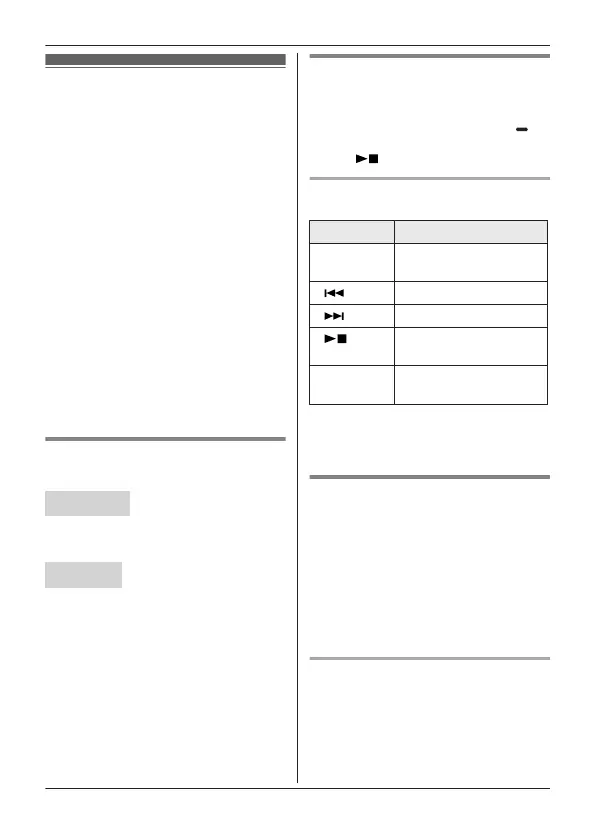
Answering system
Answering system messages are
stored on your telephone’s built-in
recording device.
By default, the answering system is set
to receive message after 4 rings if no
one picks up.
When you have a new answering
system message: “New message” is
displayed on the handset.
Voicemail is a service offered by your
telephone provider. Messages are
stored in their system and accessed
remotely.
When you have a new voicemail:
“Voicemail msg. via phone
co.” will be displayed on the handset.
Important:
R Make sure the unit’s date and time
setting is correct (page 12).
Turning the answering
s
ystem on/off
Base unit
P
ress MANSWER ON/OFFN to turn on/
off the answering system.
Handset
1 T
o turn on:
MMENUN#327
To turn off:
MMENUN#328
2 MOFFN
Note for base unit and handset:
R When the answering system is
turned on, the message counter on
the base unit displays the total
number of messages (old and new).
Listening to messages
Using the base unit
When new messages have been
recorded, the message indicator ( )
o
n the base unit flashes.
Press M
N
(PLAY).
Operating the answering system
d
uring playback
Key Operation
MjN o
r MkN Adjust the speaker
volume
M
N
Repeat message
*
1
M
N Skip message
M N
(STOP)
Stop playback
ME
RASEN Erase currently
playing message
*1 If pressed within the first 5
s
econds of a message, the
previous message is played.
Using the handset
When new messages have been
recorded, “New message” is
displayed.
1 To listen to new messages:
MMENUN#323
To listen to all messages:
MMENUN#324
2 When finished, press MOFFN.
Operating the answering system
MMENUN a MbN: “Answering
device” a MSELECTN
For assistance, please visit https://shop.panasonic.com/support
19
Getting Started
TGU43x(en)_Basic OI_1227_ver025.pdf 19 2023/12/27 9:42:55









 To Next Page