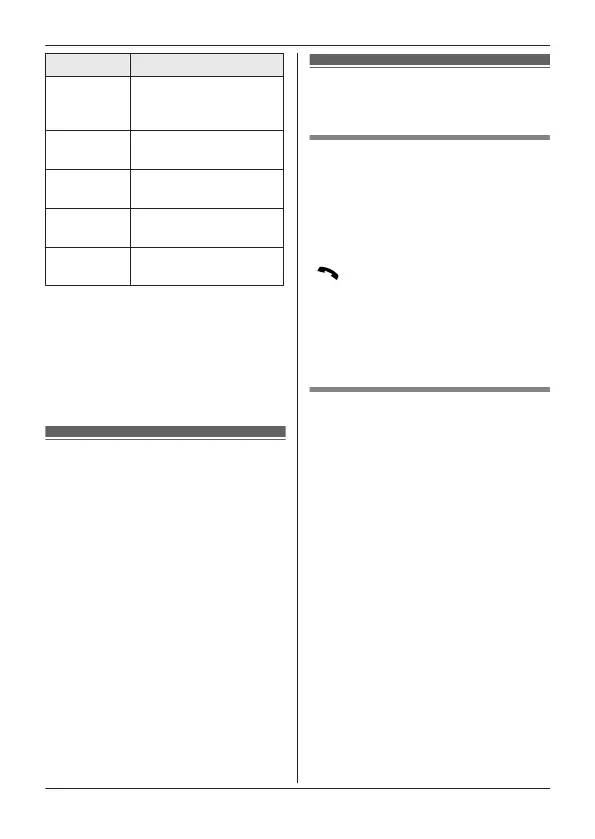
Key Operation
MjN o
r MkN Adjust the receiver/
speaker volume
(during playback)
1
or MFN Repeat message
(during playback)
*1
2
or MEN Skip message (during
playback)
9
or
MSTOPN
Stop recording
Stop playback
*4
*
2
Erase currently
p
laying message
*1 If pressed within the first 5
s
econds of a message, the
previous message is played.
*2 You can also erase as follows:
MPAUSEN a MbN: “Erase” a
MSELECTN a MbN: “Yes” a
MSELECTN
Audible message
a
lert
This feature allows the base unit to
beep to inform you of a new message
arrival when new messages are
recorded. The base unit beeps 2 times
every minute until you listen to the
messages, if the “Base unit beep”
setting is turned on. The default setting
is “Off”.
1 MMENUN#339
2 MbN: Select the desired setting. a
MSAVEN a MOFFN
Answering system
settings
Call screening
W
hile a caller is leaving a message,
you can listen to the call through the
unit’s speaker.
To adjust the speaker volume, press
MjN or MkN on the side repeatedly.
You can answer the call by pressing
M
N
on the handset.
Call screening can be set for each unit.
The default setting is “On”.
1 MMENUN#310
2 MbN: Select the desired setting. a
MSAVEN a MOFFN
Number of rings before the
u
nit answers a call
You can change the number of times
the phone rings “Ring count” before
the unit answers calls. You can select 2
to 7 rings, or “Toll saver”.
The default setting is “4 rings”.
“Toll saver”: The unit’s answering
system answers at the end of the 2nd
ring when new messages have been
recorded, or at the end of the 5th ring
when there are no new messages. If
you call your phone from outside to
listen to new messages, you know that
there are no new messages when the
phone rings for the 3rd time. You can
then hang up without being charged for
the call.
1 MMENUN#211
2 MbN: Select the desired setting. a
MSAVEN a MOFFN
20
For assistance, please visit https://shop.panasonic.com/support
Getting Started
TGU43x(en)_Basic OI_1227_ver025.pdf 20 2023/12/27 9:42:55









 To Next Page