9
Preparation
8
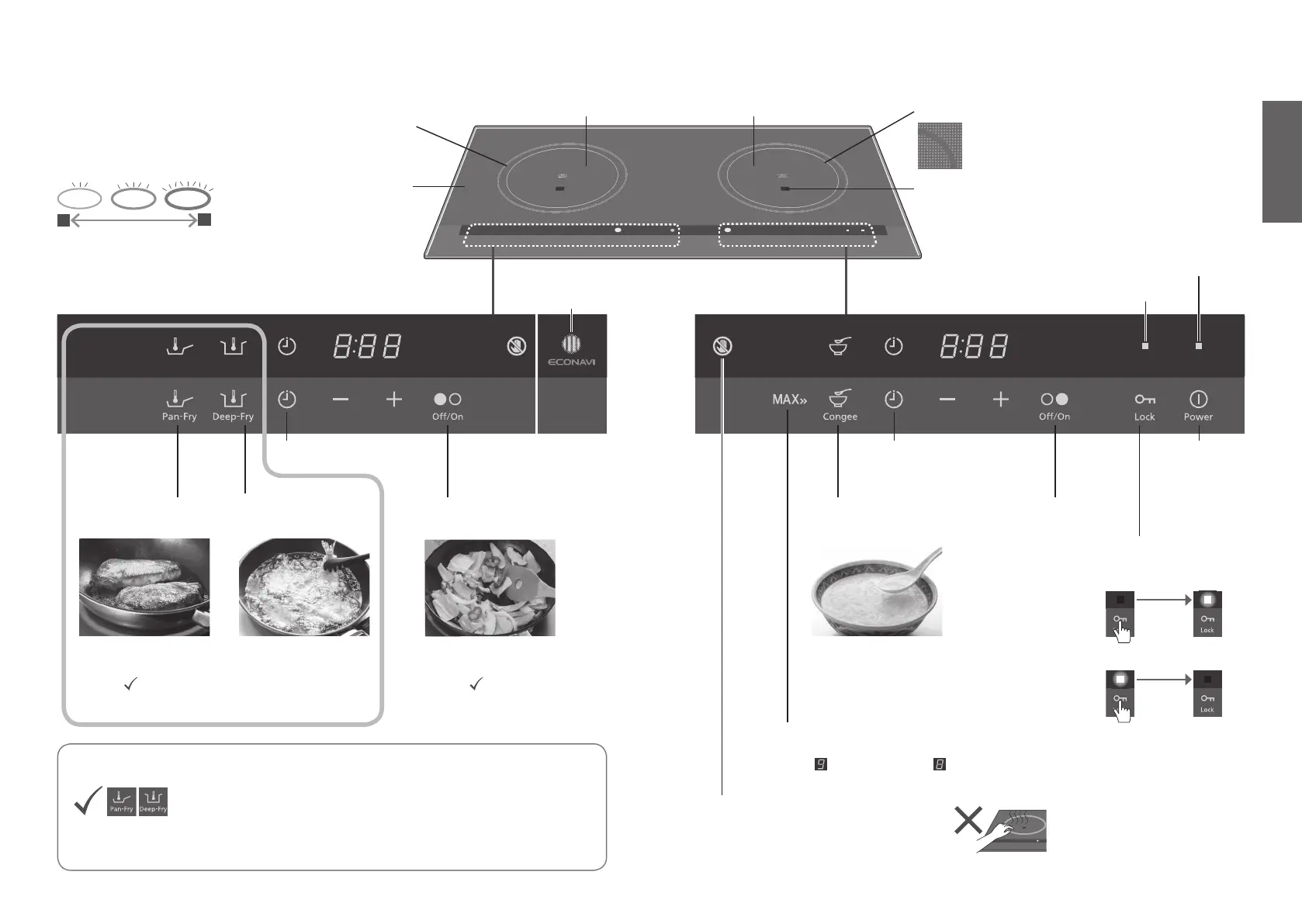
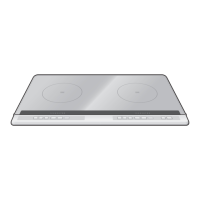
Part Names / Functions
Automatic
congee cooking
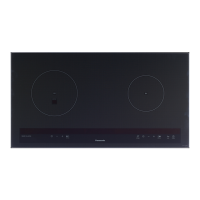
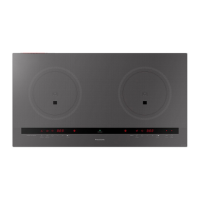
Operation panel
ECONAVI lamp
(KY-C227E only)
Main power
key (P.12)
MAX key (KY-C227E only)
• Touch to set the heat level of the right cooking
zone to . The level may be or below when
the left cooking zone is in use.
Timer (P.18)
Timer (P.18)
Congee
mode (P.16)
Deep-frying
mode (P.15)
Pan-frying
mode (P.14)
Pan-frying with
temperature setting
Deep-frying with
temperature setting
• Timer: N/A• Timer: • Timer:
For basic cooking
Hot surface warning
(one for each heater)
• Illuminates when the top plate is hot.
• Even if heating is stopped or the main power
is turned off, it keeps ashing as long as the
top plate is hot.
• Timer: Automatic
<KY-C227E only>
Child lock light
Main power light
* For explanation purposes, the display and light status of the
illustration below is different from those at the time of use.
Luminous circle (KY-C227E only)
• Illuminates while heating, and changes the brightness according
to the heat level.
• Even if heating is stopped or the main power is turned off,
it keeps ashing as long as the top plate is hot.
1
9
Heat level
Top plate
IR sensor
(one for each heater)
Left IH heater Right IH heater
• Use the area inside of the circle.
Cooking zone (Ø 190 mm)
KY-C227E
ECONAVI
(KY-C227E only)
The IR sensor regulates the set temperature by quickly detecting
the temperature change of the oil or the bottom of the cookware.
• It works even if the size or material of the cookware, or the amount of
food, changes.
• Example of energy-saving effect (P.31)
Child lock key
When the main power is on:
• To lock all operations
3 sec.
• To unlock
3 sec.
Heating
mode (P.13)
Heating
mode (P.13)


 To Next Page