22
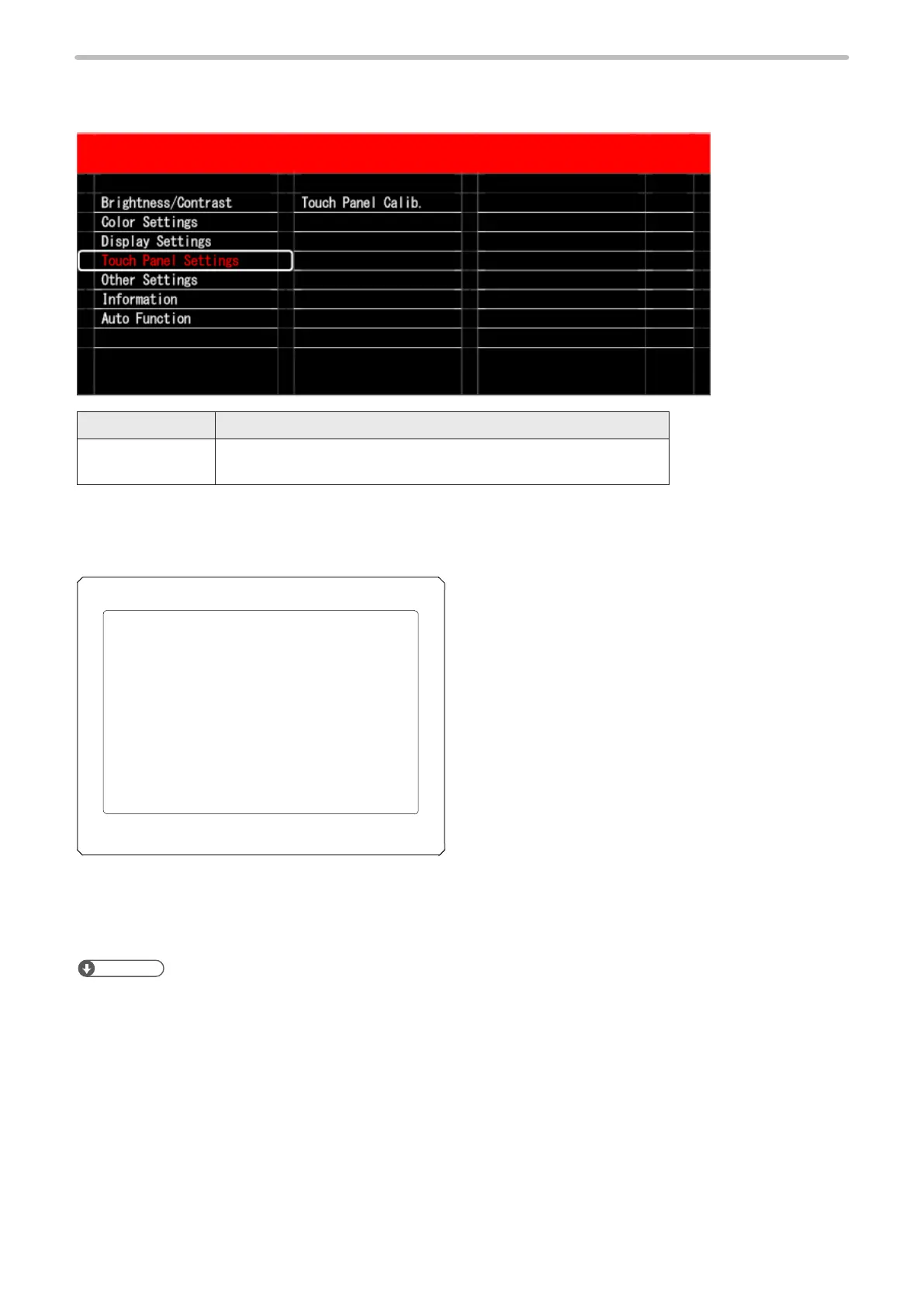
2-4-4 Touch panel settings
Sets for the touch panel.
Item Description
Touch Panel Calib. Execute the calibration of the touch panel. After you set the value in
the Display Settings menu, it is necessary to execute this operation.
If you select “Touch Panel Calib.”, “+” is displayed in the following order on the setting screen for the laser maker/laser
welding machine. Touch “+” within five seconds.
Touch “+” for all items (1) through (9) to complete calibration.
(1)
(7) (8)
(5)(4) (6)
(3)(2)
(9)
If the calibration is successful, “Calibration Result OK” is displayed in the center of the screen and then the screen returns to
the setting screen for the laser marker/laser welding machine.
For LP-RH/LP-ZV series, the screen returns to the start screen of the touch panel adjustment. Select “Close” on the screen
center to return to the setting screen of the laser marker.
ンㄆㄇㄆㄓㄆㄏㄆ
• If the touch of “+” is not completed within the timeout period and calibration fails, “Calibration Result NG” is displayed in
the center of the screen. Execute calibration again.



 To Next Page