17
Letʼs Start to Use your Oven
1 Plug in
Plug into a 13 amp fused electrical socket. You will be
reminded to read your operating instructions.
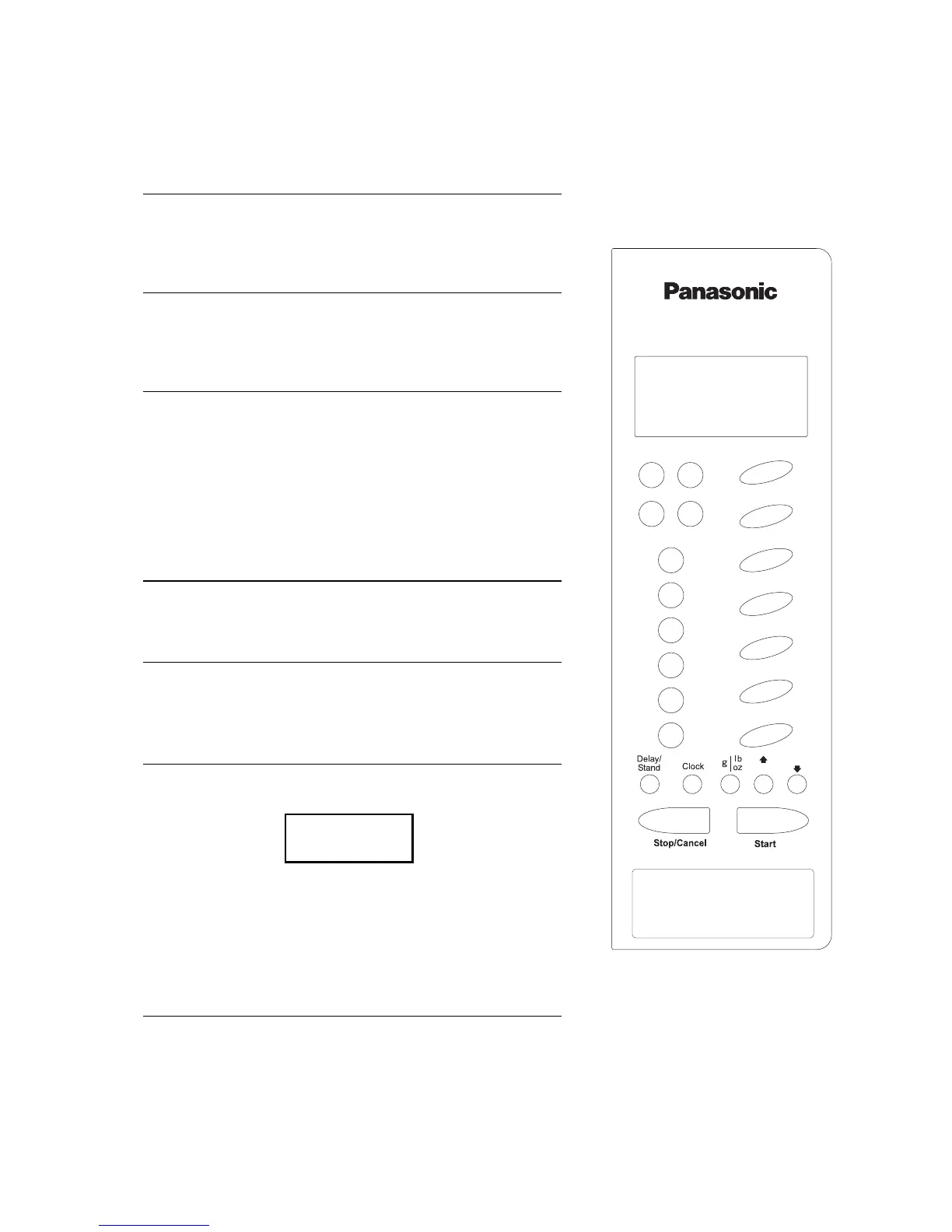
2 Press Clock Pad
Set clock as a 12hr clock. Set time using time pads. Press
clock pad again. (See page 18 for details).
3 Demonstration Mode
This is to enable you to experiment setting various
programs. (The letter D will always appear in the display
window. This is to confirm that there is no microwave
power produced and it is safe to use the oven without any
food). To select this mode press the clock pad three times.
“Demo Mode Press Any Key” will appear in the display
window.
4 Select Power
For example press HIGH once.
5 Press Time Pad
To set a cooking time eg. 1 minute, press 1 minute pad
once.
6 Press Start Pad
The time will be displayed in the window and count down.
The oven will beep at the end of the cooking program.
Check that the letter D appears in the display window, to
confirm no microwave power is being produced, and it is
safe to use the oven without any food. To cancel the
demonstration mode press the clock pad a further three
times.
7 Child Lock
To operate the child lock facility press the start pad three
times, this will deactivate the microwave. “Lock” will
appear in the display and none of the controls will
operate. To clear child lock facility press Stop/Cancel
three times.
D 1 : 00
min sec



 To Next Page