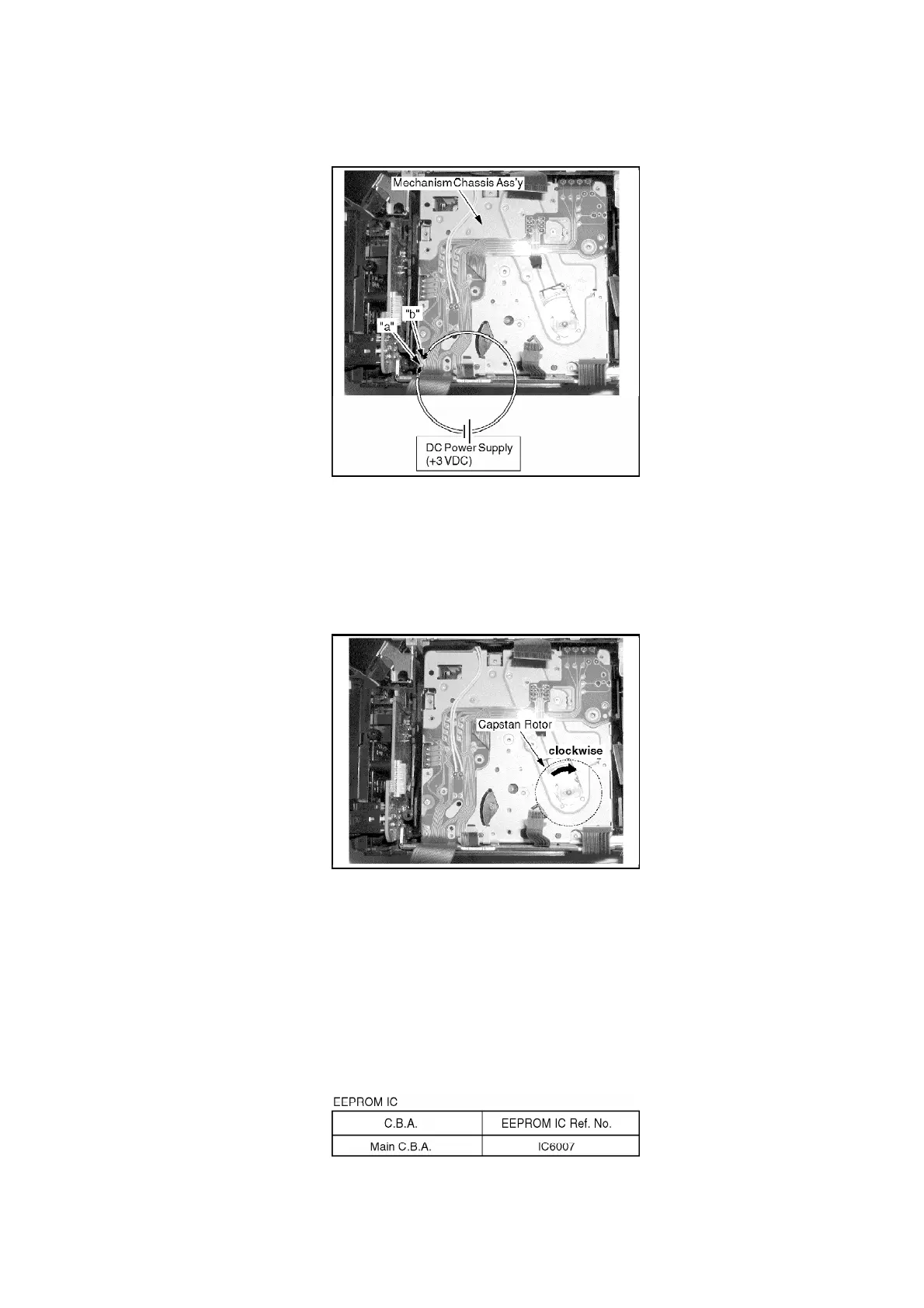
Fig. 6-1
3. When the Mechanism is in EJECT position (snapped sound),
remove the Power Supply immediately.
4. Rewind the tape into a cassette tape by turning the Capstan Rotor
clockwise with grasping the Cassette Cover.
Fig. 6-2
5. Take out a cassette tape from the Garage Unit.
6.1.8. EEPROM DATA
CAUTION:
Be sure to save the EEPROM data using PC-EVR Adjustment
Program before service and adjustment in order to make sure to
avoid an accidental data loss, etc. as follows. Refer to "SET UP OF
PC-EVR ADJUSTMENT PROGRAM" in ELECTRICAL ADJUSTMENT.
18



 To Next Page