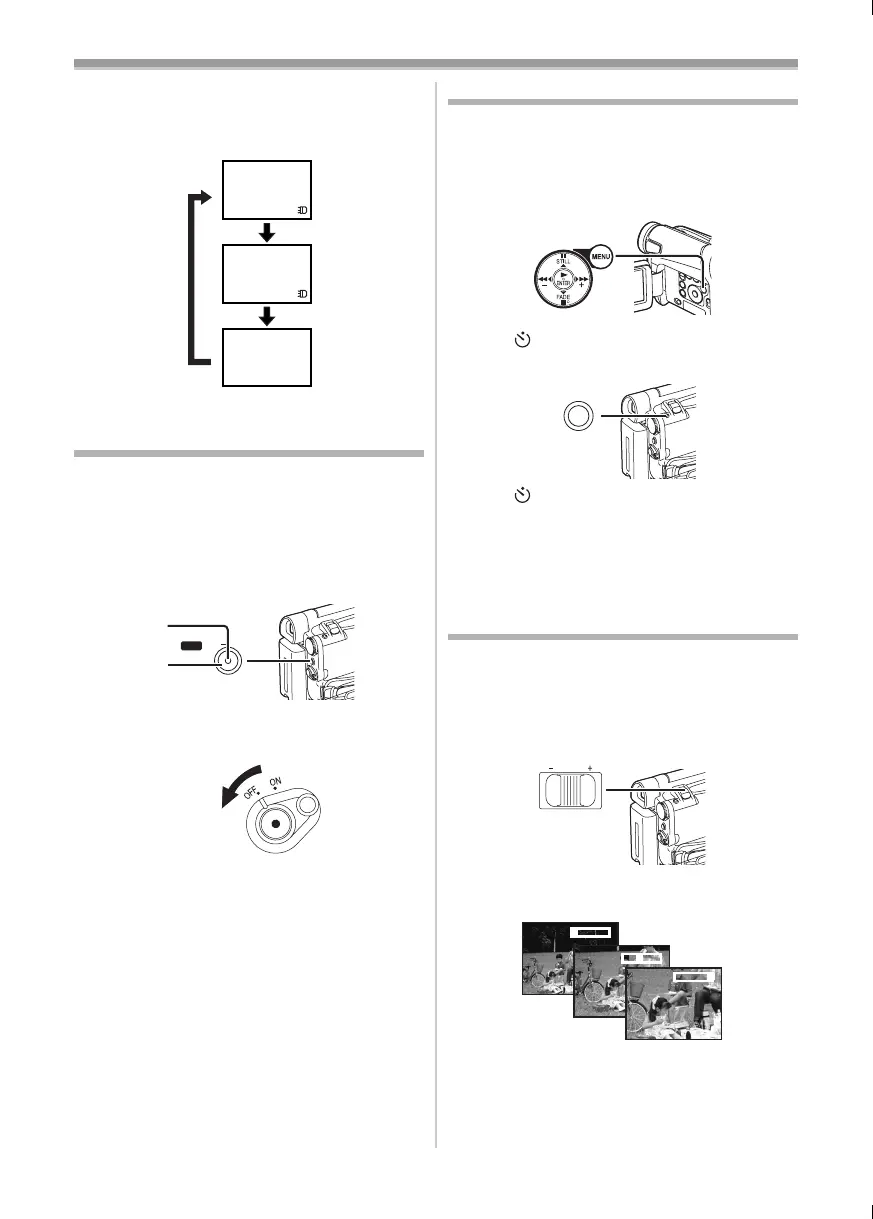
Recording Mode
-23-
3
Press the [LIGHT] Button (13). 3
≥The LED Video Light turns off.
≥Pressing the [LIGHT] Button again returns to
1.
≥For other notes concerning this item, see
-49-.
Quick Start
By pressing the [QUICK START] Button (41), and
the Movie Camera will be ready for recording in
approximately 1.3 seconds after the Movie
Camera is turned on.
1 Press the [QUICK START] Button (41).
≥The Quick Start Recording Lamp
(41) lights
up.
2 Set the [OFF/ON] Switch (43) to [OFF].
≥The Quick Start Recording Lamp remains lit.
3 Set the [OFF/ON] Switch (43) to [ON].
≥The Movie Camera will be ready for recording
in approximately 1.3 seconds.
To Cancel the Quick Start
Keep the [QUICK START] Button pressed for
approximately 2 seconds and make sure the
Quick Start Recording Lamp is not lit.
≥For other notes concerning this item, see
-49-.
GAINUP
1
2
3
QUICK START
(41)
(41)
(43)
Self-timer Recording
When you set the self-timer, the recording starts
automatically after 10 seconds.
1 Set [TAPE RECORDING MENU] or
[CARD RECORDING MENU] (NV-GS15 only)
>> [CAMERA] >> [SELF TIMER] >> [ON].
≥The [ ] Indication appears.
2 Press the [PHOTO SHOT] Button (36).
≥The [ ] Indication flashes and the recording
starts after 10 seconds.
≥You can also use the Continuous Photoshot
(NV-GS15 only). (
-22-)
≥For other notes concerning this item, see
-49-.
Zoom In/Out Functions
It gives special effects to the picture by recording
objects close by or with wide-angle shot.
1 For wide-angle shots (zoom out):
Push the [W/T] Lever
(37) towards [W].
For close-ups (zoom in):
Push the [W/T] Lever towards [T].
≥Zoom Magnification Indication is displayed for
a few seconds.
(20)
PHOTO SHOT
(36)
WT
VOL/JOG
(37)
1tW
5tW
24tW
T
T
T
15B-ENG.book 23 ページ 2004年2月2日 月曜日 午後4時45分





 To Next Page