Editing Mode
-43-
Player:
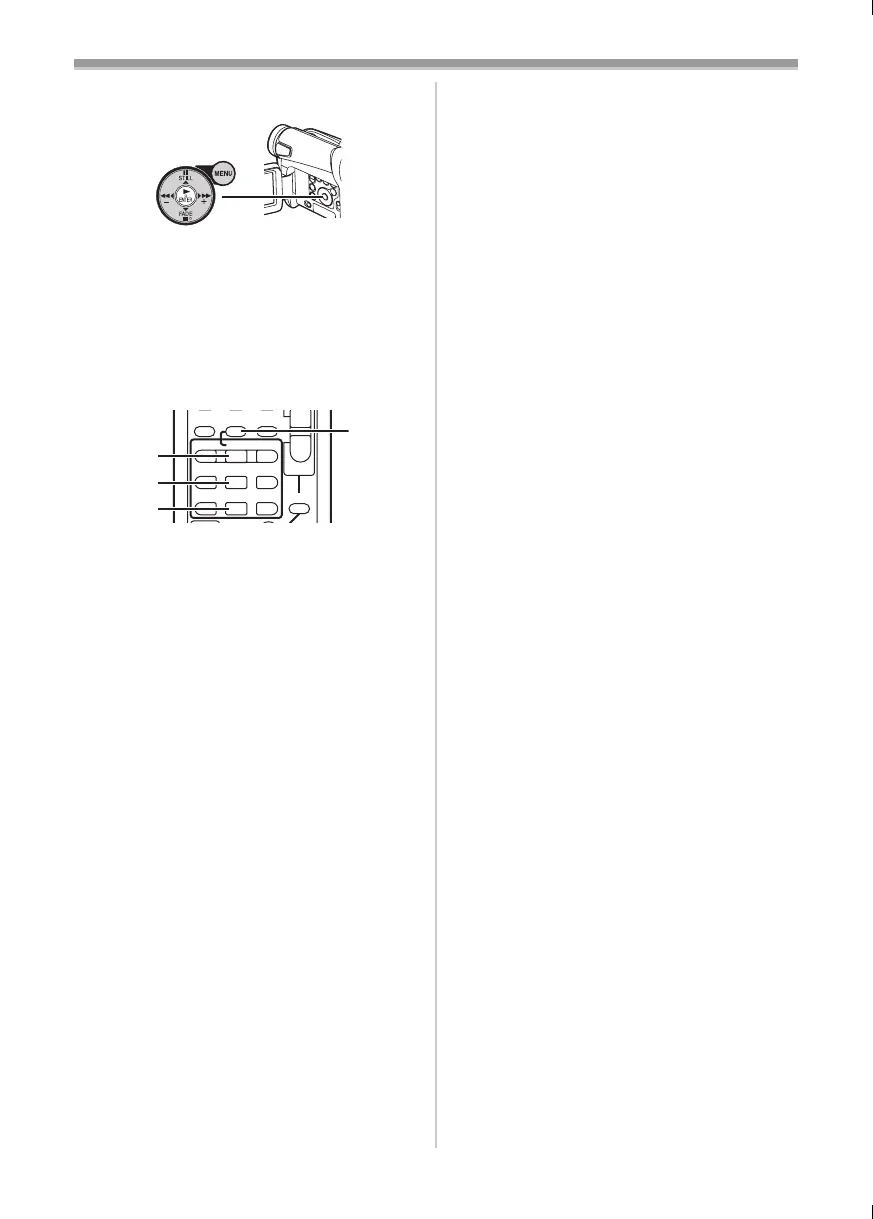
2 Press the [1] Button (17) to start playback.
≥The same setting can be done using press
the [1] Button
(73) on the Remote Controller
(supplied with NV-GS11 and NV-GS15).
Recorder:
3 while pressing the [REC] Button (6), press
the [BACK LIGHT] Button
(12).
Or While pressing the [¥REC] Button
(55),
press the [1] Button
(73) on the Remote
Controller.
≥Recording starts.
To Stop Dubbing
Press the [;] Button (70) or the [∫] Button (71).
≥For other notes concerning this item, see
-53-.
(17)
INDEX INDEXSTOP
KL
∫
V
/REW
STILL ADV
W
sVOL r
¥REC
MULTI/
P-IN-P
A.DUB
PLAY
PAU SE
FF/
W
STILL ADV
61 5
;
ED
P.B. ZOOM
(55)
(73)
(70)
(71)
15B-ENG.book 43 ページ 2004年2月2日 月曜日 午後4時45分


 To Next Page
 Loading...