Playing back NTSC video cassettes
You can play back NTSC video cassettes for viewing on a PAL system (PAL 60) TV
set. You cannot record on or copy video cassettes to NTSC-format cassettes.
Playing back S-VHS Cassette Tape (SQPB=S-VHS Quasi Playback)
It is also possible to play back tapes recorded on an S-VHS VCR.
• The picture quality will be similar to VHS playback.
• It is not possible to make an S-VHS recording with this VCR.
CVC Super - Crystal View Control Super
CVC Super gives the best picture quality possible by adjusting to the individual tape
characteristics
.
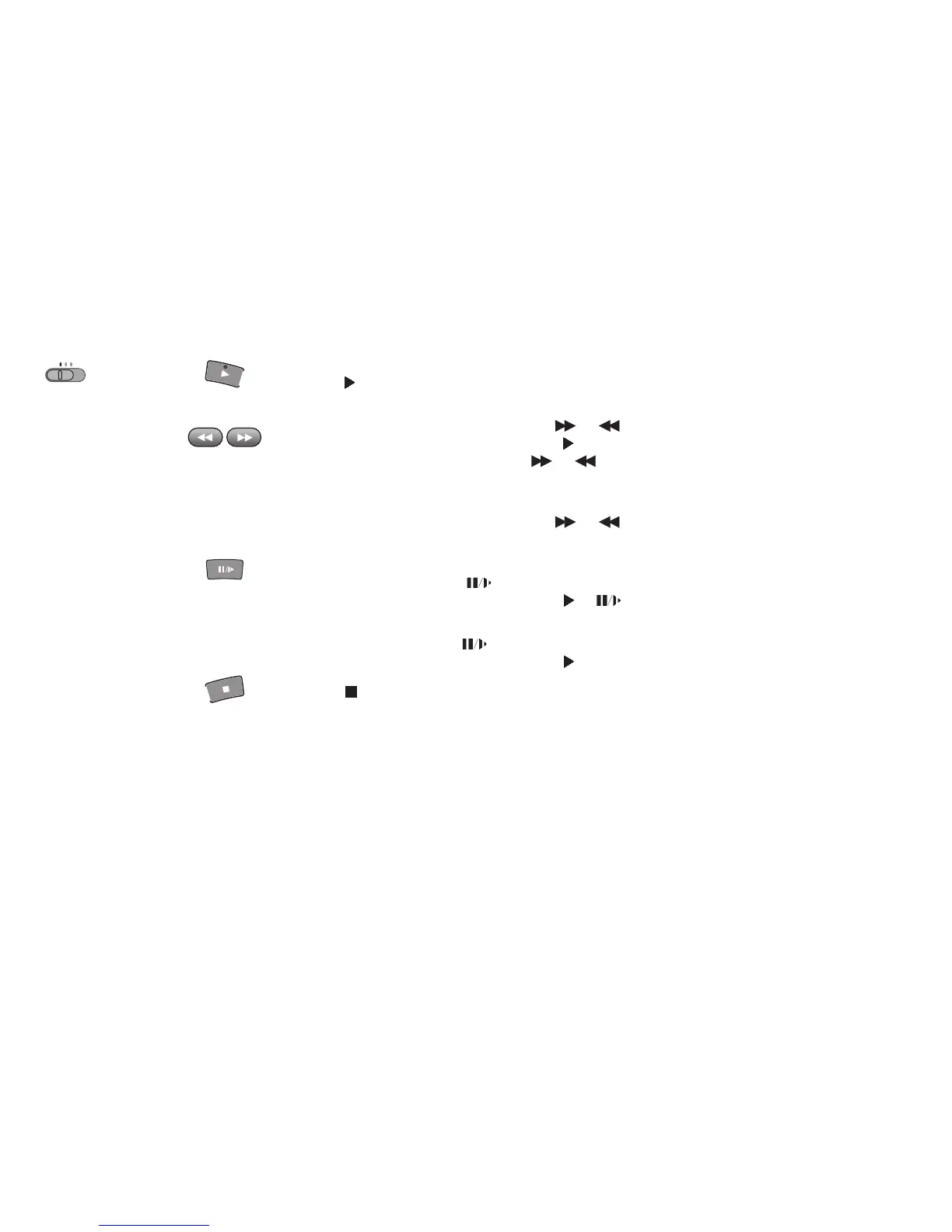
Set the TV set to the video channel and insert a cassette into the VCR
Normal Playback:
Cue or Review Playback:
High Speed Cue or Review Playback (JET SEARCH):
Still Playback:
Slow Playback:
Press to start playback.
During playback, press and release or .
To return to normal playback, press .
If you press and hold down the , Cue or review playback continues for as
long as you keep the button pressed.
During playback, press and release or twice.
• During high-speed cue or review, the tape transport noise will increase. This is normal.
During playback, press .
• To return to normal playback, press or .
During playback, keep pressed for more than 2 seconds.
• To return to normal playback, press .
!
!
or
Press to stop playback.
Playback
DVD
TV
VCR
20








 To Next Page