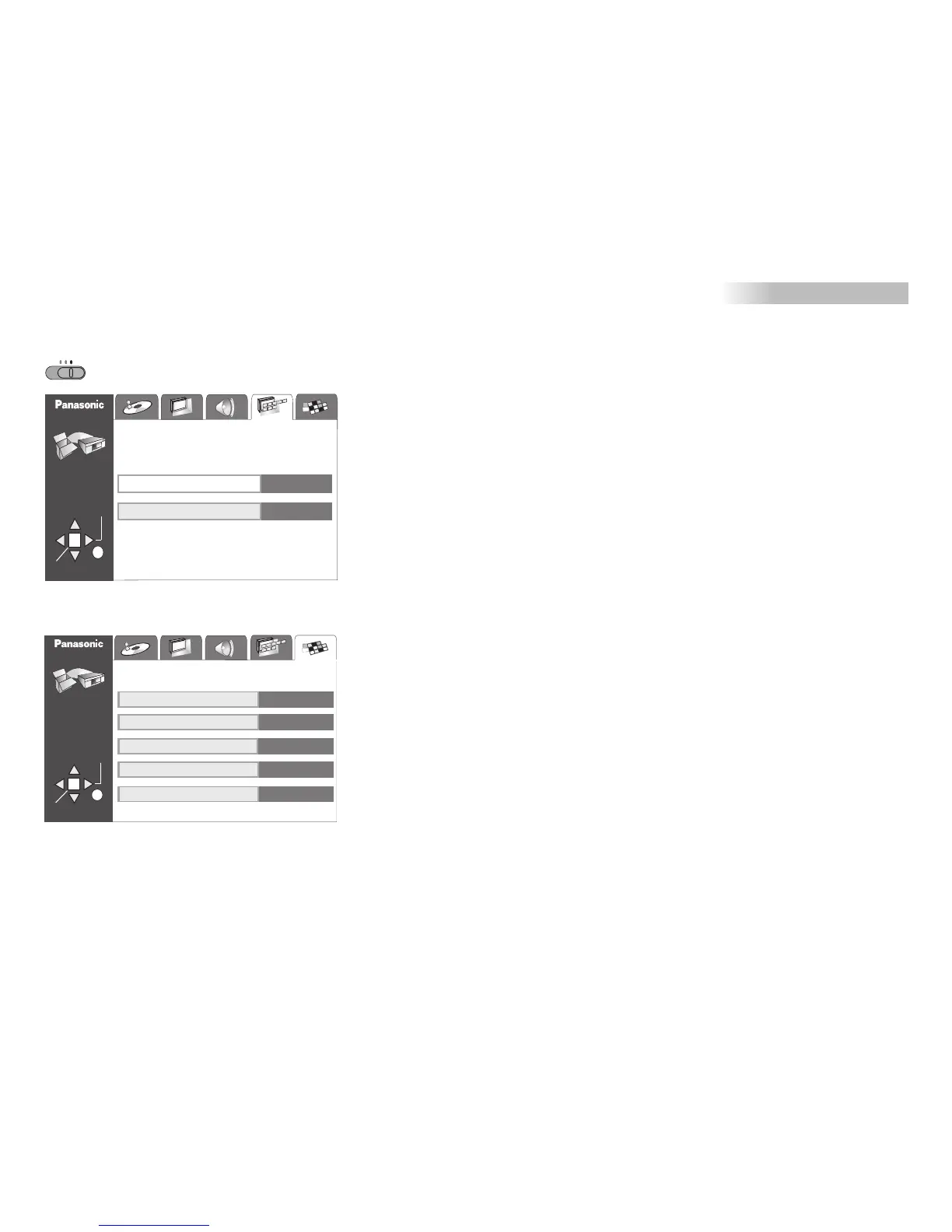
SETUP-menu
Display/Others
VCR DVD
DVD
TV
VCR
SETUP
ENTER
RETURN
TAB
SELECT
Menu Language
On-Screen Messages
English
On
Display
DISC
SETUP
ENTER
RETURN
TAB
SELECT
Others
DVD-Video Mode
Mixed Disc - Audio & Stills
Demo
Off
Audio
(MP3/WMA)
Off
QUICK SETUP
No
HighMAT
Enable
HighMAT
Enable: to activate HighMAT playback (Page 54)
Disable: to play back HighMAT discs in WMA/MP3/JPEG format.
Menu Language:
Select a menu language as appropriate.
On-Screen Messages:
The TV screen displays the commands you give by pressing the buttons on the
remote control unit.
Select "Off" to suppress the display of on-screen commands.
Mixed Disc - Audio & Stills:
Your DVD player can play back/display discs in the MP3/WMA (audio) and JPEG
(image) formats. Select a playback format (JPEG or MP3/WMA) if the disc provides
data in both formats.
DVD-Video Mode:
Playing back a DVD-Audio disc in DVD-Video mode ("On") allows you to play
the DVD-Video section of the DVD-Audio disc.
This feature is not supported by all discs.
Demo:
Select "On" to start a presentation of the different displays that the player can output
to the TV screen.
Press to return to the SETUP menu.SETUP
QUICK SETUP:
This function takes you to the QUICK SETUP menu.
Please refer to page 40 "DVD QUICK SETUP".
45








 To Next Page