37
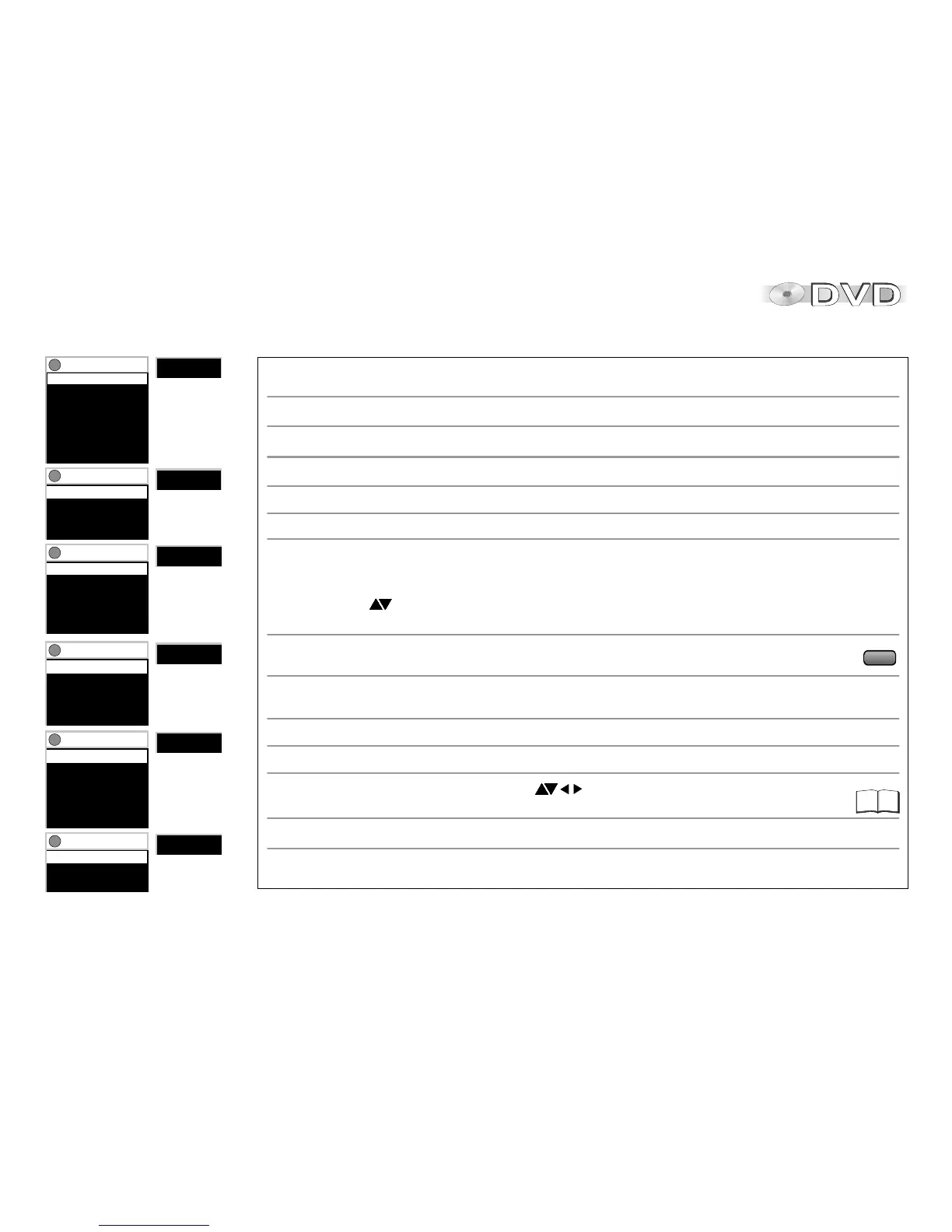
CD
JPEG
HighMAT
WMA/MP3
DVD-Video
Video CD
Functions
Group 1/ 6
Content 1/68
Thumbnail
Rotate Picture
Slideshow On
Other Settings
Functions
Playlist 1/ 38
Group 1/20
Content 2/12
Time 0:39
Audio 96kbps
Other Settings
Functions
Group 1/11
Content 1/12
Time --:--
Audio
Other Settings
Functions
Functions
Track 1/14
Time 48:10
Other Settings
Functions
Track 1/ 2
Time 48:10
Audio L R
Other Settings
Title 1/36
Chapter 1/27
Time --:--:--
Audio - ---
Subtitle - ---
Angle -/-
Other Settings
Functions menu
Chapter Search: Allows you direct access to a chapter if the disc hosts several.
Group Search: Allows you direct access to MP3/WMA tracks or JPEG images defined to make up a group.
Title/Track Search: Allows you direct access to a title/track if the disc hosts several.
D
An incorrect full title display can result for +R and +RW media.
Audio/Karaoke: Allows you to alter the preset language of synchronisation, provided the disc gives you
an alternative. In the case of VCDs you can change the left/right audio channel setting.
Content Search: Directly select a MP3/WMA track or JPEG image stored on the disc.
Playlist Search: Directly select a Playlist stored on the disc.
Subtitle/Language: Selects the language of on-screen subtitles. [Off]: No subtitles displayed.
D
In the case of +R / +RW media, an undisplayed selection can be given in the menu.
Angle: Change between camera angles of films recorded from various camera locations.
Time: Display/select playback time: Alternative display of current or remaining playback time.
MP3, WMA, SVCD: Shows the playback time only. +R /+RW media: Time selection is not possible.
Shows the current playback time or the remaining playback time.
Time Slip: Press to select the interval by which playback is to move back or forward.
Time Search: Use the numeric keys to specify the time at which playback is to be resumed.
Thumbnail: Displays the thumbnail menu. Press to select a JPEG image.
Press ENTER to show the selected image full screen.
Rotate Picture: Select [Right] or [Left] to rotate the image on the screen in the selected direction.
Slideshow: Starts and stops the on-screen slideshow.
Choose [Interval] to set the time every slideshow picture remains on the screen (0 to 30 seconds).
Marker (VR): Select the marker tags set on a DVD-RAM by a DVD recorder.
Program Search: Allows you direct access to a program if the disc hosts several.
AUDIO
34





 To Next Page