ENTER
1
2
3
4
5
6
7
8
9
0
-/--
CH
AV
VHS/DVD
TV
AUDIO
VOLUME
OPERATION
SELECT
CH
DVD
VHS
TRACKING/V-LOCK
ShowView
INPUT
REPEAT
CANCEL/RESET
INDEX/SKIP
SLOW/
SEARCH
REW
FF
PLAY
STOP
PAUSE
DIRECT NAVIGATOR
MENU
PLAYLIST
TOP MENU
FUNCTIONS
EXIT
RETURN
PROG/CHECK
I-TIMER
PLAY MODE
SETUP
TIMER
DVD-RAM
DUBBING
REC MODE
REC
EXT LINK
OFF TIMER
CINEMA MODE
VHS STATUS
DVD STATUS
QUICK OSD
QUICK REPLAY
MANUAL SKIP
Panasonic
VHS/DVD/TV
EUR7720X50
PROG
PLAY
JET REW
A B
SLOW
>
=
10
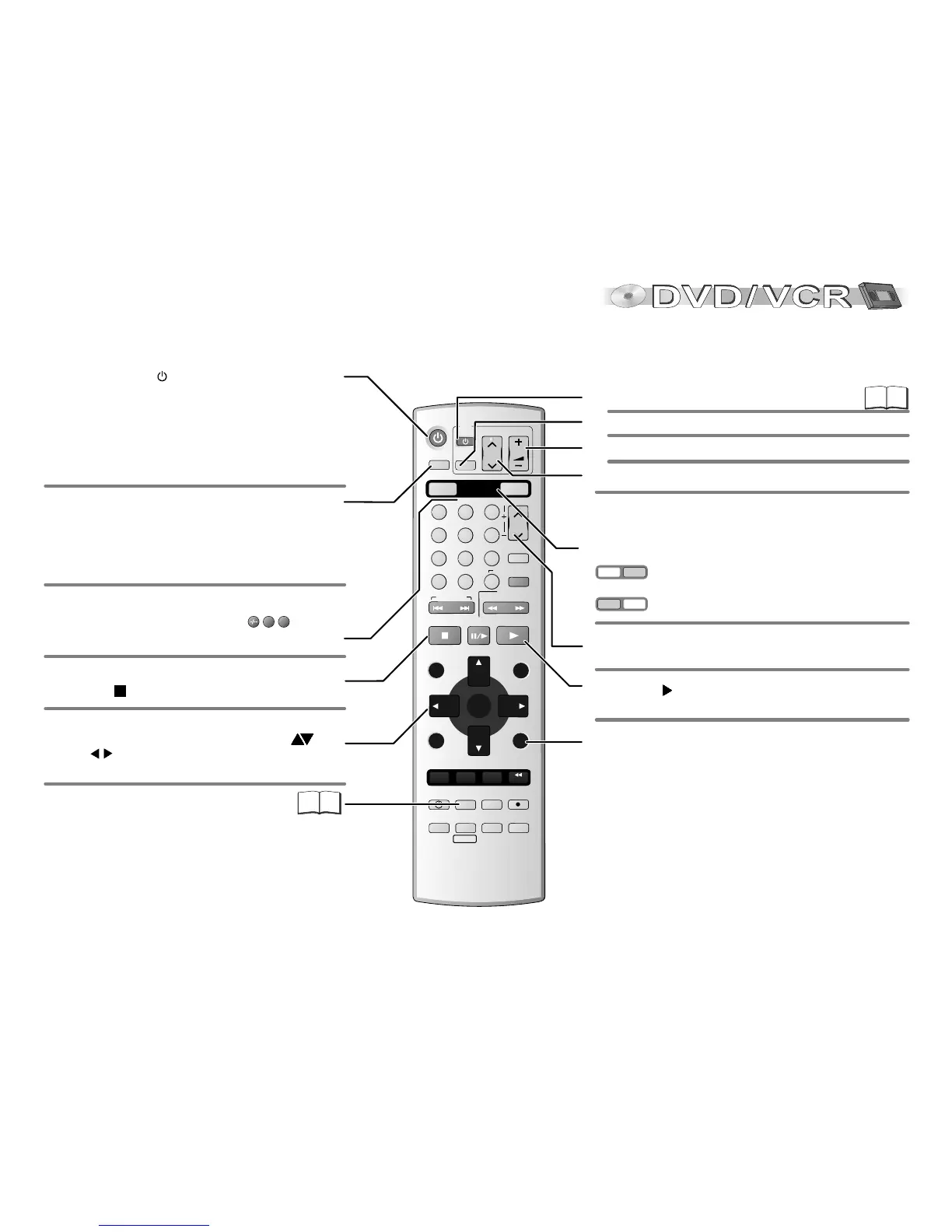
To copy a DVD-RAM to VHS cassette.
5
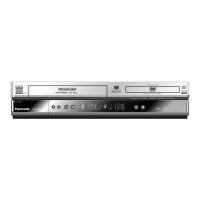
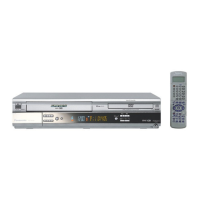
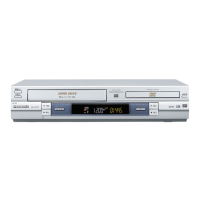
Stand-by/on switch /I
Press to switch the unit from on to stand-by mode or
vice versa.
In stand-by mode, the unit is still consuming a small
amount of power.
Remote control
VHS
DVD
VHS
DVD
Switching this appliance into stand-by mode does not
disconnect it from the mains.
Direct input via numeric key pad (18= )
1
8
DVD functions (blue labels) are enabled.
TV set AV input selection.
TV Stand-by / on.
To select the respective TV program memory location.
TV set volume control.
Quits a menu.
CANCEL/RESET: Undoes entries or selections
To eject cassette or disc
Press STOP for more than 3 seconds.
Channel selector
Numeric keypad
Press PLAY to start playback.
General functions
VCR functions are enabled.
Press the button a couple of times to select Sound mode.
VCR: stereo (L R), left channel (L -), right channel (- R),
mono (- -) playback.
DVD: Select the appropriate audio channel (L R) or track,
which depends on the disc you use.
TV functions
OSD menu selection buttons.
DVD: to select JPEG, WMA or MP3 groups ( ) or
titles
!
ENTER: Selects or saves a setting.
!
().
32
46
Remote control's VHS/DVD toggle switches to toggle
between VCR and DVD functions and switch between VCR
and DVD picture.








 To Next Page