EasyManua.ls Logo

Panasonic Panafax UF-585 - User Manual

Panasonic Panafax UF-585
176 pages
Print Icon
To Next Page IconTo Next Page
Loading...
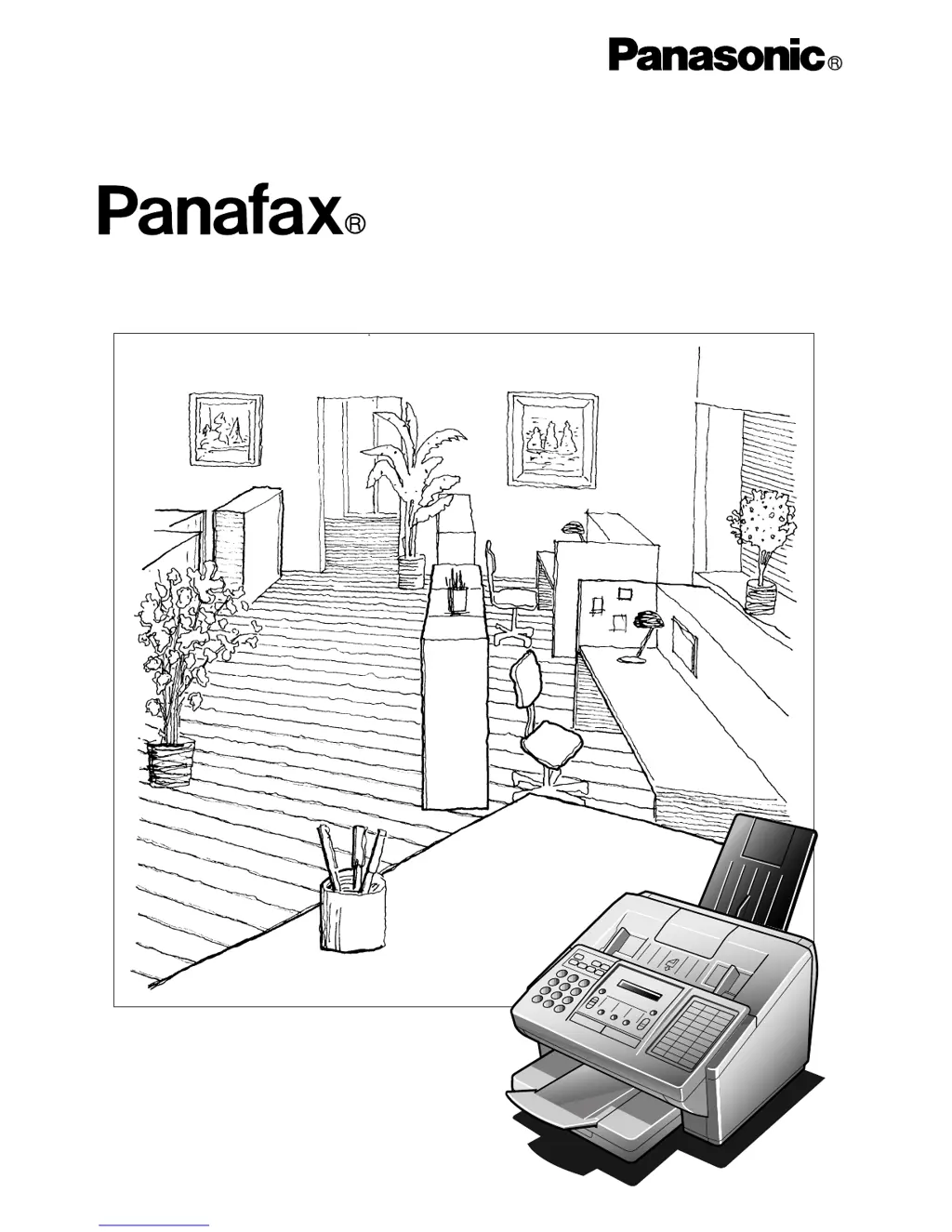
Facsimile
User’s Guide
UF-585/595

Table of Contents

Questions and Answers

  • E
    Elijah SwansonAug 15, 2025
    What to do if my Panasonic Fax Machine transmitted document is blank?
    • J
      John WalkerAug 15, 2025
      If the transmitted document is blank, first, ensure the document is set face down. Then, check your own copy quality. If the copy is OK, your machine has no problem; report to the receiving party that they have a problem. If the copy is not OK, clean the Document Scanning Area.
  • J
    Jacob FletcherAug 18, 2025
    Why Panasonic Fax Machine document doesn't feed or multiple feed?
    • N
      Nicholas MirandaAug 18, 2025
      If your document doesn't feed or multiple pages feed, check the following: 1. Make sure your document is free of staples and paper clips and is not greasy or torn. 2. Verify your document is the correct type for faxing, consulting the list on "Documents You Cannot Send". If unsuitable, photocopy the document and send the copy. 3. Ensure the document is loaded properly. 4. Adjust the ADF Pressure.
  • X
    xballardAug 21, 2025
    How to fix stamp too light on Panasonic Fax Machine?
    • A
      Alicia LarsonAug 21, 2025
      If the stamp is too light, replace the stamp or refill the ink.
  • S
    Sarah MorrisAug 25, 2025
    What to do if Panasonic Panafax UF-585 has vertical lines on the transmitted document?
    • E
      Eric TaylorAug 26, 2025
      If there are vertical lines on the transmitted document, check your own copy quality. If the copy is OK, your machine has no problem; report to the receiving party that they have a problem. If the copy is not OK, clean the Document Scanning Area.
  • M
    Mark GarciaAug 27, 2025
    Why is the display blinking on my Panasonic Fax Machine?
    • D
      debramonroeAug 27, 2025
      The display is blinking because the battery is not installed or the battery is completely discharged. Install a new battery and reset the clock.
  • M
    Mark SandersAug 30, 2025
    What to do if Panasonic Panafax UF-585 Fax Machine doesn't stamp?
    • J
      Jessica KingAug 31, 2025
      If the machine does not stamp, check if the Stamp LED is lit. Also, check Fax parameter No. 04 and No. 28 settings.
  • M
    marvin24Sep 2, 2025
    What to do if Panasonic Fax Machine recording paper doesn't advance into machine?
    • K
      Krista HudsonSep 2, 2025
      If the recording paper doesn't advance into the machine, make sure that there is paper in the Paper Cassette. Follow the instructions for loading paper.
  • D
    Debra PadillaSep 5, 2025
    What to do if Panasonic Fax Machine recording paper doesn't eject after printing?
    • G
      Glenda CummingsSep 5, 2025
      If the recording paper doesn't eject after printing, check to see if the recording paper is jammed inside of the machine.
  • K
    kellijonesSep 8, 2025
    How to fix Panasonic Panafax UF-585 Fax Machine when recording papers are not stacked in sequence?
    • C
      Christopher BarrySep 8, 2025
      If the recording papers are not stacked in sequence, check if Fax Parameter No. 65 is set to valid. If memory becomes full during reception, the machine will start to print from the 1st page received. It is recommended that an optional flash memory card be installed if this symptom occurs frequently.
  • D
    David RoweSep 12, 2025
    How to fix Panasonic Panafax UF-585 document auto reduction doesn't work?
    • S
      Seth HinesSep 12, 2025
      If the document auto reduction doesn't work, check Print Reduction settings.

Summary

Important Information

Record Keeping

Space provided to record machine model, serial number, and purchase details for future reference and service.

Getting to Know Your Machine

Safety Information

Critical safety instructions, warnings, and precautions for operating the facsimile machine.

Machine Controls and Layout

Identifies external components and the control panel layout for user interaction.

Installing Your Machine

Unpacking and Initial Setup

Lists components and provides initial setup steps for the machine and accessories.

Paper Handling and Cassette Adjustment

Instructions for loading paper and adjusting the cassette for length and width.

Connecting Cables and Power

Step-by-step guide for connecting power cord and telephone line cable.

Setting Machine Parameters

Configuration of dialing method, volume, date, time, LOGO, and ID number.

Programming Your Machine

One-Touch and Abbreviated Dialing

Storing and managing telephone numbers for quick dialing using one-touch or abbreviated codes.

Customizing Fax Settings

Adjusting various machine settings like contrast, resolution, and transmission options via Fax Parameters.

Basic Operations

Loading Documents

Guidance on preparing and placing documents into the automatic document feeder for sending.

Transmission Settings

Adjusting settings like contrast, resolution, and halftone before sending documents.

Panasonic Panafax UF-585 Specifications

General IconGeneral
BrandPanasonic
ModelPanafax UF-585
CategoryFax Machine
LanguageEnglish

Related product manuals