EasyManua.ls Logo

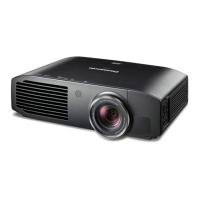
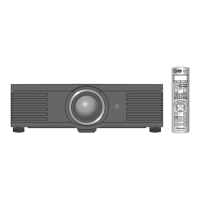
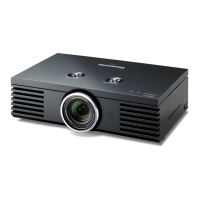
Panasonic PT-AE4000U - User Manual

Panasonic PT-AE4000U
36 pages
Print Icon
To Next Page IconTo Next Page
Loading...
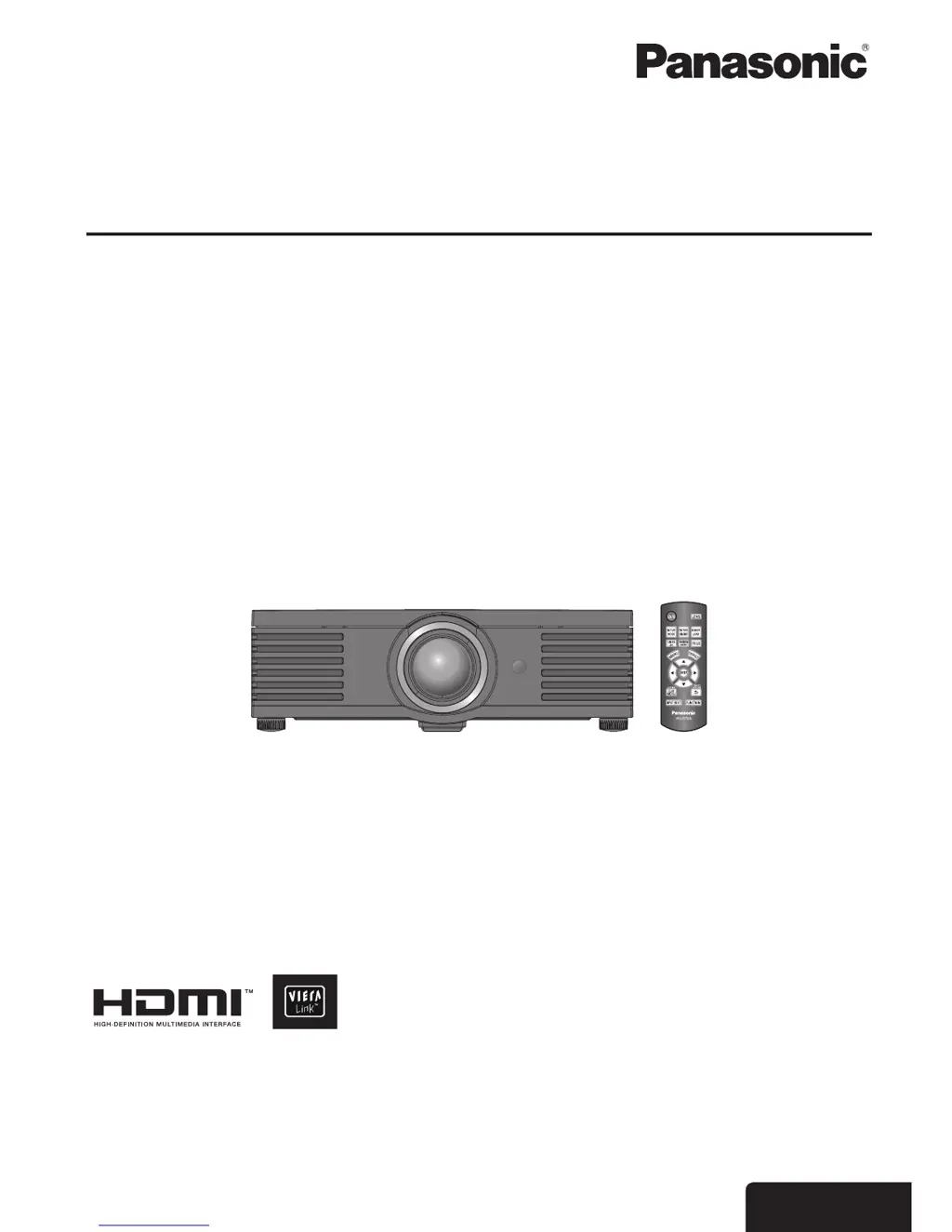
Operating Instructions
LCD Projector
PT-AE4000U
Thank you for purchasing this Panasonic product.
Before operating this product, please read the instructions carefully, and save this manual for future use.
Please read the functional instructions that is in the provided CD-ROM for more details.
TQBJ0309
E
NGLISH
Model No.

Table of Contents

Other manuals for Panasonic PT-AE4000U

Questions and Answers

  • C
    Crystal WebsterJul 26, 2025
    Why won't my Panasonic PT-AE4000U turn on?
    • J
      John MillerJul 26, 2025
      If your Panasonic Projector isn't turning on, here are a few things to check: * Make sure the power cord is securely connected. * Ensure the MAIN POWER switch is turned on. * Verify that the wall outlet has an electric supply. * If the TEMP or LAMP indicator is lit or flashing, follow the specific guidance for those indicators. * Confirm that the lamp unit is securely installed. * Check if the circuit breakers have tripped and reset them if necessary.
  • O
    ortegakellyJul 30, 2025
    What to do if my Panasonic Projector remote control does not operate?
    • P
      parrishcatherineJul 30, 2025
      If the remote control for your Panasonic Projector isn't working, try these steps: 1. Replace the batteries, as they may be weak. 2. Ensure the batteries are inserted correctly. 3. Remove any obstructions that might be blocking the signal to the projector's remote control receptor. 4. Make sure you are within the operational range of the remote control.
  • E
    Eric CooperAug 3, 2025
    How to fix a fuzzy picture on my Panasonic Projector?
    • D
      Dennis SharpAug 3, 2025
      If your Panasonic Projector's picture is fuzzy, consider the following: * Adjust the lens focus. * Ensure the projector is positioned at the correct distance from the screen. * Clean the lens if it's dirty. * Adjust the tilt of the projector.
  • M
    mwilsonAug 7, 2025
    Why does no picture appear on my Panasonic PT-AE4000U?
    • C
      Cameron Luna IIIAug 7, 2025
      If no picture is appearing on your Panasonic Projector, consider the following: * Ensure the signal input source is correctly connected to the appropriate terminal. * Check and adjust the input selection setting. * Increase the BRIGHTNESS adjustment setting. * Disable the BLANK function if it is active. * Remove the lens cover.
  • R
    robertparkerAug 11, 2025
    What to do if the picture from a computer does not appear on Panasonic Projector?
    • S
      smithcoltonAug 11, 2025
      If you're not seeing a picture from your computer on the Panasonic Projector: * Try using a shorter cable. * Adjust the external video output settings on your computer.
  • P
    penamichaelAug 16, 2025
    What to do if the picture does not display correctly on Panasonic PT-AE4000U Projector?
    • G
      gregorysloanAug 16, 2025
      If the picture isn't displaying correctly on your Panasonic Projector: * Correct the signal format settings. * Check the VCR or signal source for issues. * Ensure the input signal is compatible with the projector.
  • A
    Andrew BlackwellAug 20, 2025
    Why is the color pale or grayish on my Panasonic Projector?
    • J
      Jeremy HernandezAug 20, 2025
      If the color on your Panasonic Projector appears pale or grayish: * Adjust the COLOR or TINT settings. * Check and adjust the settings of the equipment connected to the projector.

Summary

Important Safety and Precautions

Important Safety Notice

General safety notice and warnings for operating the projector safely.

Specific Safety Precautions

Detailed precautions regarding power, installation, use, and handling.

Handling Batteries and Lamp Unit

Safety guidelines for handling batteries and the high-pressure lamp unit.

Projector Setup and Connection

Basic Operation and Image Adjustment

Powering On;Off and Indicators

Procedures for switching the projector on/off and understanding power indicators.

Maintenance and Troubleshooting

Lamp Unit Replacement and Reset

Guide to replacing the lamp unit and resetting the lamp runtime.

Troubleshooting Common Issues

Solutions for frequent projector problems such as no picture or remote issues.

Panasonic PT-AE4000U Specifications

General IconGeneral
BrandPanasonic
ModelPT-AE4000U
CategoryProjector
LanguageEnglish

Related product manuals