EasyManua.ls Logo

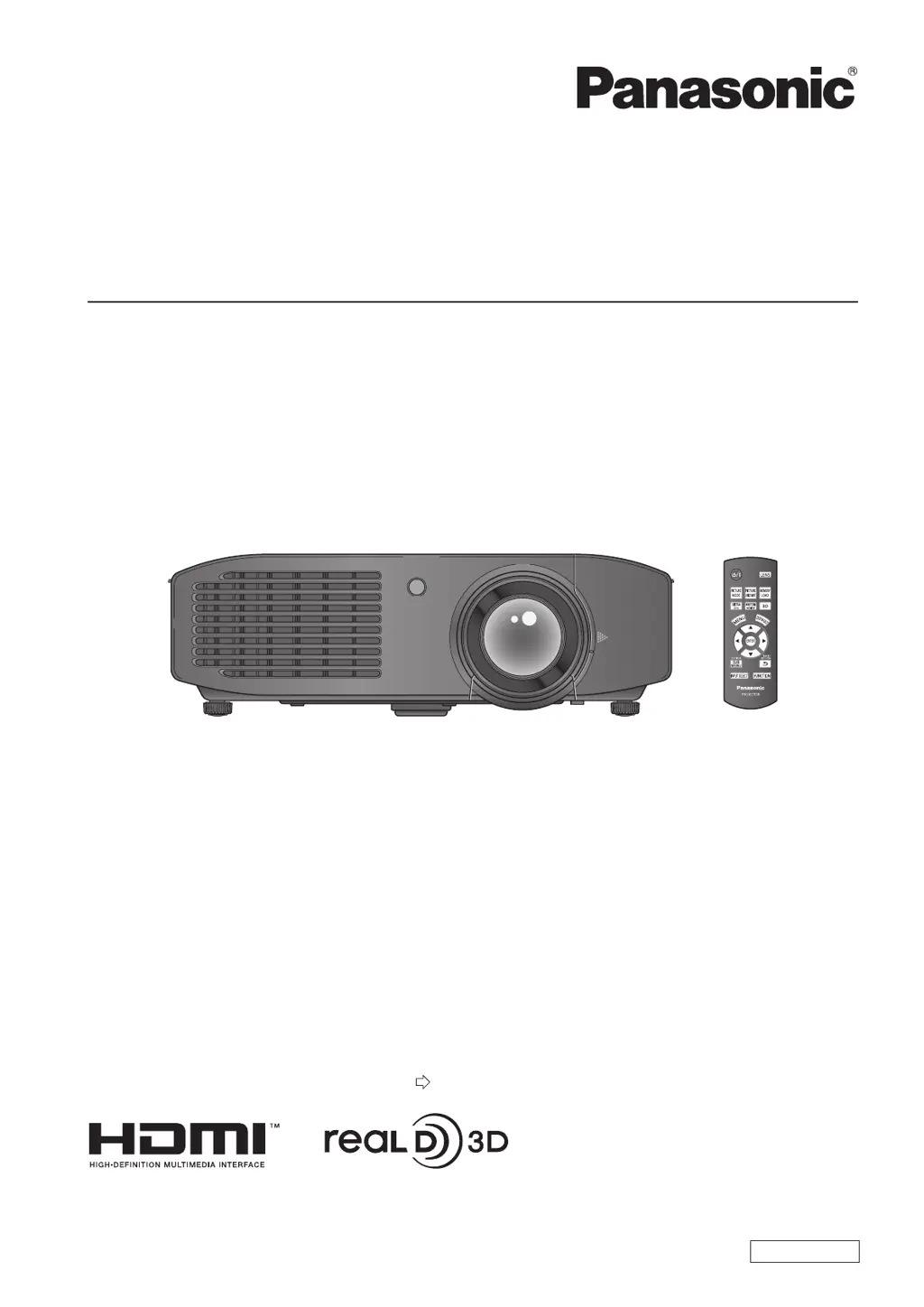
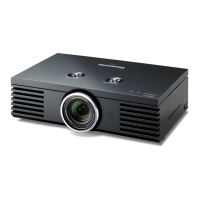
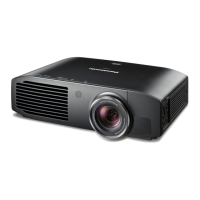
Panasonic PT-AE7000E - User Manual

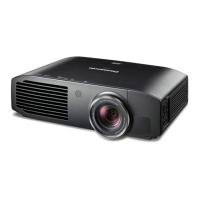
Panasonic PT-AE7000E
104 pages
Print Icon
To Next Page IconTo Next Page
Loading...
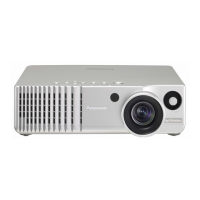
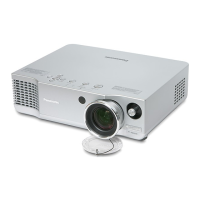
LCD Projector
Thank you for purchasing this Panasonic product.
Before operating this product, please read the instructions (Basic Guide / Functional Manual) carefully and
save this manual for future use.
■ Please ensure you read the “Read this rst!” (
pages
6
to
13) carefully prior to use.
Operating Instructions
Functional Manual
ENGLISH
TQBJ0399
Model No.
PT-AE7000EH

Table of Contents

Other manuals for Panasonic PT-AE7000E

Questions and Answers

  • L
    Laura JoyceAug 14, 2025
    How to fix Panasonic Projector when power does not turn on?
    • J
      James ByrdAug 14, 2025
      If your Panasonic Projector isn't turning on, start by confirming that the power cord is securely connected. Then, check if the switch is turned on. Ensure that the wall outlet is supplying electricity. Also, check the circuit breakers and reset them if necessary. Inspect the or indicators for any issues. Finally, make sure the lamp unit is correctly installed.
  • D
    Daniel RobinsonAug 17, 2025
    What to do if no picture appears on Panasonic PT-AE7000E?
    • E
      elizabethwilsonAug 18, 2025
      If no picture appears on your Panasonic Projector, first check the connection of the signal input source. Then, verify the input selection setting. Adjust the [BRIGHTNESS] setting if it's at the minimum. Ensure the external device connected to the projector is functioning correctly. Deactivate the [BLANK] function if it is in use. Finally, remove the lens cover.
  • D
    Dr. Ricky DavisAug 21, 2025
    Why Panasonic PT-AE7000E Projector remote control does not work?
    • B
      Brian PetersenAug 21, 2025
      If your Panasonic Projector remote control isn't working, try these steps: 1. Replace the batteries, as they may be depleted. 2. Make sure the batteries are inserted correctly. 3. Ensure there are no obstructions blocking the remote control signal receiver on the projector. 4. Move closer to the projector, as you may be out of range. 5. Turn off any surrounding fluorescent lights that may be interfering. 6. Check for interference from a 3D IR Transmitter.
  • B
    Benjamin BlairAug 25, 2025
    How to fix a fuzzy picture on Panasonic Projector?
    • L
      Larry AndersonAug 25, 2025
      If the picture on your Panasonic Projector is fuzzy, try these solutions: First, adjust the lens focus. If that doesn't work, reposition the projector to ensure it's at the correct distance from the screen. Also, clean the lens, as it may be dirty. Finally, adjust the angle of the projector if it is over tilted.
  • C
    Courtney DaughertyAug 27, 2025
    Why video from HDMI compatible device does not appear on Panasonic PT-AE7000E?
    • K
      kevin29Aug 27, 2025
      If the video from your HDMI compatible device does not appear or appears jumbled on your Panasonic Projector, ensure the HDMI cable is fully inserted. Also, verify that the signal being input is compatible with the projector.
  • V
    Valerie WebsterAug 31, 2025
    How to fix fuzzy picture on Panasonic PT-AE7000E?
    • P
      phillipsbrianAug 31, 2025
      If the picture on your Panasonic Projector is fuzzy, adjust the lens focus. Position the projector at the correct distance from the screen. Clean the lens. Adjust the projector to be level.
  • G
    Gwendolyn GonzalesSep 3, 2025
    What to do if the colour is pale on Panasonic PT-AE7000E Projector?
    • V
      Vincent PenningtonSep 3, 2025
      If the colour on your Panasonic Projector is pale or grayish, adjust the [COLOUR] and [TINT] settings. Also, check the settings of the device connected to the projector.
  • B
    Brenda NguyenSep 7, 2025
    What to do if video from HDMI device does not appear on Panasonic Projector?
    • W
      William WalkerSep 7, 2025
      If video from an HDMI compatible device isn't appearing or is jumbled on your Panasonic Projector, first ensure the HDMI cable is fully inserted. Then, check the VCR or signal source for any issues. Finally, make sure the signal being input is compatible with the projector.
  • C
    Christina HardingSep 10, 2025
    Why is the color pale or grayish on my Panasonic PT-AE7000E Projector?
    • D
      Denise HuangSep 10, 2025
      If the color on your Panasonic Projector appears pale or grayish, the [COLOR] and [TINT] settings may not be adjusted correctly; adjust them accordingly. Also, check the settings of the device connected to the projector, as it may not be adjusted correctly.

Panasonic PT-AE7000E Specifications

General IconGeneral
BrandPanasonic
ModelPT-AE7000E
CategoryProjector
LanguageEnglish

Related product manuals