EasyManua.ls Logo

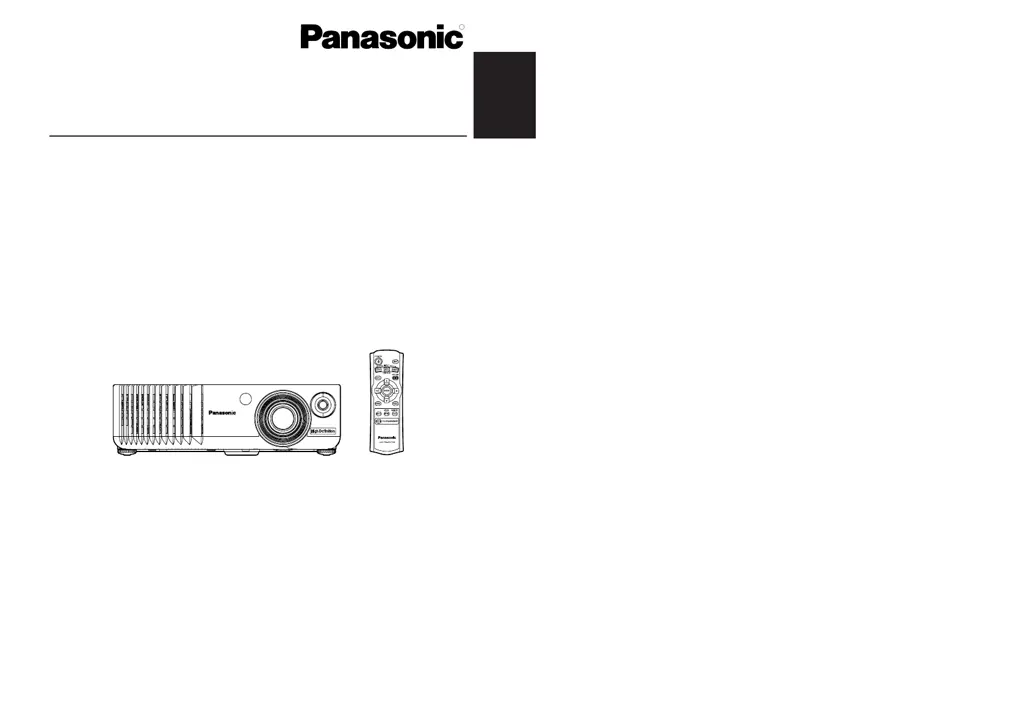
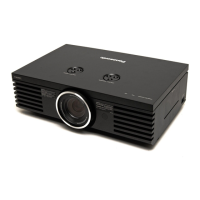
Panasonic PT-AE700E - User Manual

Panasonic PT-AE700E
32 pages
Print Icon
To Next Page IconTo Next Page
Loading...
ENGLISH
TQBJ 0162-1
LCD Projector
Operating Instructions
Model No. PT-AE700E
R
Before operating this product, please read the instructions carefully and save this
manual for future use.

Other manuals for Panasonic PT-AE700E

Questions and Answers

  • R
    Robert DavidsonAug 3, 2025
    How to fix a Panasonic PT-AE700E Projector that does not turn on?
    • C
      Christine DiazAug 4, 2025
      If your Panasonic Projector isn't powering on, here are a few things to check: * Ensure the mains lead is properly connected. * Verify that the MAIN POWER switch is turned on. * Confirm that the main power supply is reaching the mains socket. * Check if the TEMP or LAMP indicators are illuminated or flashing. * Make sure the lamp unit cover is securely installed.
  • G
    Gregory VelasquezAug 7, 2025
    What to do if my Panasonic Projector has no picture?
    • J
      Jasmine OrtizAug 7, 2025
      If no picture is appearing on your Panasonic Projector, try the following: * Make sure the video signal input source is properly connected. * Check that the input selection setting is correct. * Increase the BRIGHT setting. * Disable the SHUTTER function if it’s enabled.
  • C
    Carol PooleAug 12, 2025
    Why is my Panasonic Projector remote not working?
    • Q
      qweberAug 12, 2025
      If the remote control for your Panasonic Projector isn't working, try these steps: 1. Replace the batteries if they seem weak. 2. Make sure the batteries are correctly inserted. 3. Remove anything that might be blocking the signal between the remote and the projector. 4. Ensure you are within the remote control's operational range.
  • R
    Raymond Johnson DDSAug 16, 2025
    What to do if the picture on my Panasonic PT-AE700E Projector doesn't display correctly?
    • D
      Dennis HensonAug 16, 2025
      If the picture on your Panasonic Projector isn't displaying correctly, try these solutions: * Set the signal format (TV-SYSTEM) correctly. * Check for any issues with the video tape or the signal source you're using. * Ensure you're using a signal input that's compatible with the projector.
  • D
    Dominique GreeneAug 20, 2025
    How to display computer picture on Panasonic Projector?
    • S
      Sierra ShawAug 20, 2025
      If you're not seeing a picture from your computer on the Panasonic Projector: * Try using a shorter cable. * Ensure the external video output for your laptop is correctly set.
  • F
    Frank ThompsonAug 25, 2025
    How to fix a fuzzy picture on my Panasonic PT-AE700E Projector?
    • T
      thomas49Aug 26, 2025
      If the picture on your Panasonic Projector appears fuzzy, consider the following: * Remove the lens cover if it’s still on. * Adjust the lens focus until the image is clear. * Position the projector at the correct distance from the screen. * Clean the lens if it's dirty. * Make sure the projector isn't tilted excessively.
  • T
    Tracy FrazierAug 29, 2025
    Why does my Panasonic PT-AE700E have pale color?
    • S
      Stephen BonillaAug 29, 2025
      If the color on your Panasonic Projector appears pale or grayish, here's what you can do: * Check and adjust the COLOUR or TINT settings. * Make sure the connected input source is correctly adjusted.

Panasonic PT-AE700E Specifications

General IconGeneral
Display TechnologyLCD
Contrast Ratio2000:1
Lamp Life2000 hours (Normal Mode), 3000 hours (Eco Mode)
Resolution1280 x 720
Brightness1000 lumens
InputsHDMI, Component, S-Video, Composite, VGA

Related product manuals